Coding Agent Skills
Ship chat & calling instantly using your coding agent, with CometChat Skills


113,000+
apps powered by CometChat
7M+
messages sent every day
163+
countries connected through CometChat
7ms
API response time
99.999%
uptime SLA
Step 1: Install CometChat Skills
Add the CometChat skills file to your project
One command installs the right skill files across all supported agents and detects your framework automatically.
-
Supports React.js, Next.js, React Router, Astro, and more, out of the box.
-
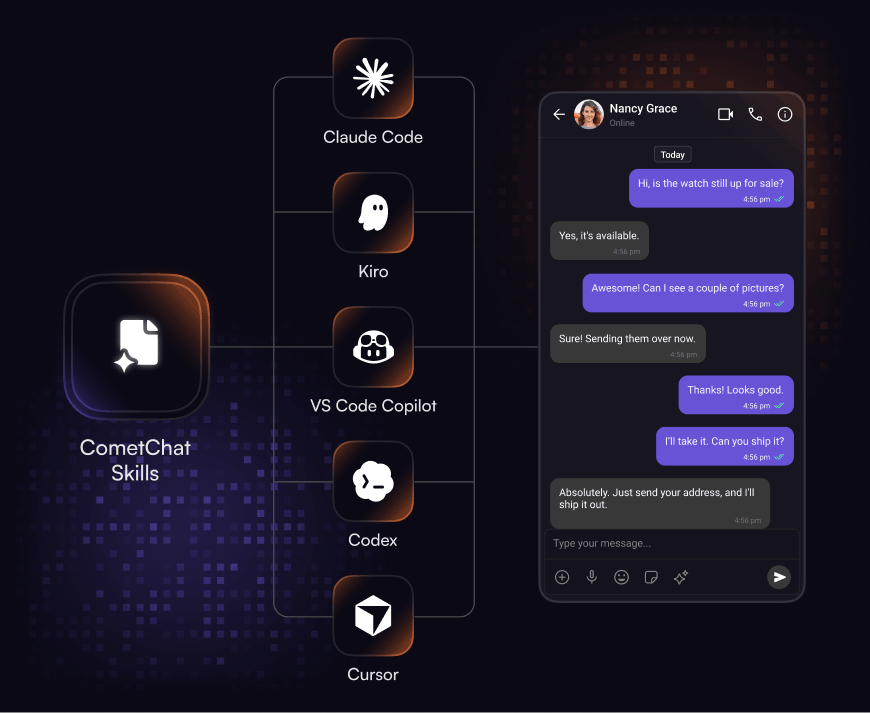
Works with Claude Code, Cursor, Kiro, VS Code Copilot, and Codex and 30+ more agents.
-
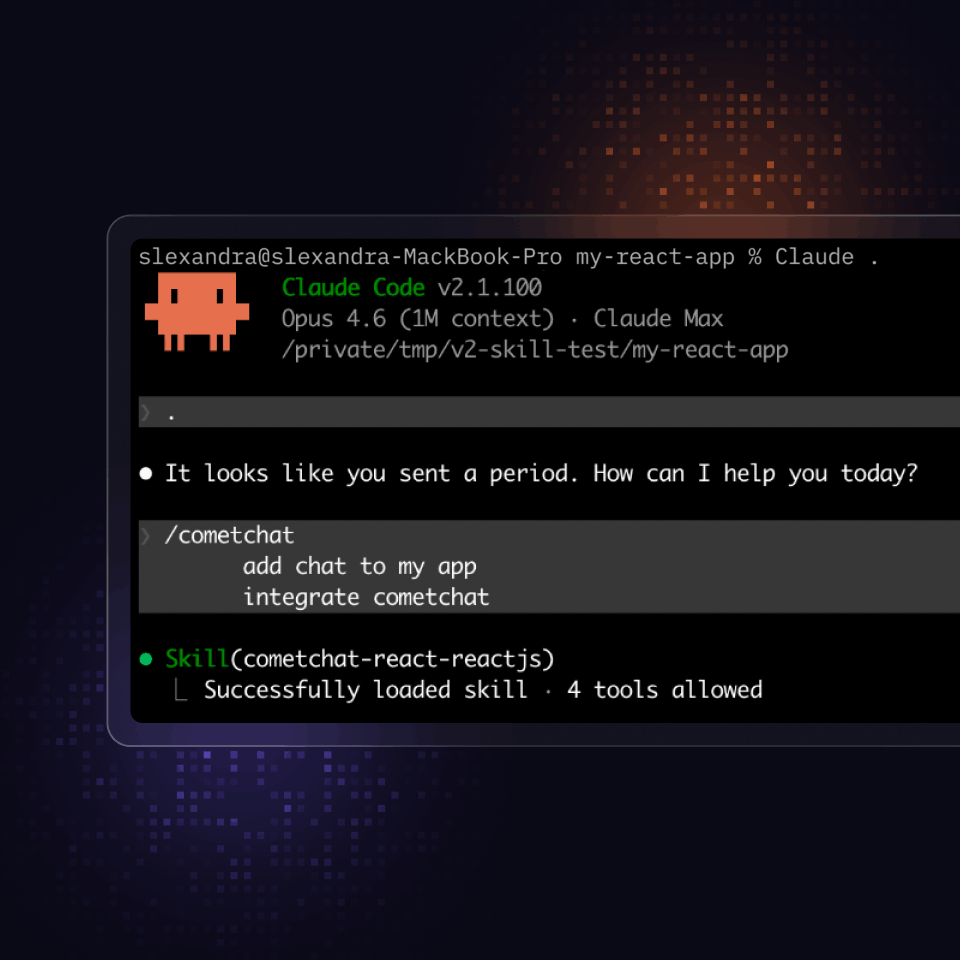
Add the skill to your project using: npx @cometchat/skills add
Step 2: Configure
Run CometChat with your agent
Your agent reads your project, infers your credentials, and walks you through setup. No blank-screen debugging required.
-
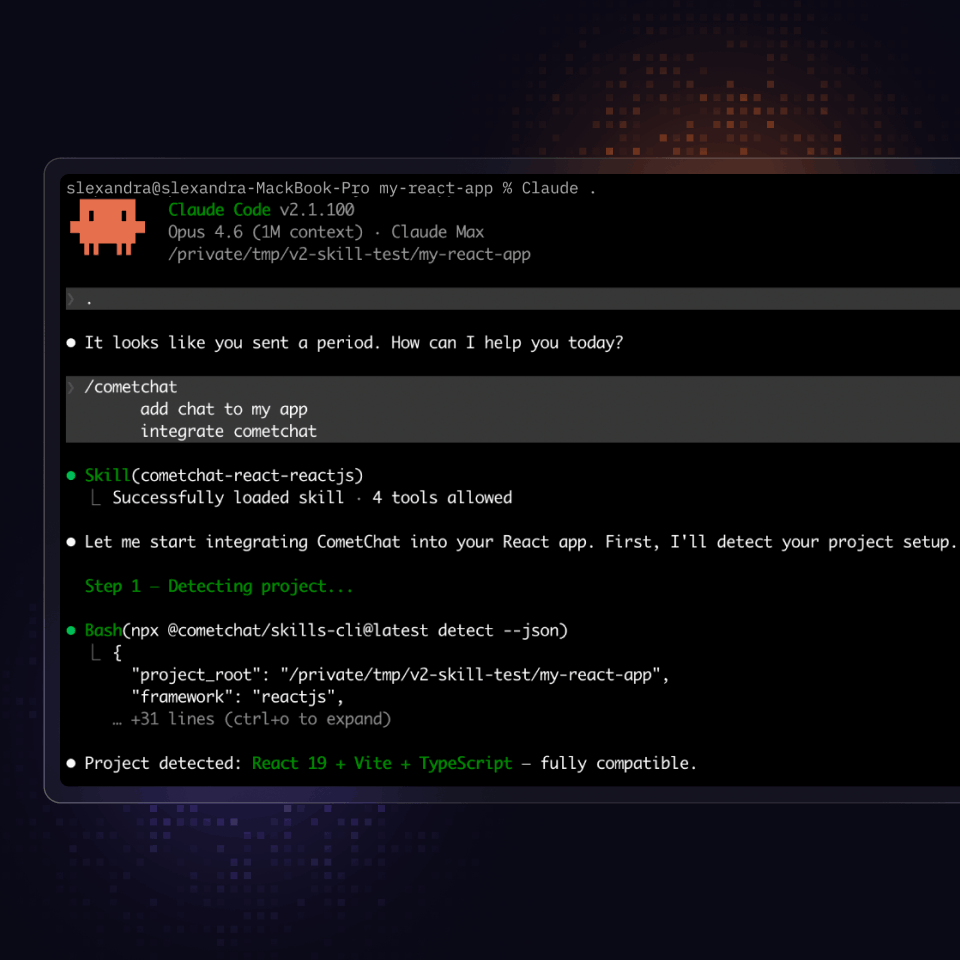
Detects your framework, router type, and bundler automatically.
-
Infers CometChat credentials from your .env or existing init calls before asking
-
Applies the correct SSR and lifecycle patterns for your specific framework and integration type.
Step 3: Customize
Build and style your chat, your way
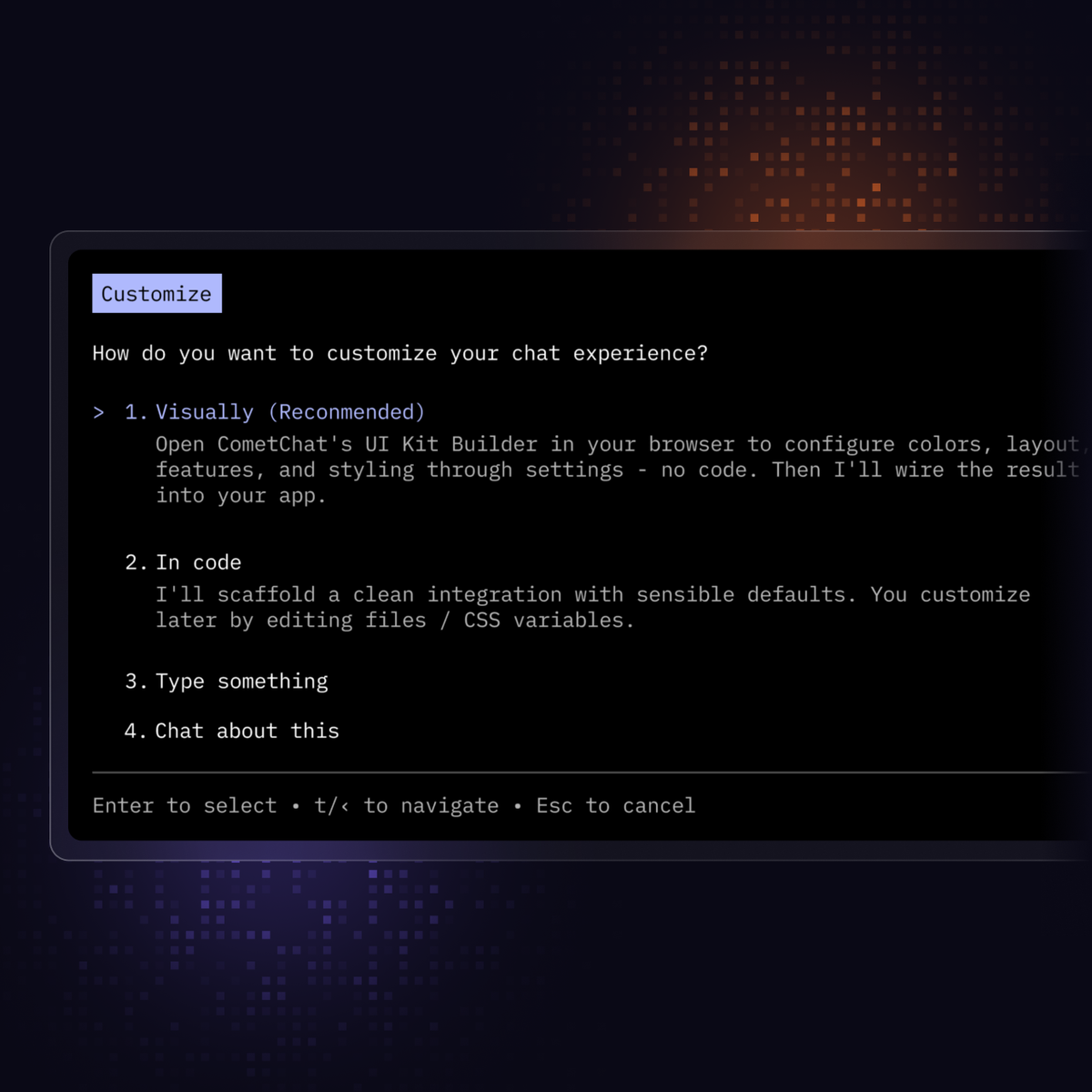
Customize your chat in two ways: The UI Kit Builder or direct in-agent editing. Both paths give you full control over the look and feel.
-
Use the UI Kit builder to customize colors, fonts and more on the dashboard. Changes are autosaved within your agent.
-
Edit the chat UI right inside your coding agent for deeper flexibility and control over your integration.
-
Choose from three chat layouts or two calling modes, scaffolded with TypeScript types and error handling included.
CometChat Skills Features
Everything your agent needs to integrate CometChat
From SSR protection to automatic framework detection, every edge case is handled before you even think to ask.
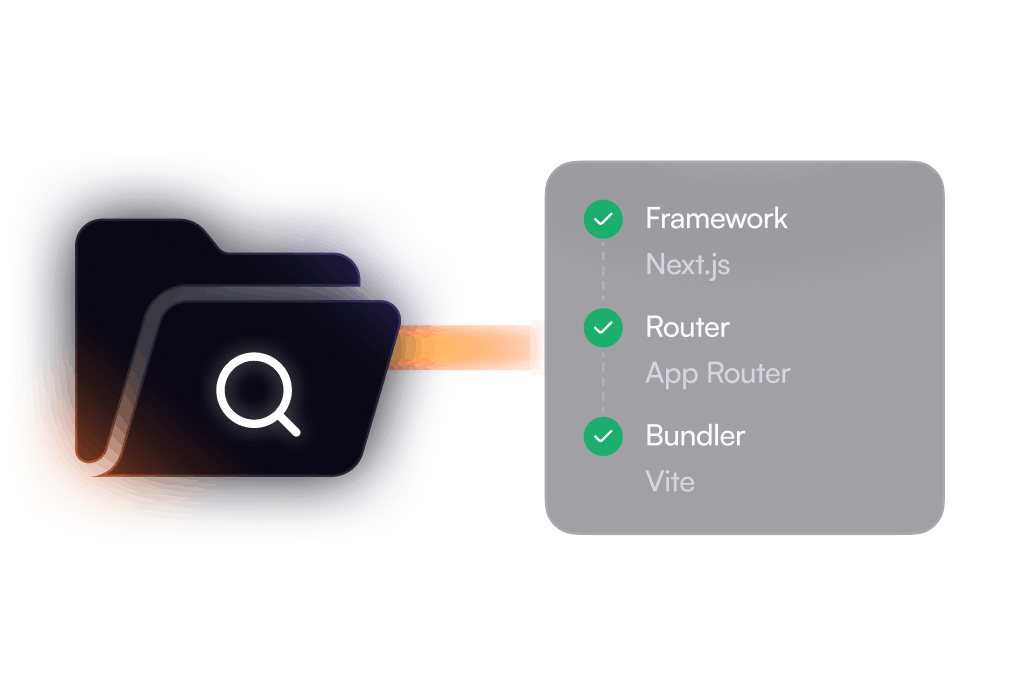
Reads your project before writing a single line. Identifies your router type, bundler, and framework version automatically — then applies the exact integration pattern your setup requires.
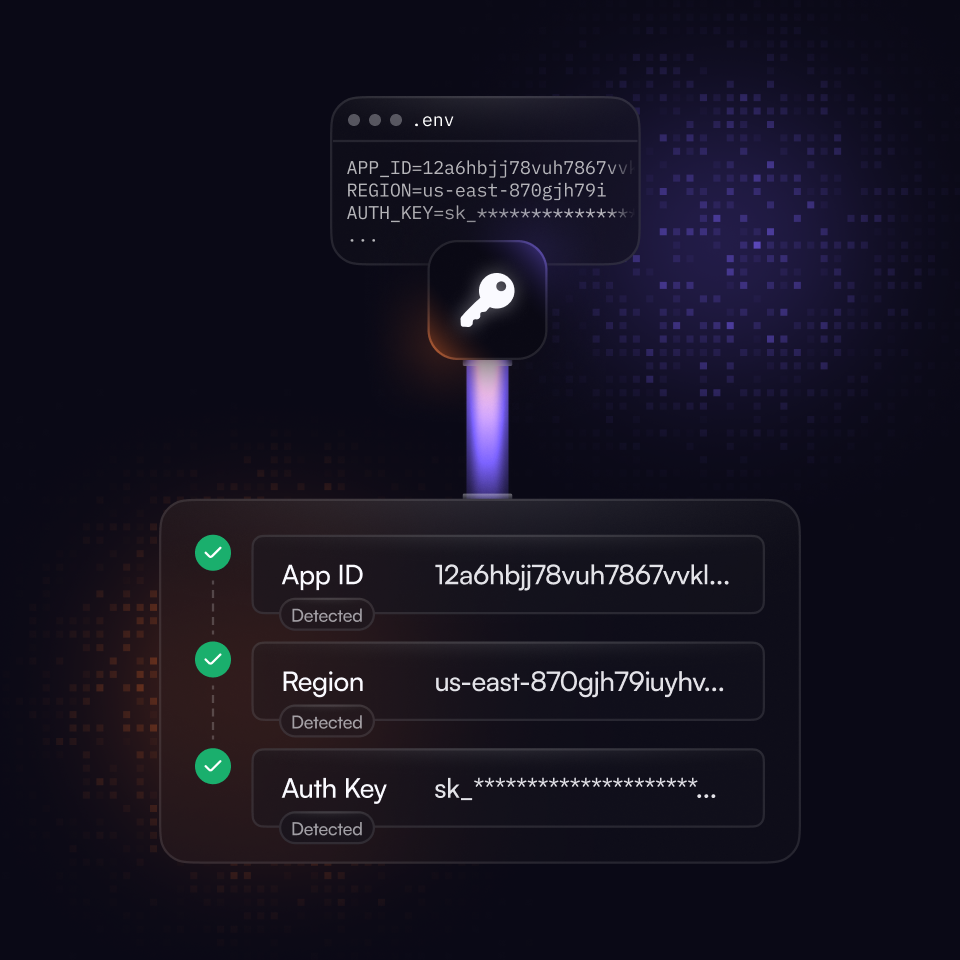
Never asks for what it can already find. Reads your .env or existing init calls to infer your CometChat credentials automatically, skipping the back-and-forth entirely.
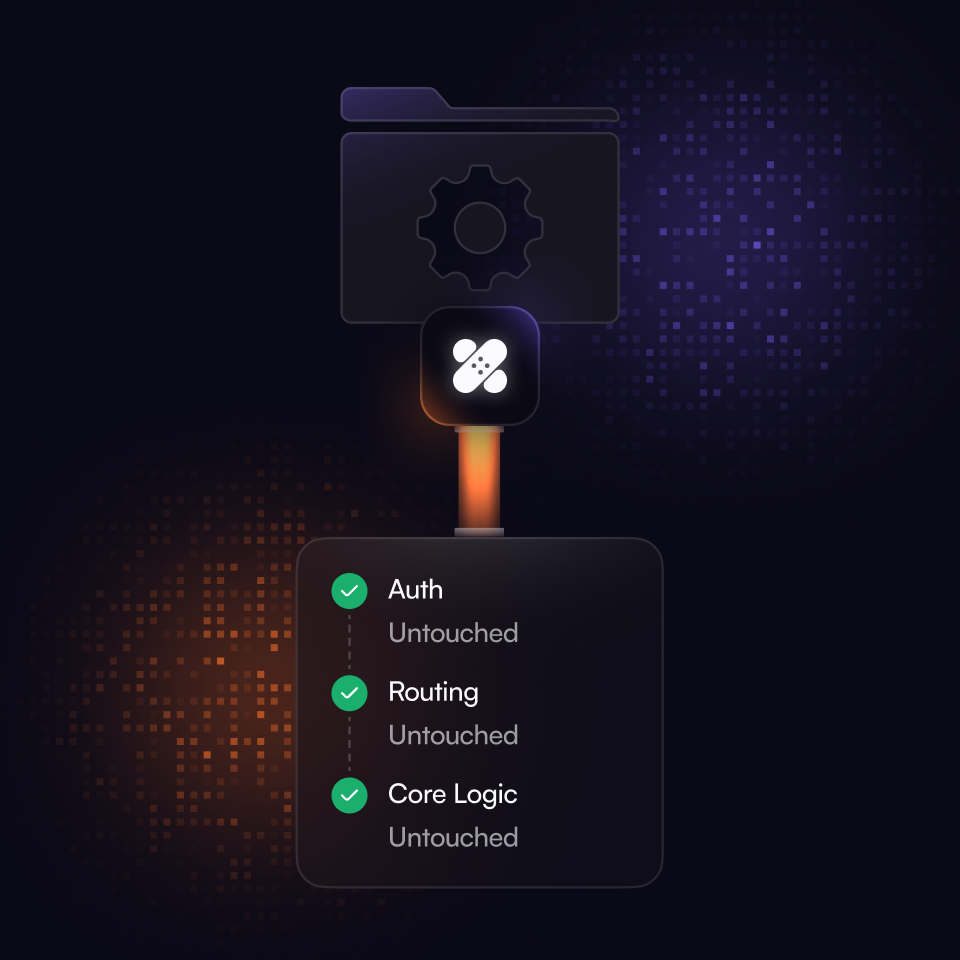
Adds only what's needed, nothing more. Patches your existing files minimally without touching your auth, routing, or app logic — your project stays yours.
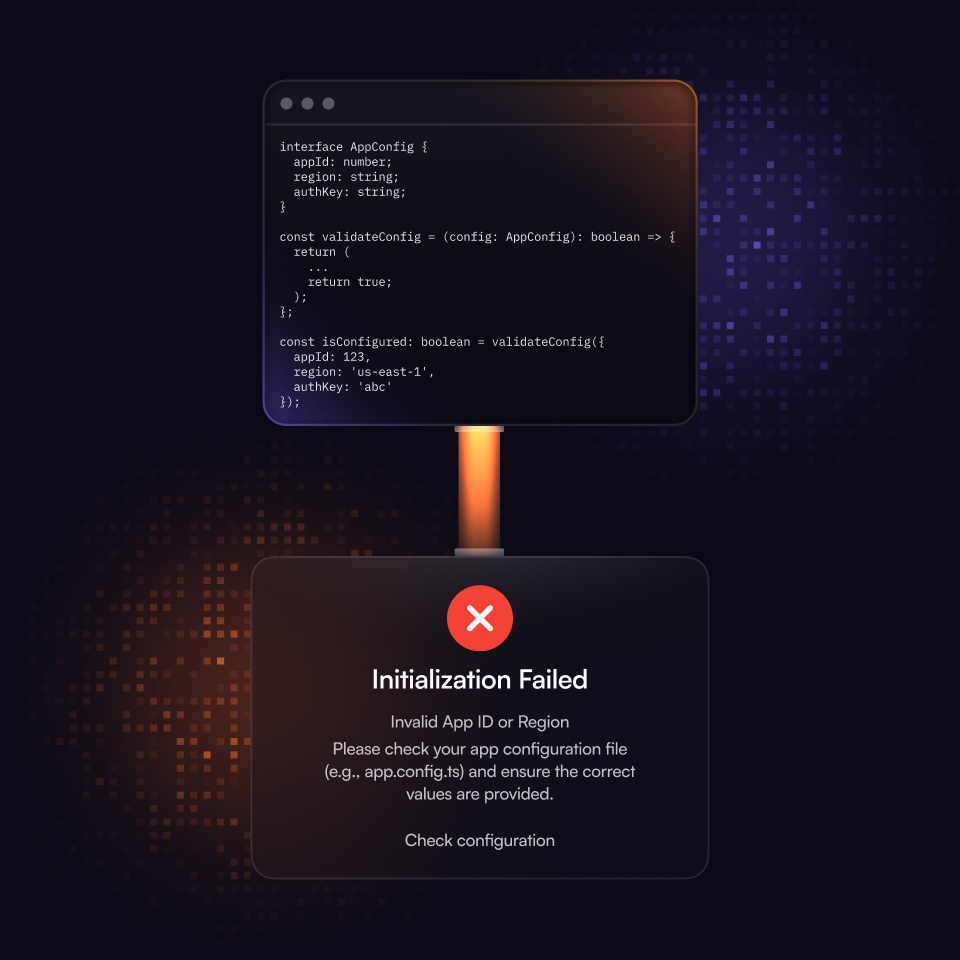
Generates production-ready code from the start. Every integration includes full TypeScript types with no shortcuts, and surfaces initialization and login errors in the UI instead of failing silently.
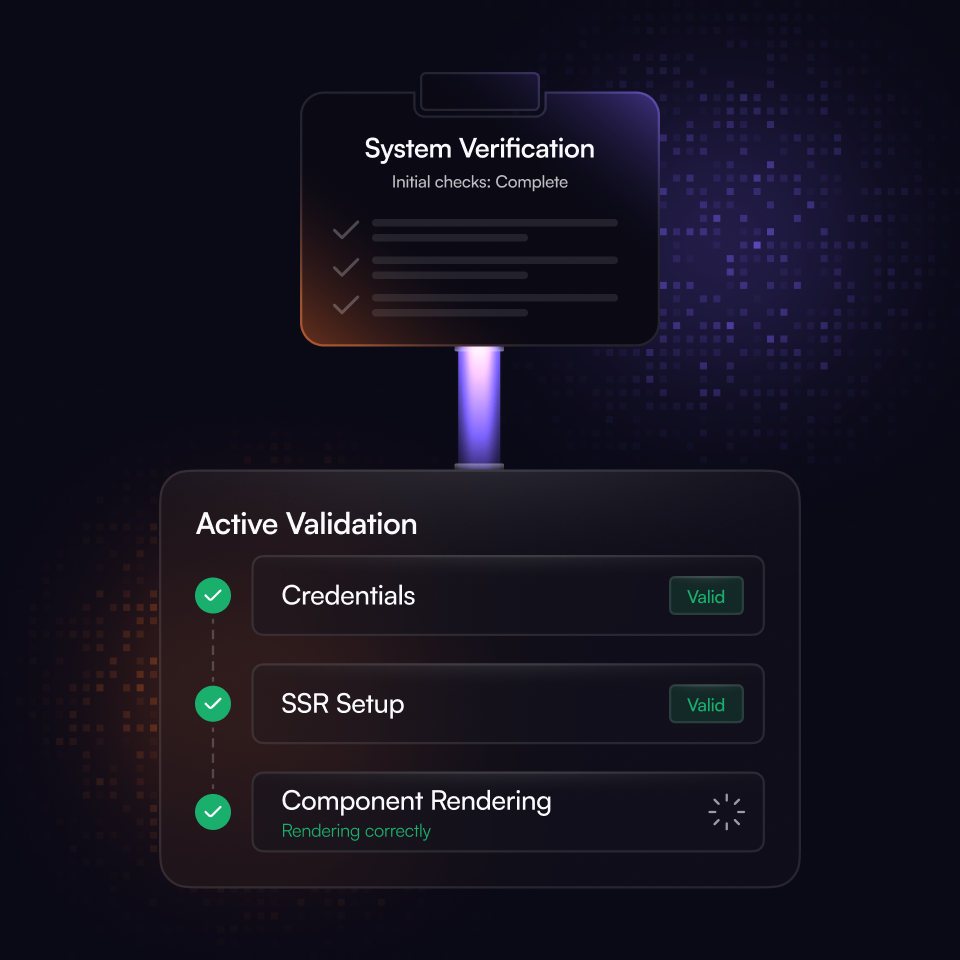
Confirms everything works before you do. Runs a checklist after setup to validate that credentials, SSR patterns, and component rendering are all correctly wired.
Chat Experiences
Pick the experience that fits your app
Choose from three ready-to-ship chat layouts or two calling modes. Your agent scaffolds the full integration.
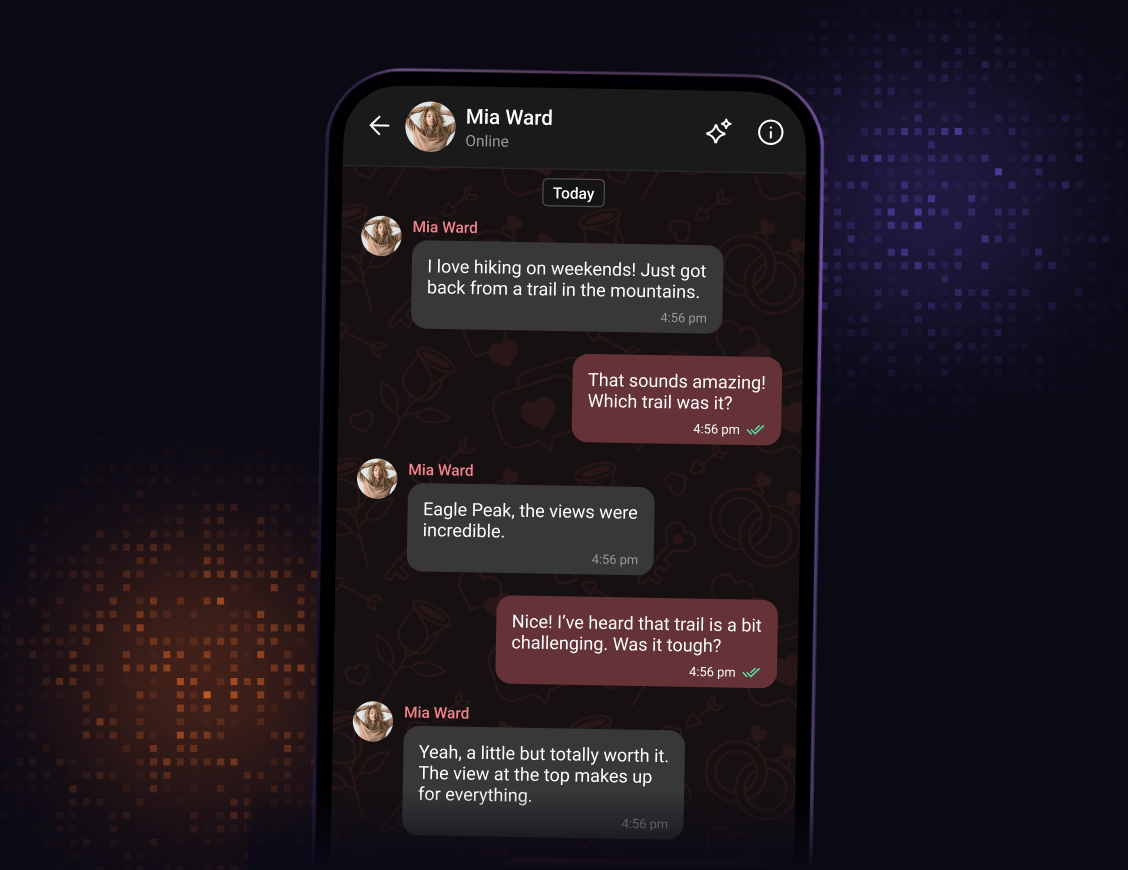
One-to-One Chat

Includes message header, message list, and composer.
Best for customer support, matched-pair, or peer-to-peer chat.
Hardcoded to a specific user or group for a streamlined experience.
One-to-One Chat
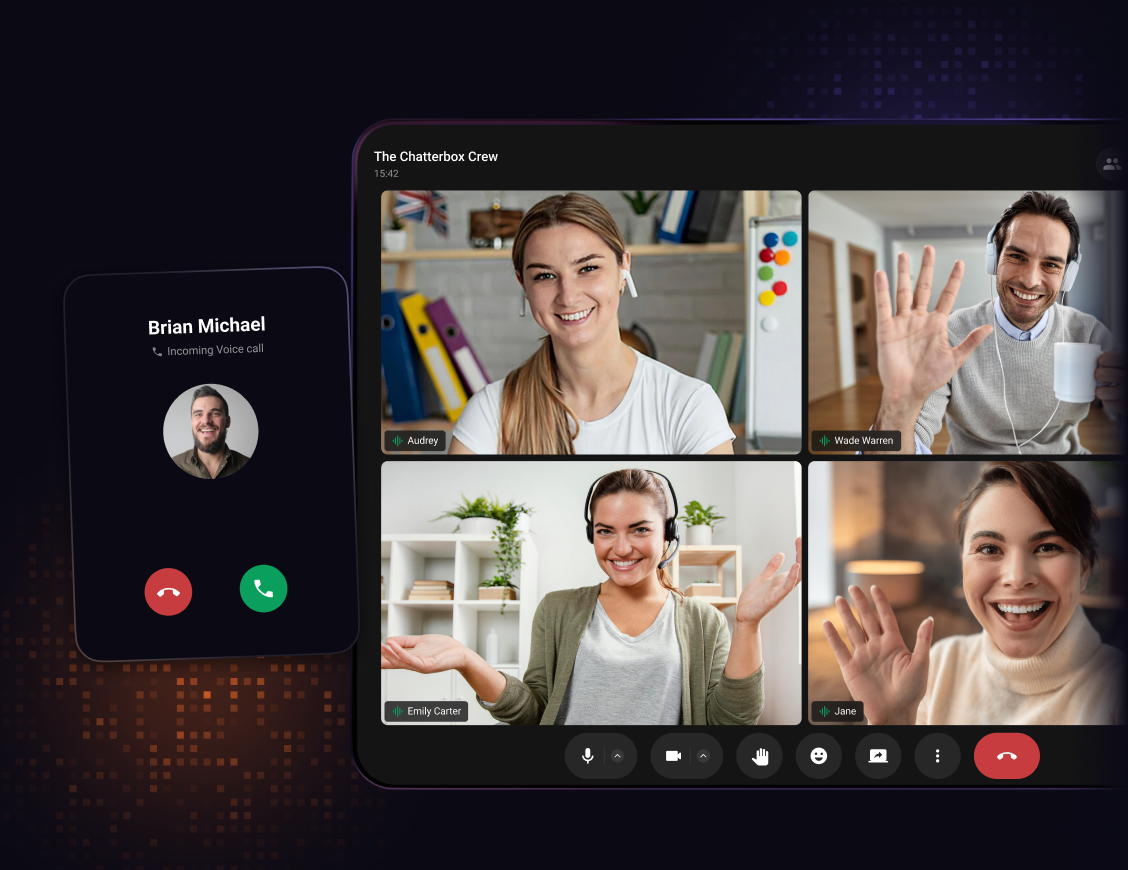
Ringing & Session Mode
Ringing: native call screen, VoIP push, CallKit on iOS, ConnectionService on Android
Session: meeting room, Calls SDK only, no Chat SDK dependency
Your agent asks which mode you need before scaffolding either
Ringing & Session Mode
Two calling modes, scaffolded to your use case. Ringing delivers a full native call surface with VoIP push, CallKit, and incoming/outgoing screens. Session gives you a link-driven meeting room where participants join via a shared session ID, no ringing surface required.
Ringing: native call screen, VoIP push, CallKit on iOS, ConnectionService on Android
Session: meeting room, Calls SDK only, no Chat SDK dependency
Your agent asks which mode you need before scaffolding either
Tab-Based Chat
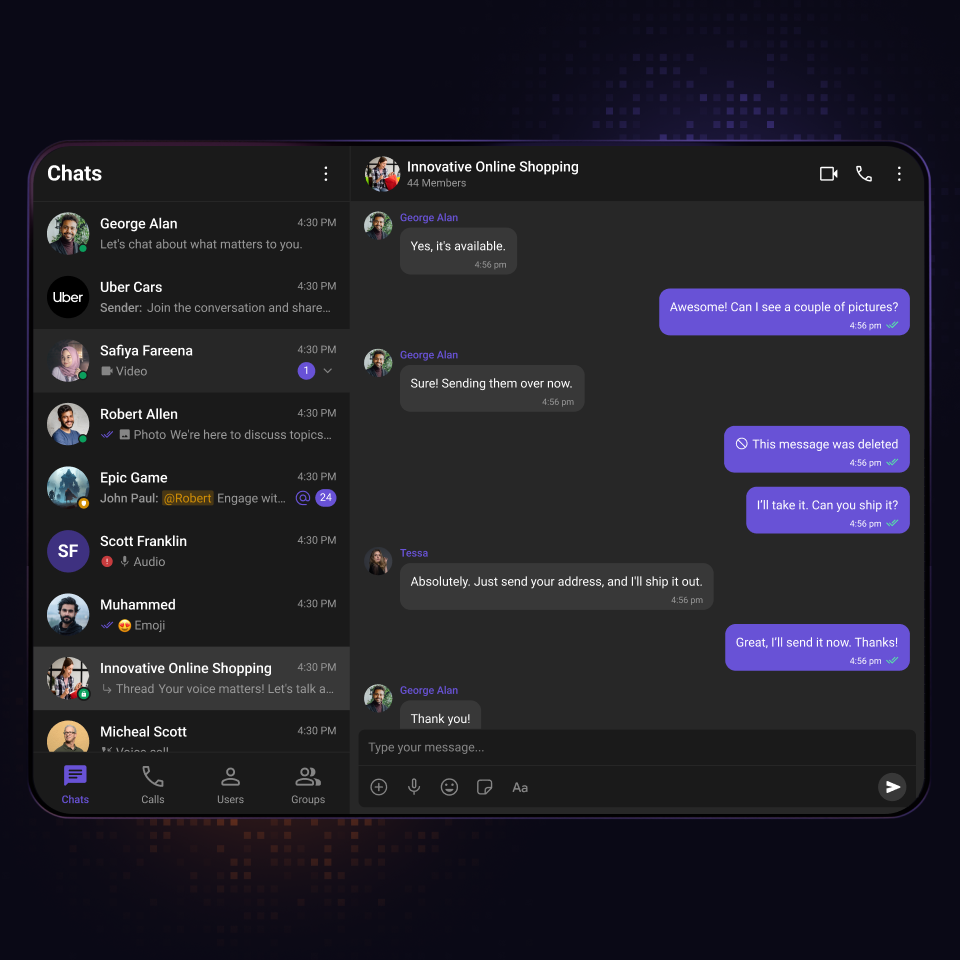
Includes a tab bar, matching CometChat list per tab, and a message view on the right.
Best for apps that need a complete, self-contained chat product.
Covers the full CometChat surface area in a single integrated experience.
Tab-Based Chat
A full-featured messenger-style layout with a tabbed left panel for navigating between Chats, Calls, Users, and Groups.
Includes a tab bar, matching CometChat list per tab, and a message view on the right.
Best for apps that need a complete, self-contained chat product.
Covers the full CometChat surface area in a single integrated experience.
Conversation List + Message View
Includes conversation list, message header, message list, and composer.
Best for team chat, social, or multi-user messaging apps.
Clicking any conversation instantly loads the full thread on the right.
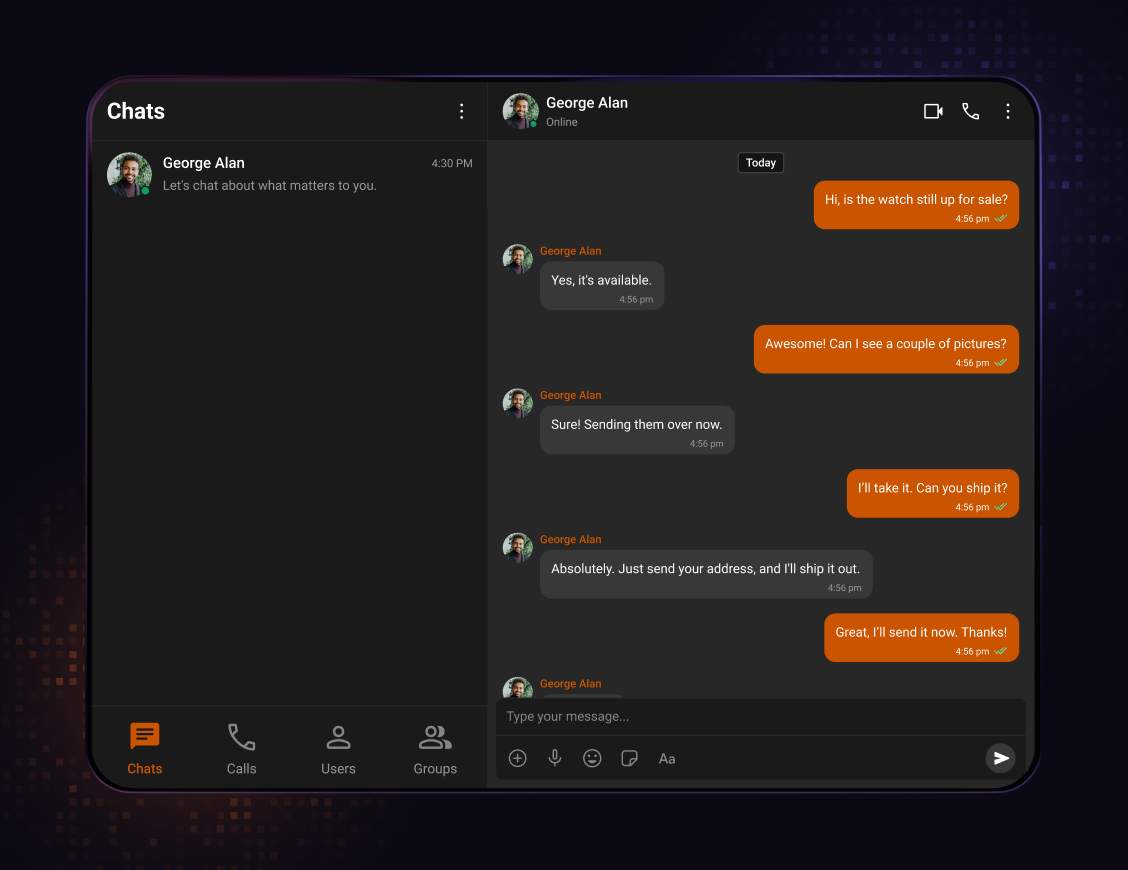
Conversation List + Message View
A two-panel layout built for apps where users switch between multiple conversations. The left panel lists all conversations, the right opens the full message thread.
Includes conversation list, message header, message list, and composer.
Best for team chat, social, or multi-user messaging apps.
Clicking any conversation instantly loads the full thread on the right.
Other Integration Methods
Real-time conversations that grows with you
More ways to integrate CometChat, beyond Skills.
Widget Builder
A no-code builder for any platform, built for high-impact use cases that need solutions fast and flexible.
UI Kit Builder
A low-code builder that is fully customizable, easy to integrate, and scales with your product.
UI Kits
Comprehensive UI Kits with all the features you need, designed to grow with your app.
SDKs
Open source SDKs and APIs for all popular frameworks to build bespoke chat experiences.
Let's map out how CometChat works for you.
30 minutes. Real answers. A plan you can actually act on.
Pick a time that works, talk to someone who knows the product.
Your use case shapes the call - no guessing, no repeating yourself.
No commitment. Just a straight conversation about how this fits - and if it doesn't, we'll say so.
Trusted by teams building conversations at scale.