UI Kits
React chat UI Kit with built-in calling features


-
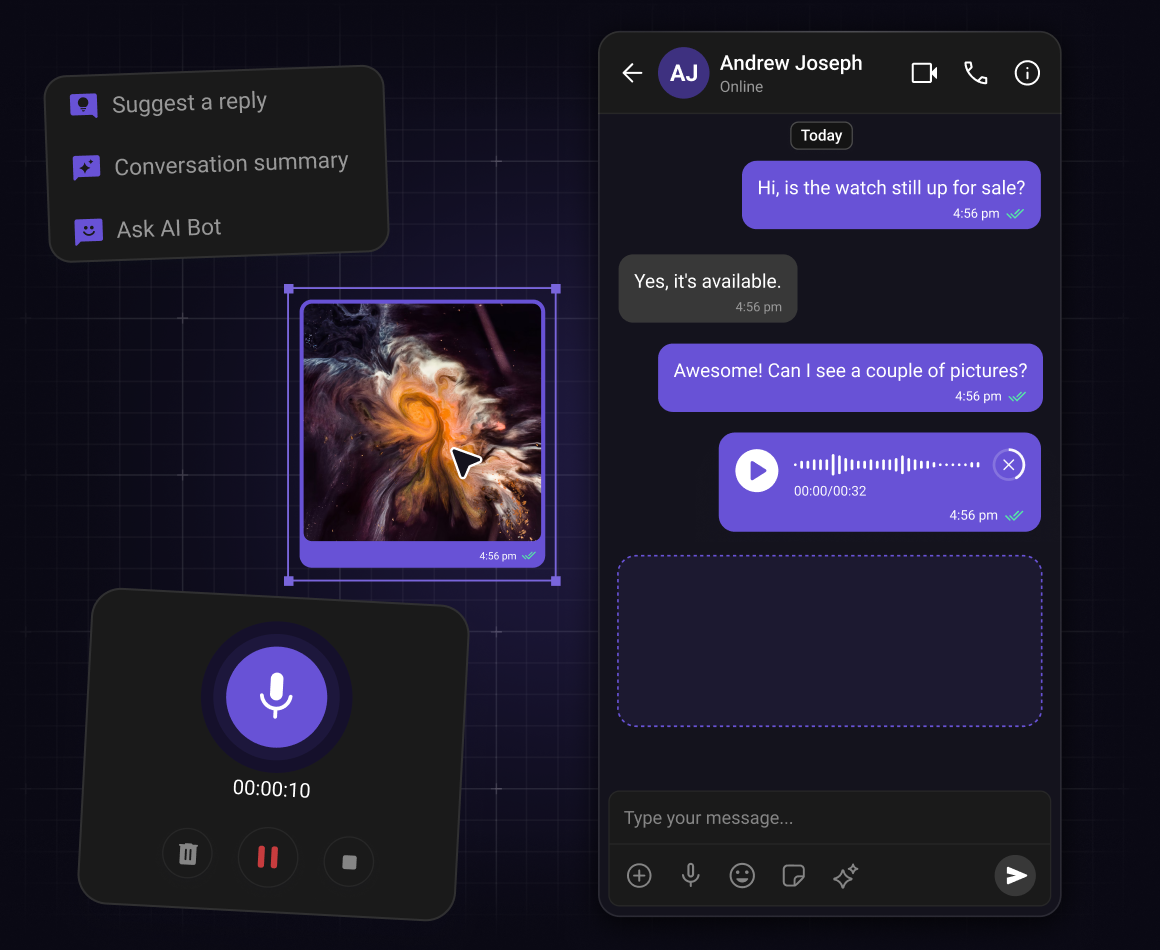
Install the React UI Kit via npm — one command gets you the package, the Chat SDK, and all dependencies
-
Connect your app to CometChat using your App ID, Region, and Auth Key from the Dashboard
-
Everything initializes automatically — SDK setup, login, real-time events, and theming are all handled for you
Step 2: Arrange in your desired layout
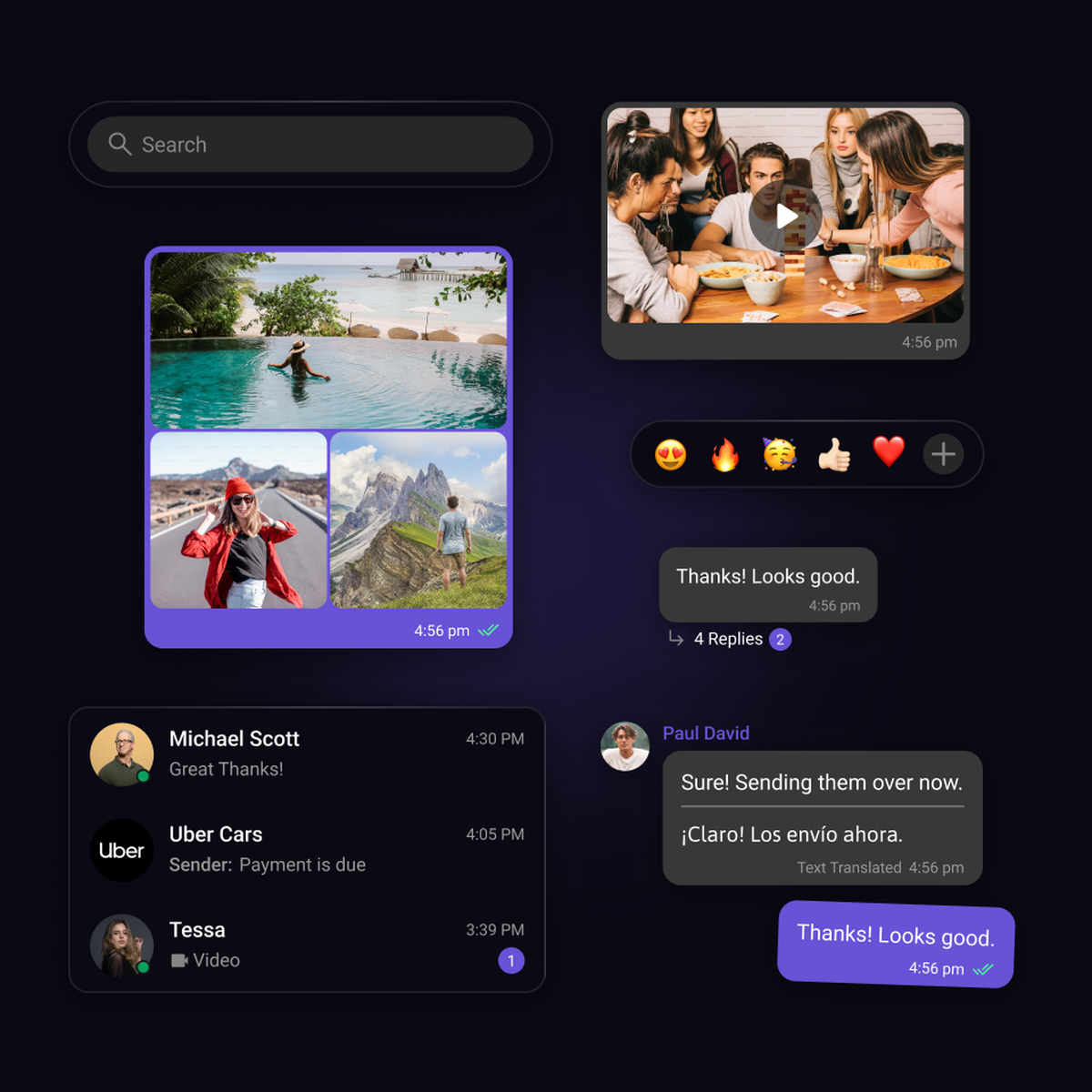
Design your chat experience with selected components
-
Bring the selected pieces together to create the chat layout of your choice.
-
Apply styling, themes, and layout adjustments to match your needs.
-
Designed for React, flexible enough for any layout your app needs.
Step 3: Deploy
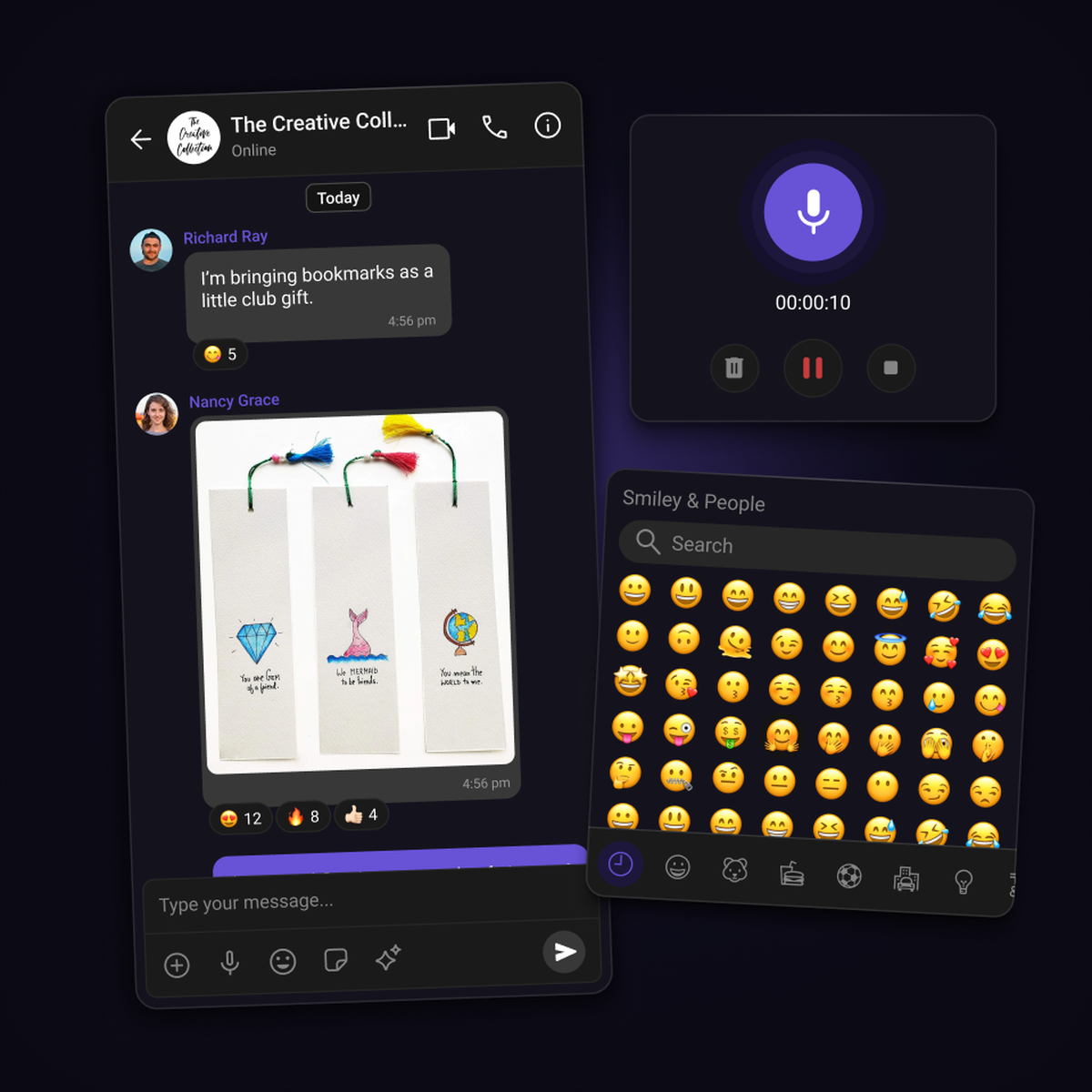
Launch in-app chat in your React app
-
Once your layout is ready, export the React code and integrate chat directly into your application.
-
You stay in control after launch. Update layouts, refine the UI, or adjust features as your app evolves.
-
Sync your user base with CometChat and deploy with confidence, knowing your in-app chat is built to scale.
Resources
Docs, tutorials, sample apps and more
Documentation
Integrate seamlessly with our developer-friendly React UI Kit documentation.
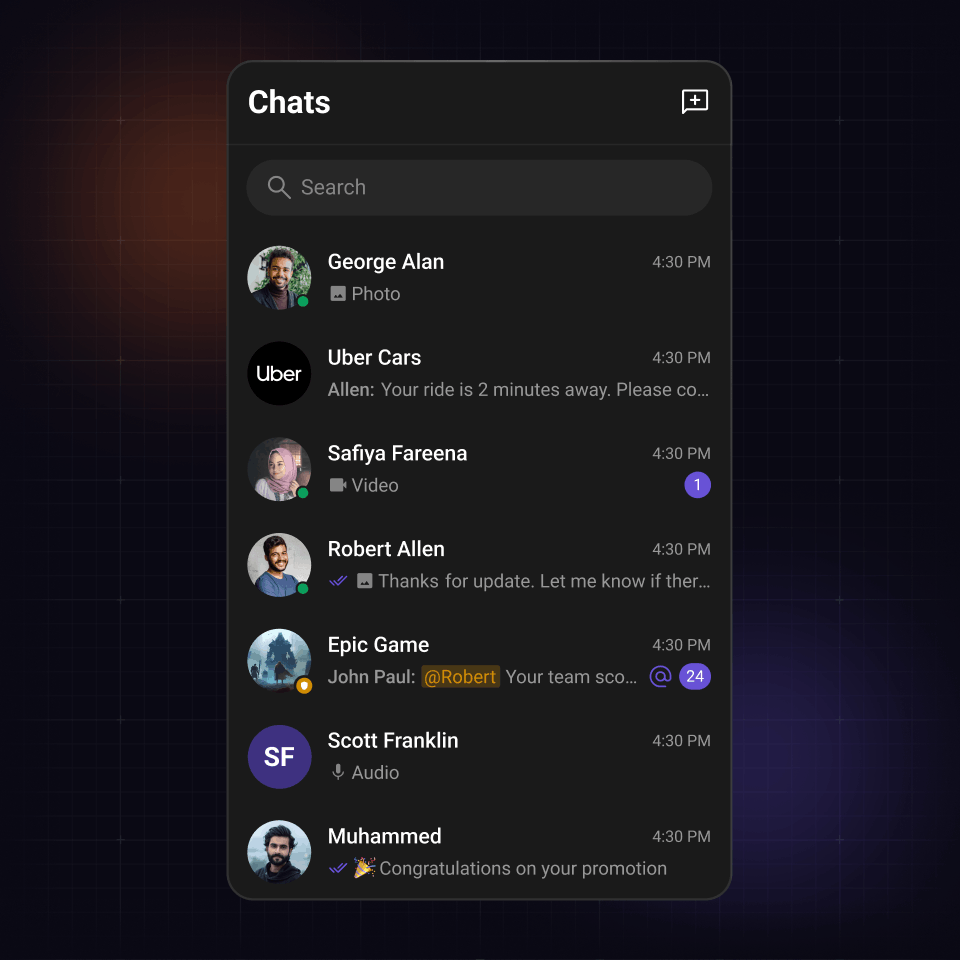
Conversations component
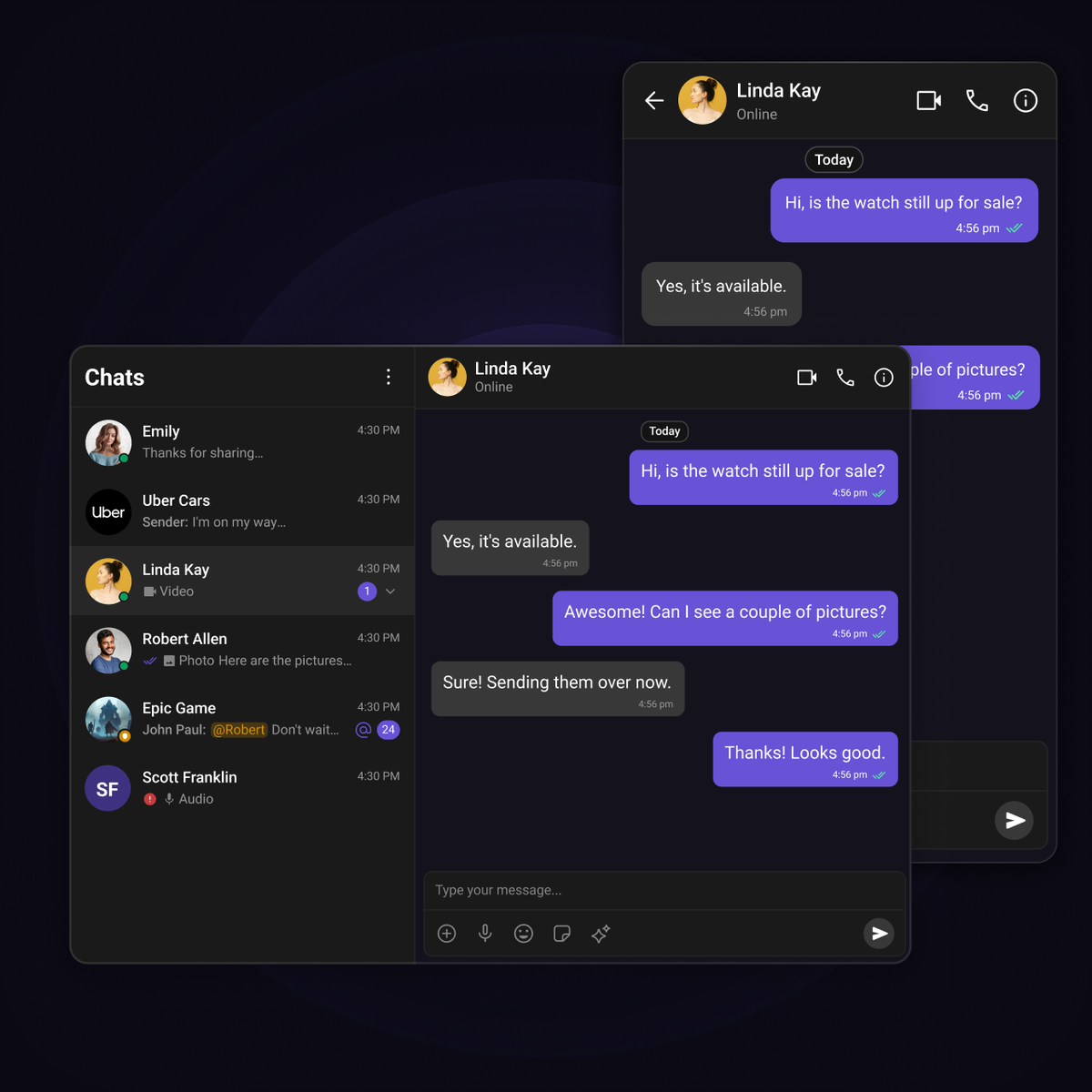
The command center of your chat experience
Display recent chats with rich context and instant updates.
-
Real-time unread counts, message previews, timestamps and read receipts
-
Smart filtering by type, tags, or custom criteria
-
Responsive design works across all screens
Messages component
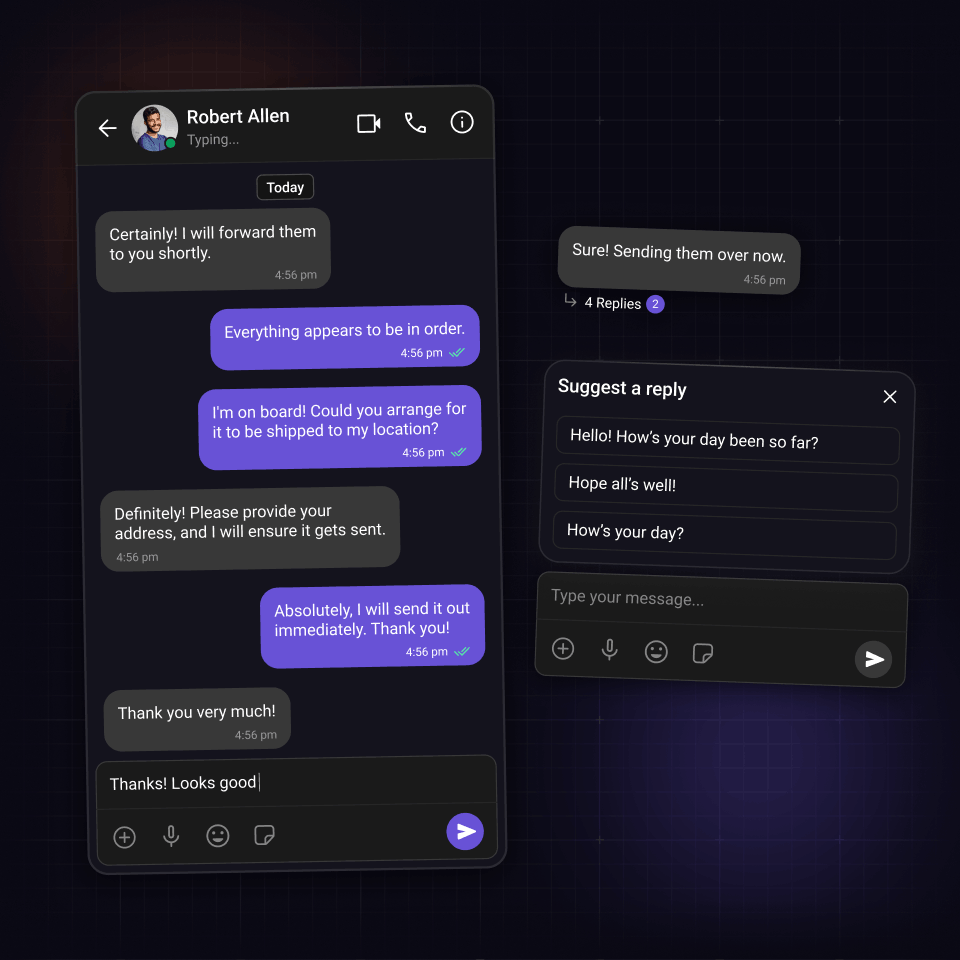
Three composable components. One complete chat panel.
Three independent components you wire together into a complete chat panel.
-
Header, message list, and composer. Use all three, or just what you need
-
Plugin-based bubble rendering for text, image, video, audio, and polls
-
Each handles its own data fetching, real-time listeners, and state
Users component
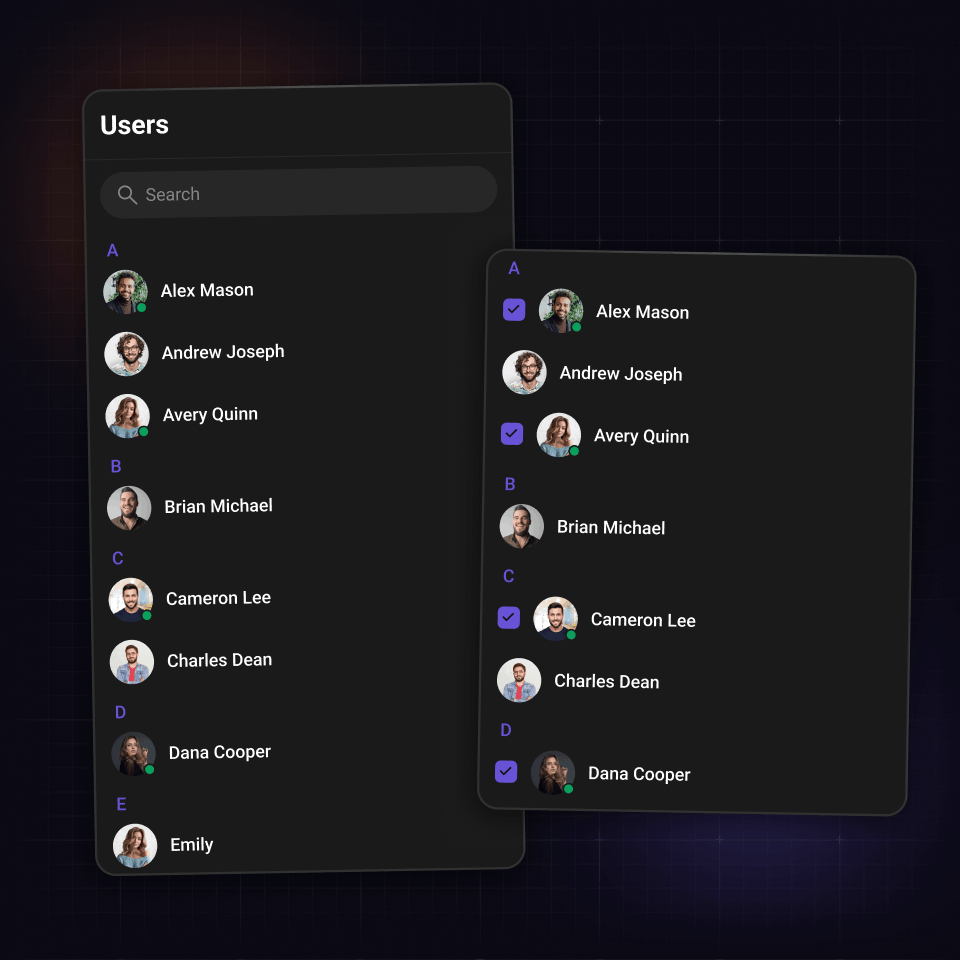
Help users find and start conversations instantly
The Users component provides an accessible list of all available users within your chat application.
-
Search and filter users dynamically
-
Presence indicators and profile avatars for visibility
-
Customize the list to show only friends or exclude certain users from the list
Chat bubble
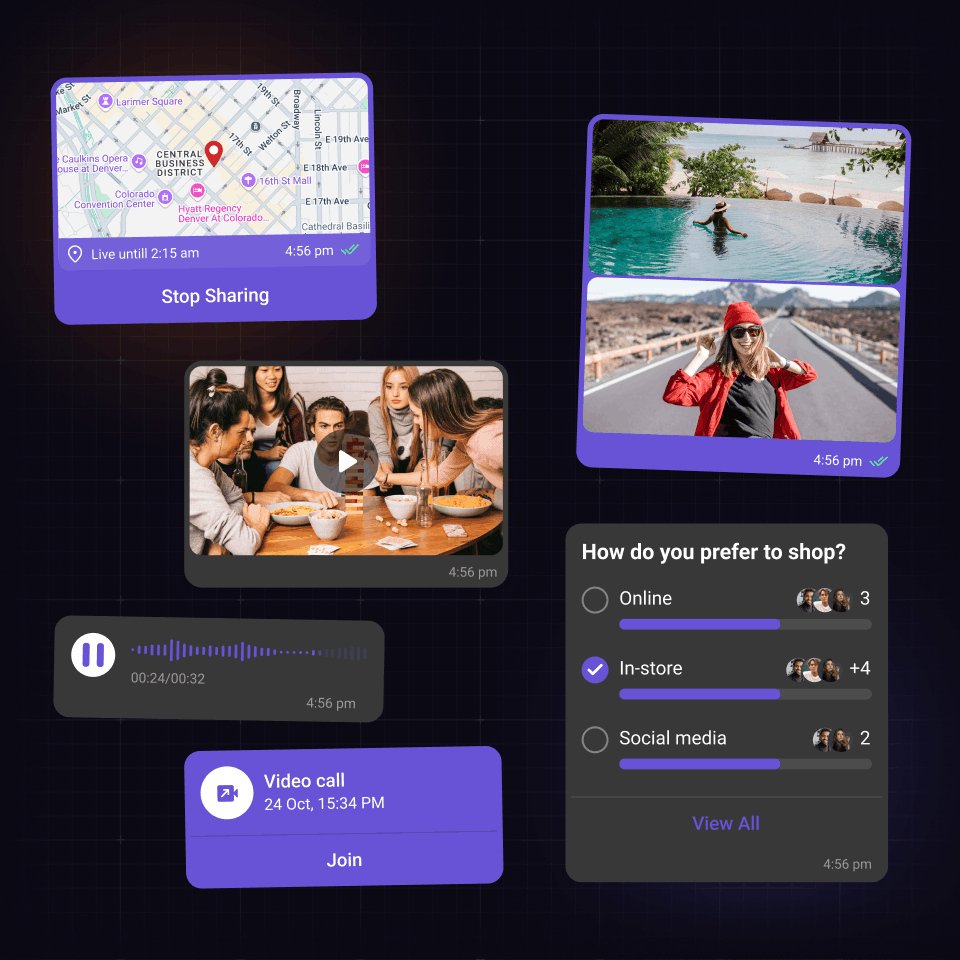
Plugin-rendered bubbles
Every bubble is rendered by a plugin you can fully control.
-
Shared chrome (avatar, name, timestamps, receipts, thread count) handled automatically
-
Renders text, images, video, audio, polls, stickers, and custom types out of the box
-
Drop in a custom plugin for location pins, product cards, or any format
UI Kit Components
React chat library that users love
Open source UI Kits with the chat functions and features your audience loves.

Reactions

Threaded messages

Message composer

Presence Indicators

Read Receipts

Message Information

Unread Message Counts

Audio Recorder

Avatars
Integration Methods
Start with any integration method and scale to others as your needs evolve.
Widget Builder
A no-code chat builder for any platform, built for high-impact use cases that need real chat fast and flexible.

UI Kit Builder
A low-code chat builder that is fully customizable, easy to integrate, and scales with your product.
Chat SDKs
Open source SDKs and APIs for all popular frameworks to build bespoke chat experiences.
Let's map out how CometChat works for you.
30 minutes. Real answers. A plan you can actually act on.
Pick a time that works, talk to someone who knows the product.
Your use case shapes the call - no guessing, no repeating yourself.
No commitment. Just a straight conversation about how this fits - and if it doesn't, we'll say so.
Trusted by teams building conversations at scale.