Wix Chat Widget
Real-time user to user chat for Wix sites
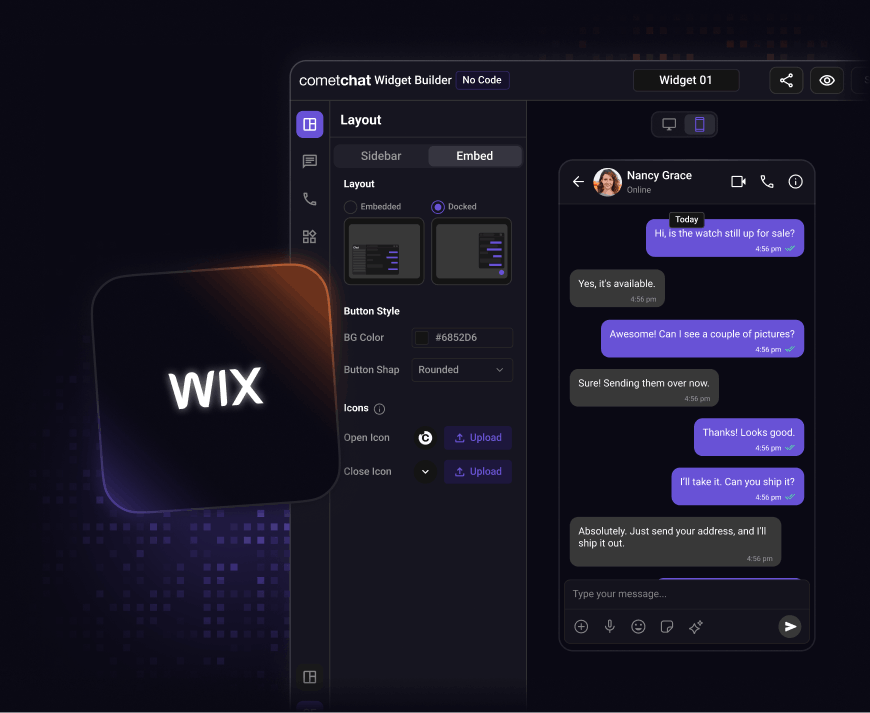


Step 1: Customize
Design the widget to match your Wix site.
Use the no-code chat widget builder to personalize every part of your chat experience before adding it to your Wix website.
-
Configure colors, fonts, and layout to match your Wix site.
-
Control widget position, launcher style, and behavior.
-
Enable or disable chat features with simple toggles.
-
Preview changes instantly before publishing.

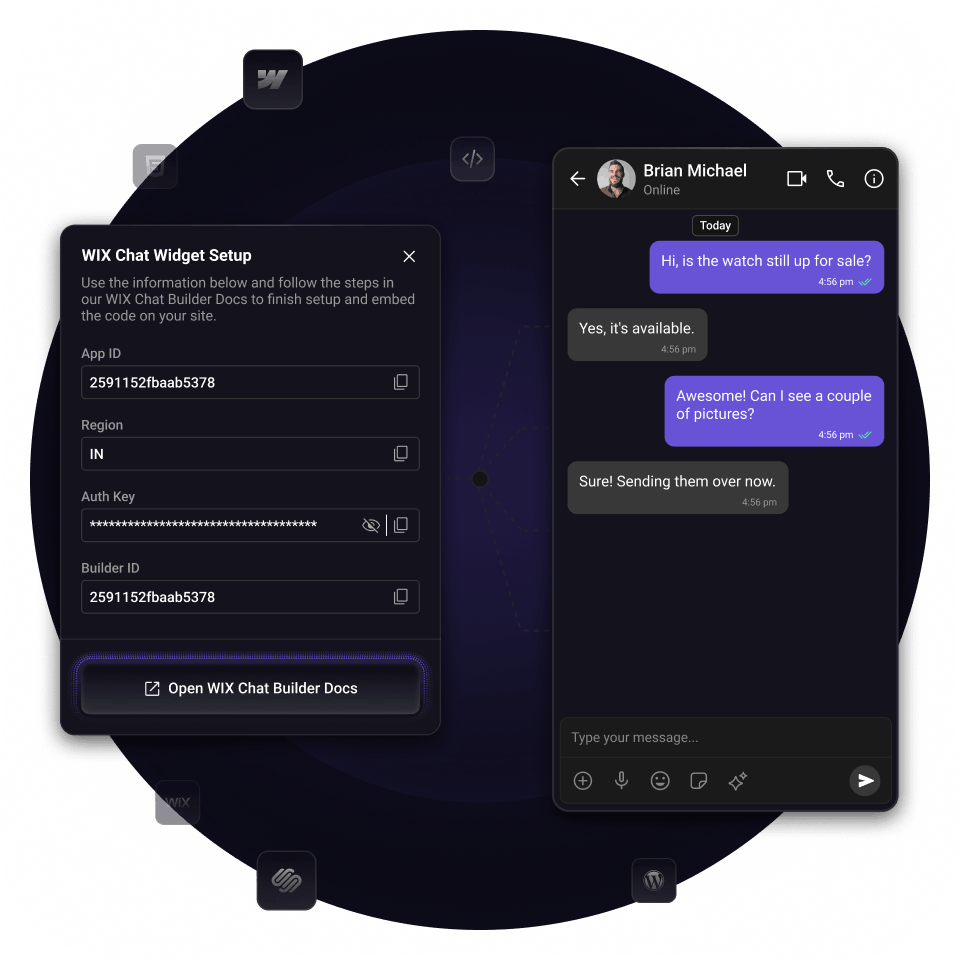
Step 2: Embed & Go Live
Launch chat on your Wix site in minutes
Once you’re done customizing, copy the embed code and add it to your Wix site.
-
Add the snippet using Wix Custom Code or Embed HTML widget.
-
Deploy the widget site-wide or on specific pages.
-
No backend setup or server configuration required.
-
No plugins or additional apps needed.
Integration Methods
Start with any integration method and scale to others as your needs evolve.
UI Kit Builder
A low-code chat builder that is fully customizable, easy to integrate, and scales with your product.

Chat UI Kits
Comprehensive UI kits with all the chat features you need, designed to plug in natively and grow with your app.
Chat SDKs
Open source SDKs and APIs for all popular frameworks to build bespoke chat experiences.
FAQ
Got questions? We’ve got answers.
Let's map out how CometChat works for you.
30 minutes. Real answers. A plan you can actually act on.
Pick a time that works, talk to someone who knows the product.
Your use case shapes the call - no guessing, no repeating yourself.
No commitment. Just a straight conversation about how this fits - and if it doesn't, we'll say so.
Trusted by teams building conversations at scale.