

Key Capabilities
- Send transactional notifications — Deliver a templated message to one or many users in real time, with per-recipient variable resolution.
- Organise content with templates — Author reusable templates with typed variables, categories, and tags. Every notification flows through a template.
- Immediate and scheduled campaigns — Send notifications right away or schedule them for a future date and time.
- Track delivery and engagement — Capture delivered, read, clicked, and interacted signals for analytics and unread counts.
Supported Channels
Prerequisites
- A CometChat app with
appIdandapiKey - At least one enabled channel created
- At least one approved template
- Users registered in CometChat (targeted by their UID)
Setup Flow
The typical setup to send your first notification from the CometChat Dashboard:1
Create a Channel
Go to Channels → Create Channel → Select type (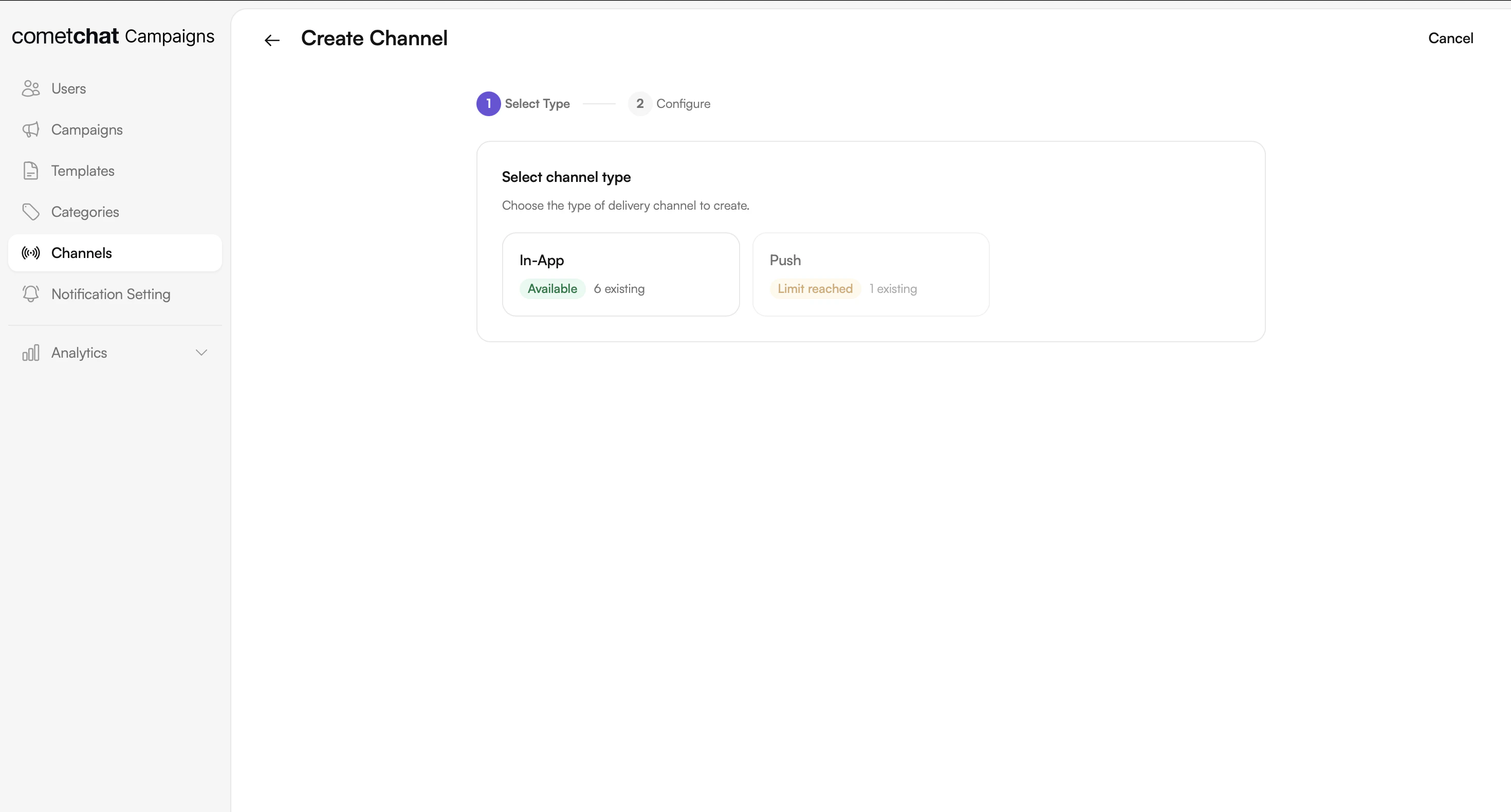
in_app or push) → Name it → Save.2
Create a Category (optional)
Go to Categories → Create → Name it (e.g., “Marketing”, “Alerts”). Categories are used for filter chips in the notification feed UI.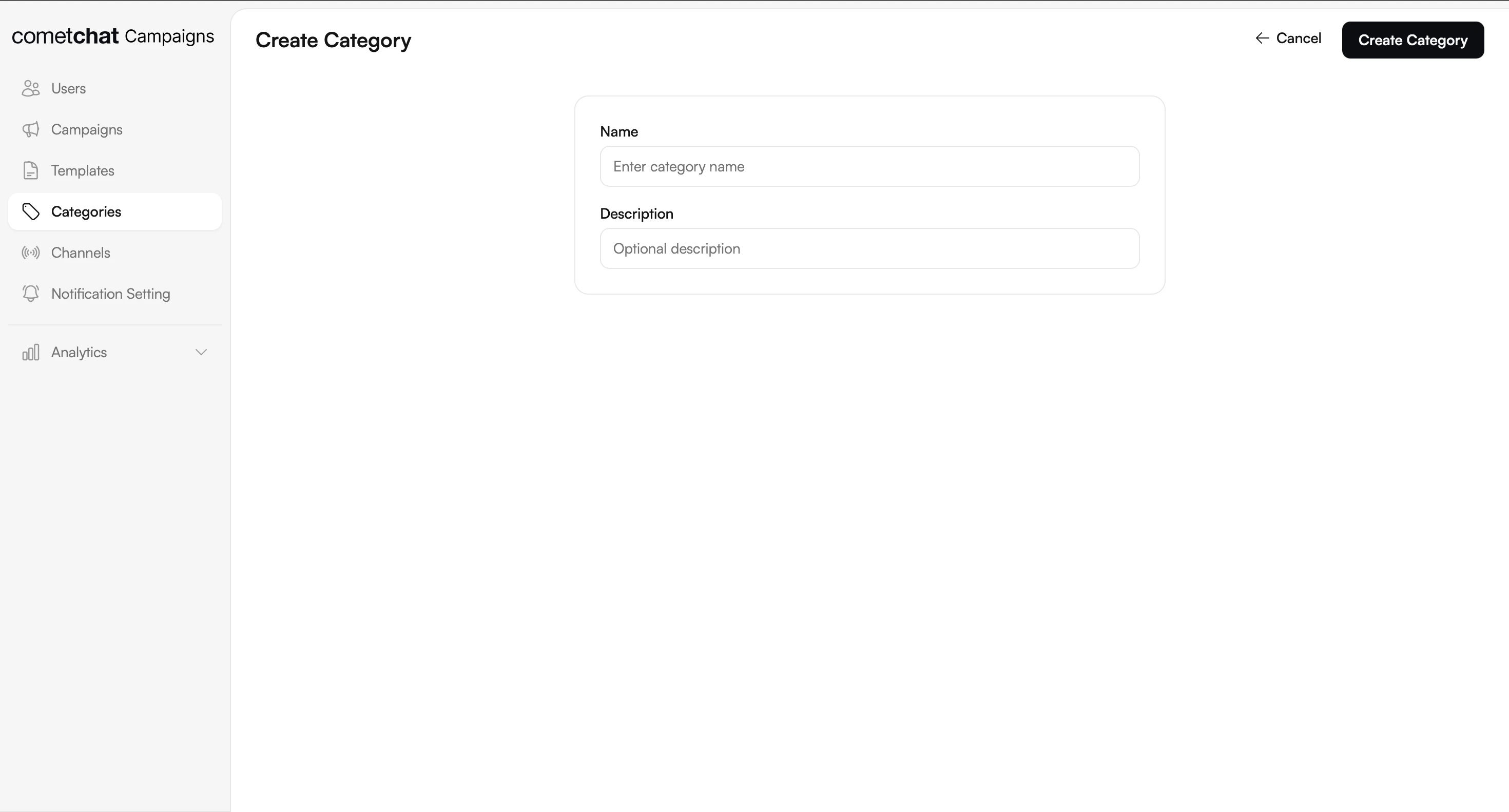
3
Create a Template
Go to Templates → Create Template → Enter name → Select channel(s) → Design content in the visual builder.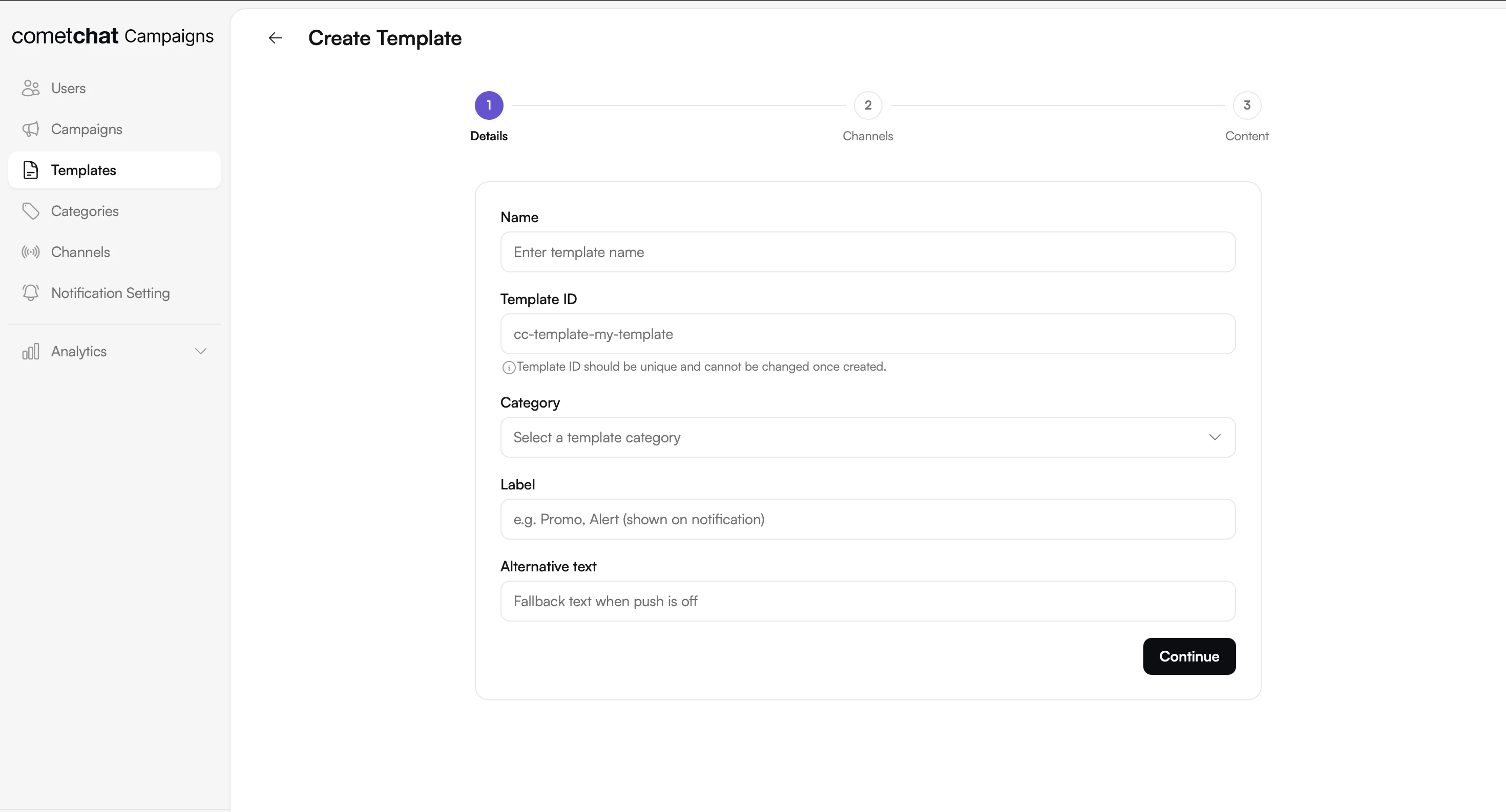
4
Create a Bubble for the Template
Design the card bubble — this is the Card Schema JSON that gets rendered natively in the notification feed.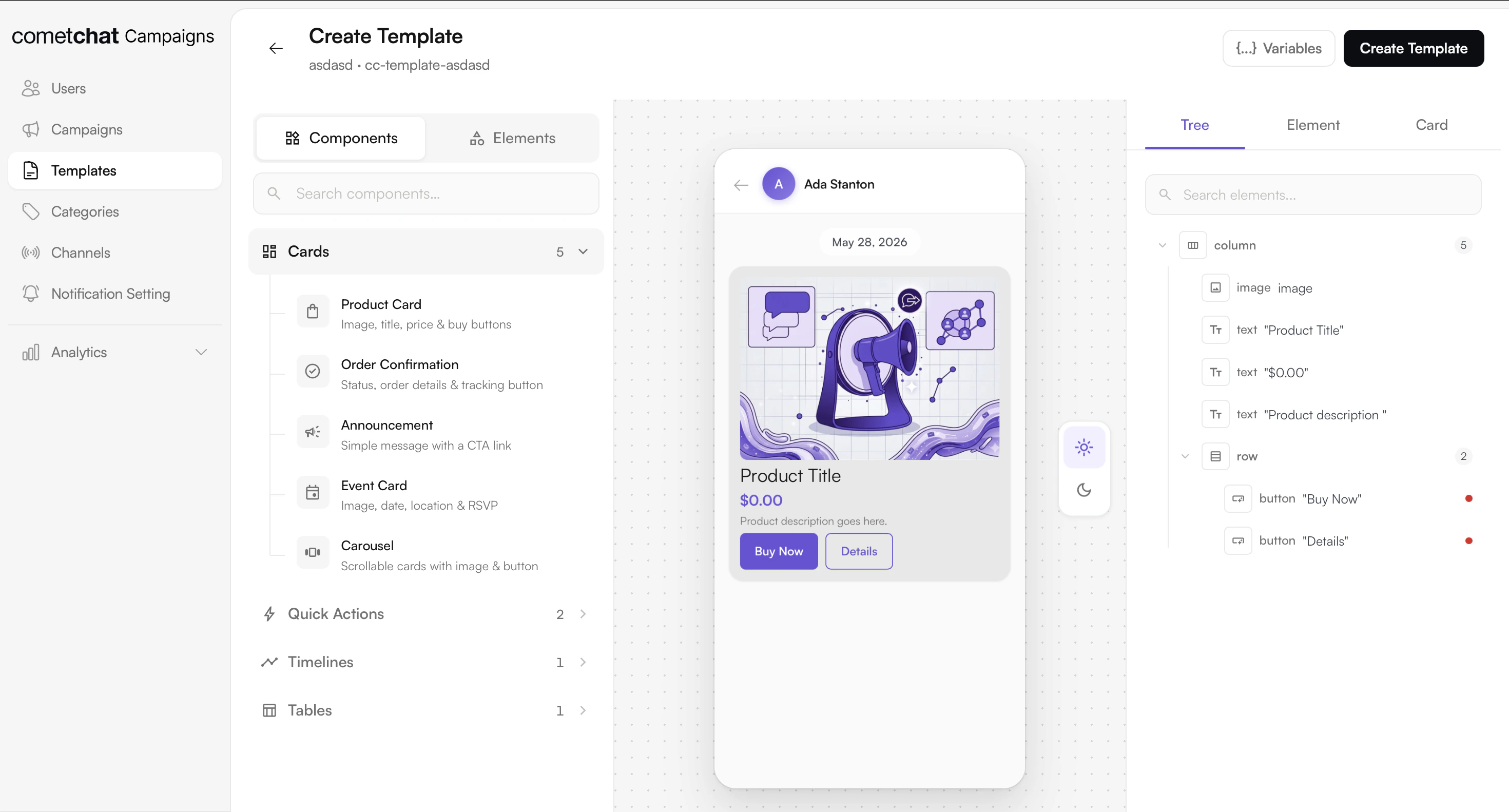
5
Create and Send a Campaign
Define your audience, select the channel, category, and template, then send or schedule the campaign.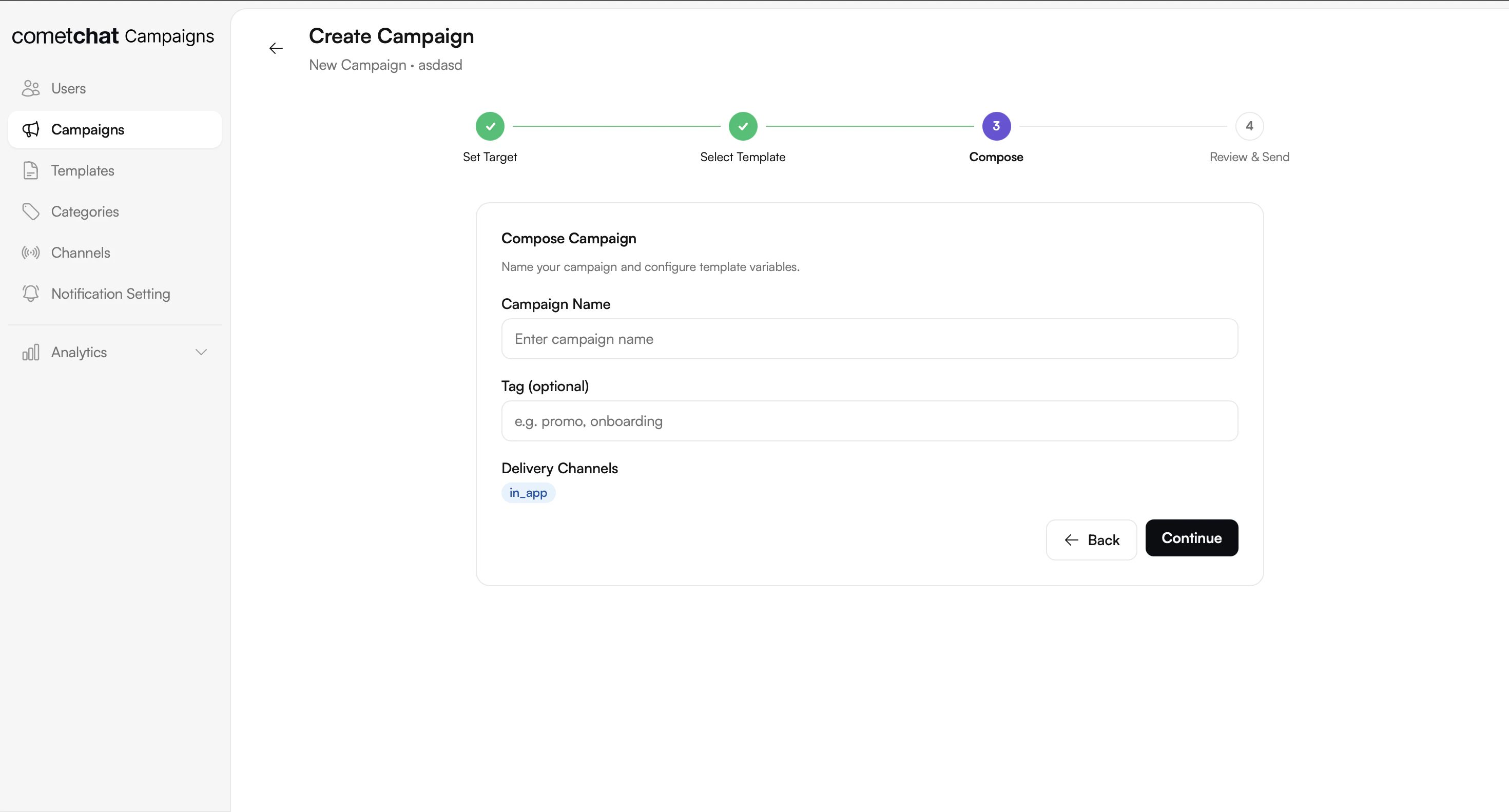
Limits
Common Use Cases
Transactional alerts
Order shipped, payment receipt, password reset, security alert. One templated message per event, dispatched in real time, with per-recipient variable substitution ({{order_id}}, {{user_name}}).
Marketing campaigns
Product launches, promotional offers, re-engagement nudges. Schedule the send, upload a recipient list, and deliver across in-app and push channels.Operational messages
Maintenance windows, policy updates, account changes. Dispatched to a broad audience and routed through the in-app feed so users can revisit them.Frontend Integration
Integrate Campaigns into your client application using either the pre-built UI Kit components or the Chat SDK for custom implementations.UI Kit
React
Pre-built React components for notifications
React Native
Native mobile components for React Native
iOS
Swift UI Kit for iOS notifications
Android
Android UI Kit for notifications
Flutter
Flutter widgets for notifications
SDK
JavaScript
JavaScript SDK integration
React Native
React Native SDK integration
iOS
Swift SDK integration
Android
Android SDK integration
Flutter
Flutter SDK integration
Quick Navigation
Channels
Configure delivery channels for in-app and push notifications
Categories
Organize notifications with categories for filtering
Templates
Create reusable notification templates with variables and versioning
Campaigns
Create and manage targeted notification campaigns