React Native Chat UI library

React native chat UI components with embedded messaging logic
Production-ready UI components for building chat, calling, and AI agents into any React Native application. Each component handles its own real-time listeners, data fetching, and state, backed by CometChat's infrastructure, with no backend code required.
Hero image

Chat & Messaging Components

Core components built for real-time conversations

Seamless 1:1 messaging with pre-built components that handle real-time updates, delivery, and user interaction.
Conversations

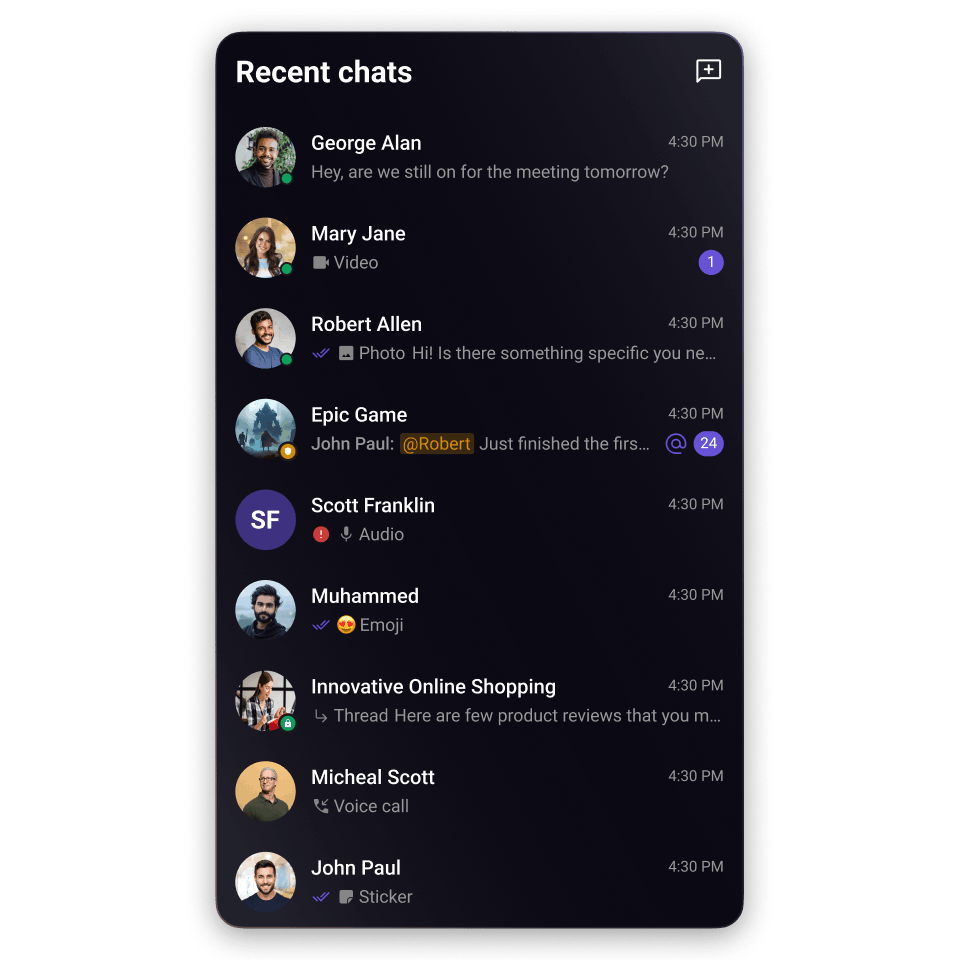
Lists the logged-in user's recent 1:1 and group conversations, each showing avatar, name, last message preview, timestamp, and unread badge.
Message header

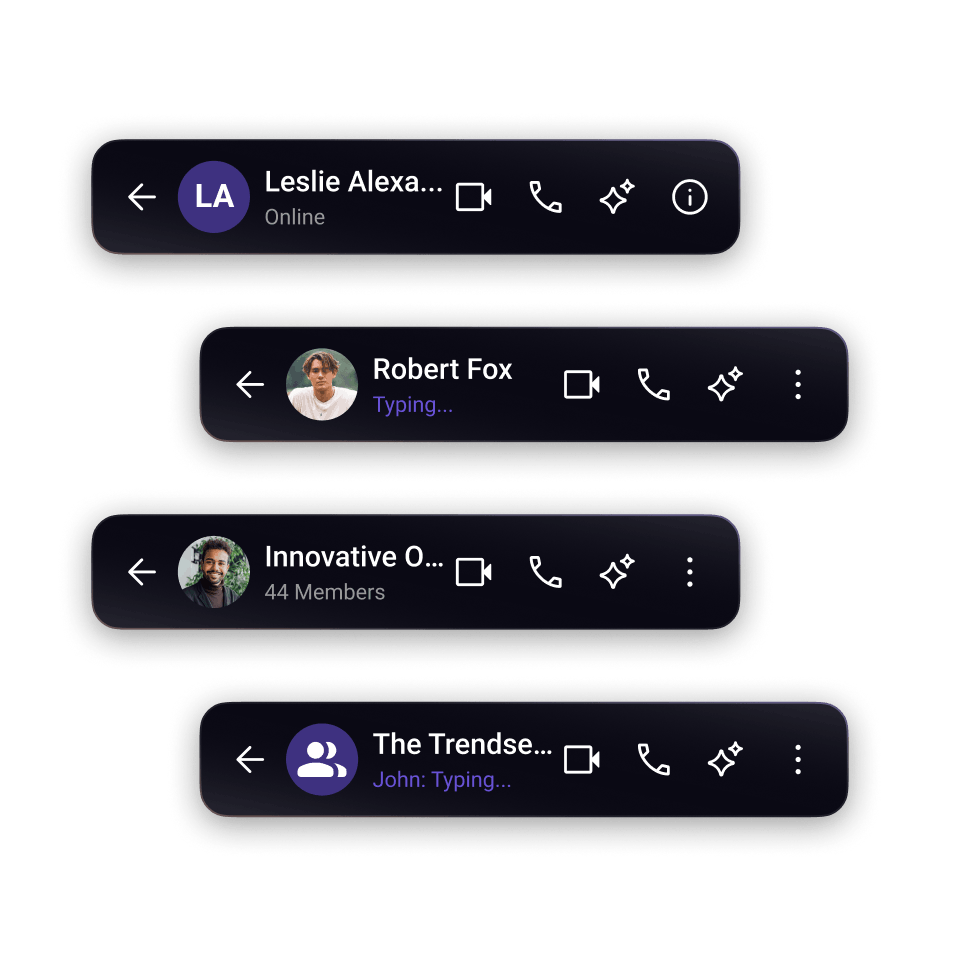
Navigation bar that sits at the top of the message screen. Receives a user or group prop and renders the associated avatar, display name, online status, and typing indicator.
Message list

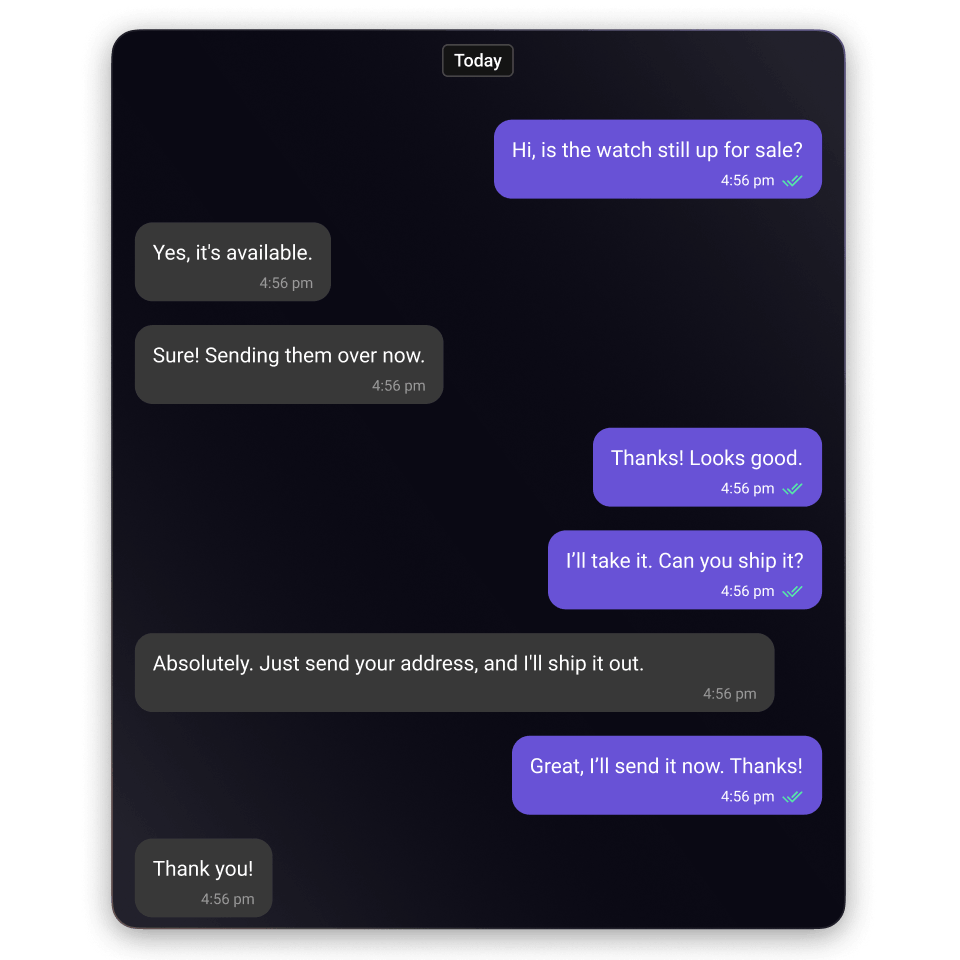
Scrollable feed of sent and received messages with support for text, media, reactions, read receipts, threaded replies, and AI features.
Message composer

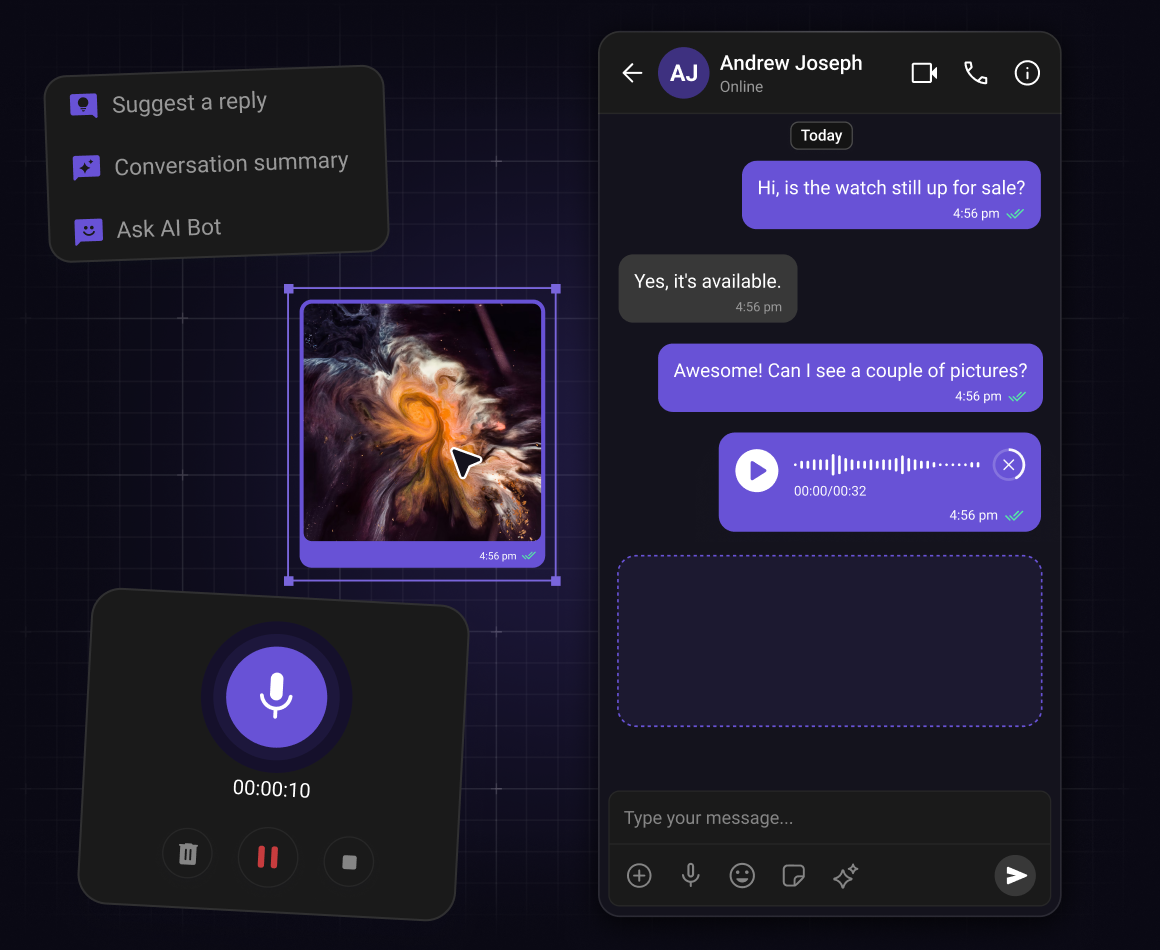
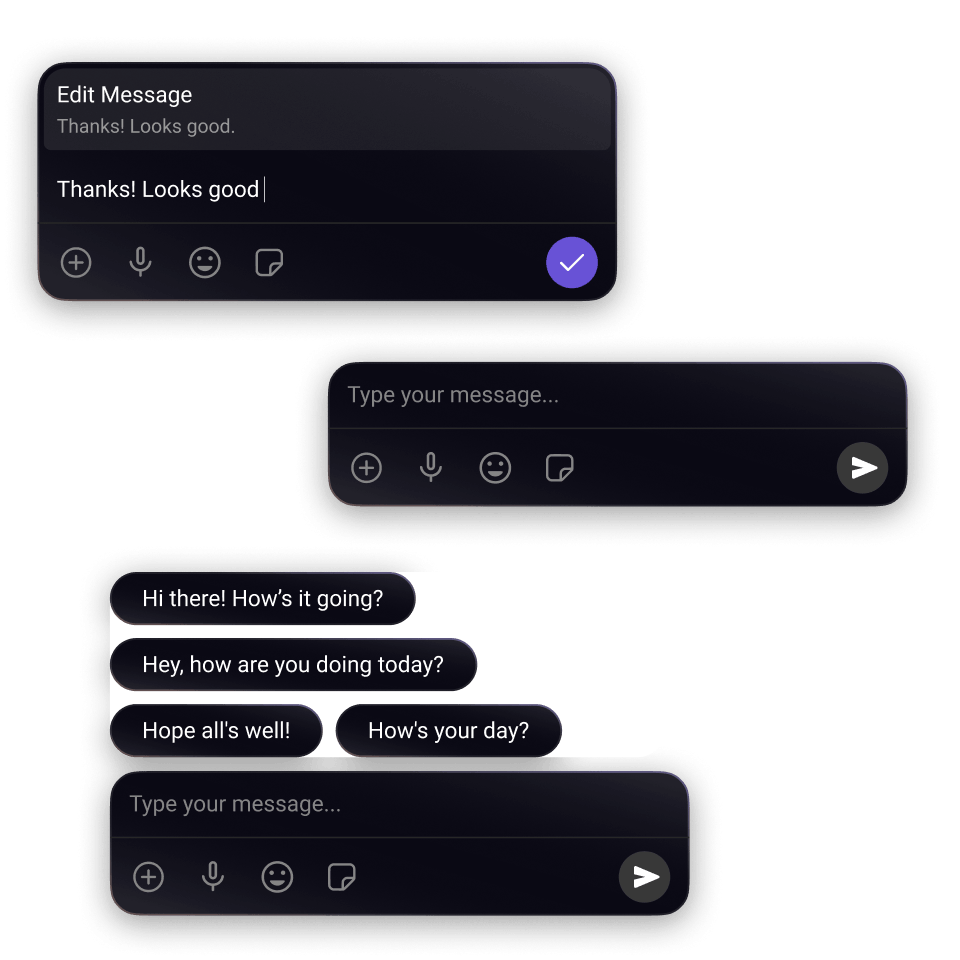
Input bar for composing and sending messages. Supports text input, media attachments, emoji, @mentions, and voice recording. AI Smart Replies and Conversation Summary appear here automatically when enabled.
Conversations with messages

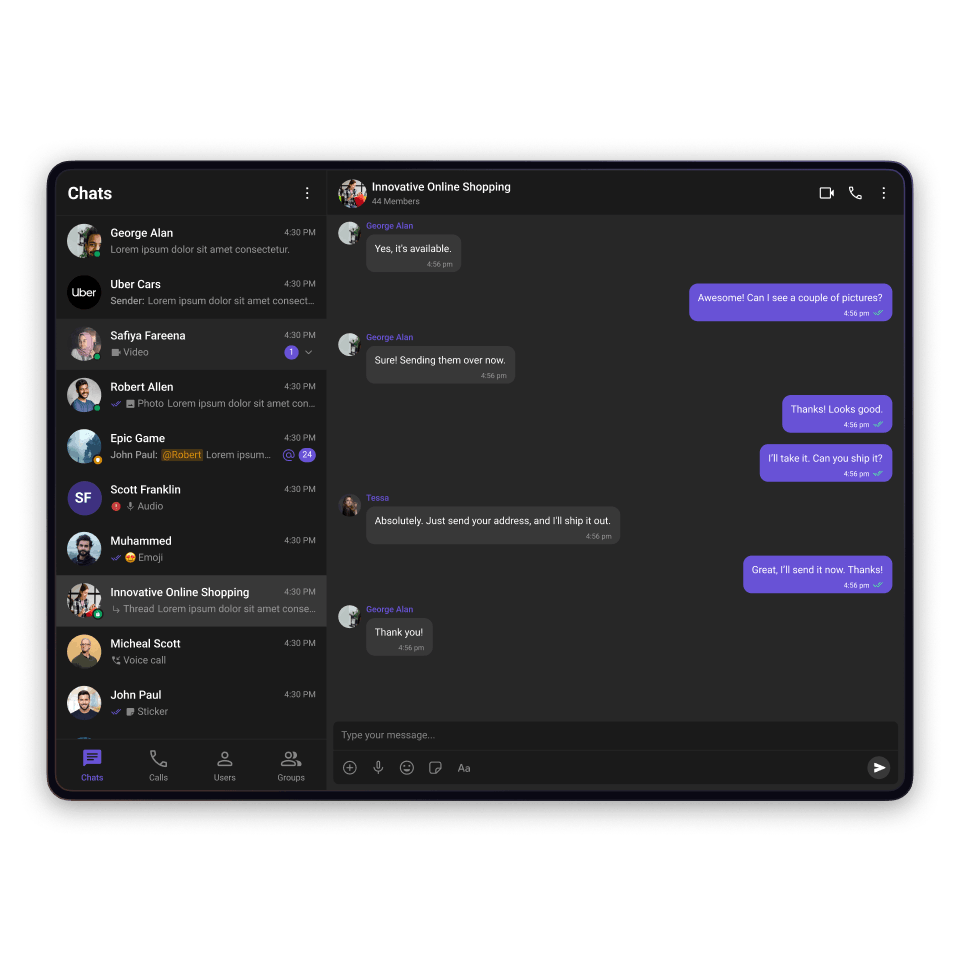
A composite component that combines Conversations, MessageHeader, MessageList, and MessageComposer. The four components introduced above, ready to mount as a single unit.
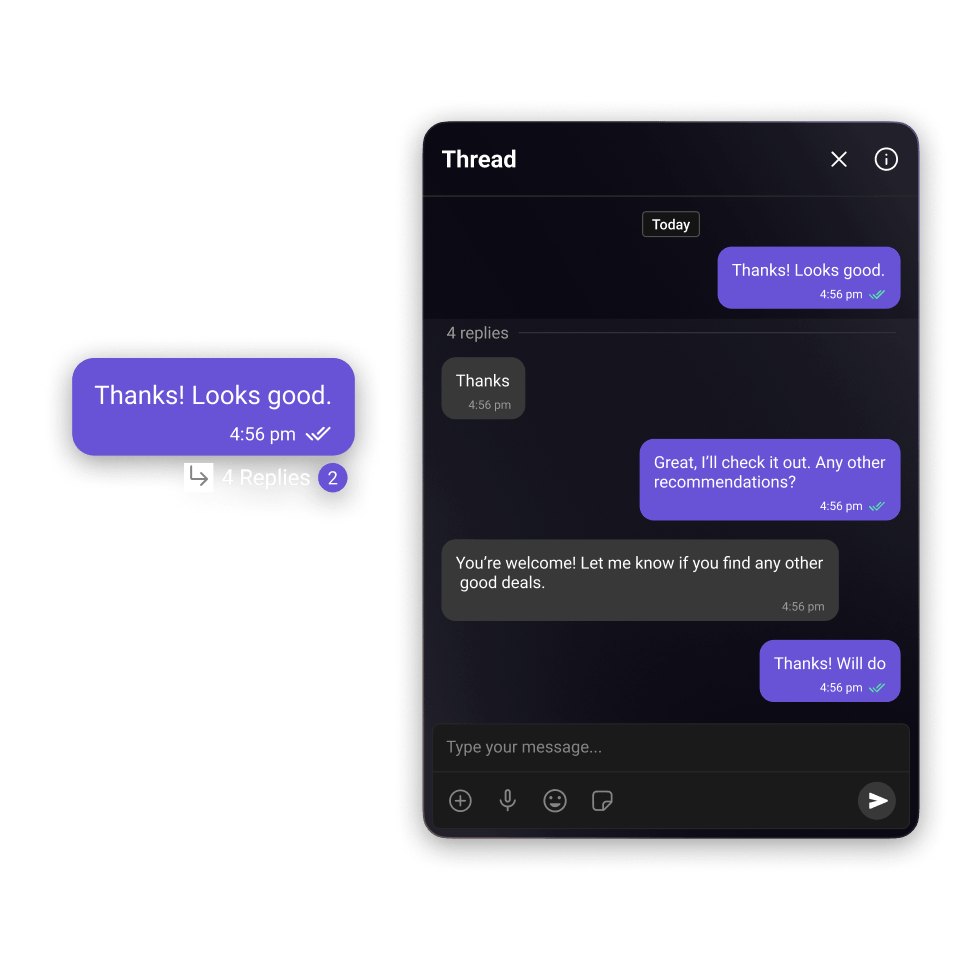
Threaded messages

Opens a focused reply screen for a specific message. Shows the parent message for context and maintains its own real-time message list and composer, keeping thread replies separate from the main conversation.
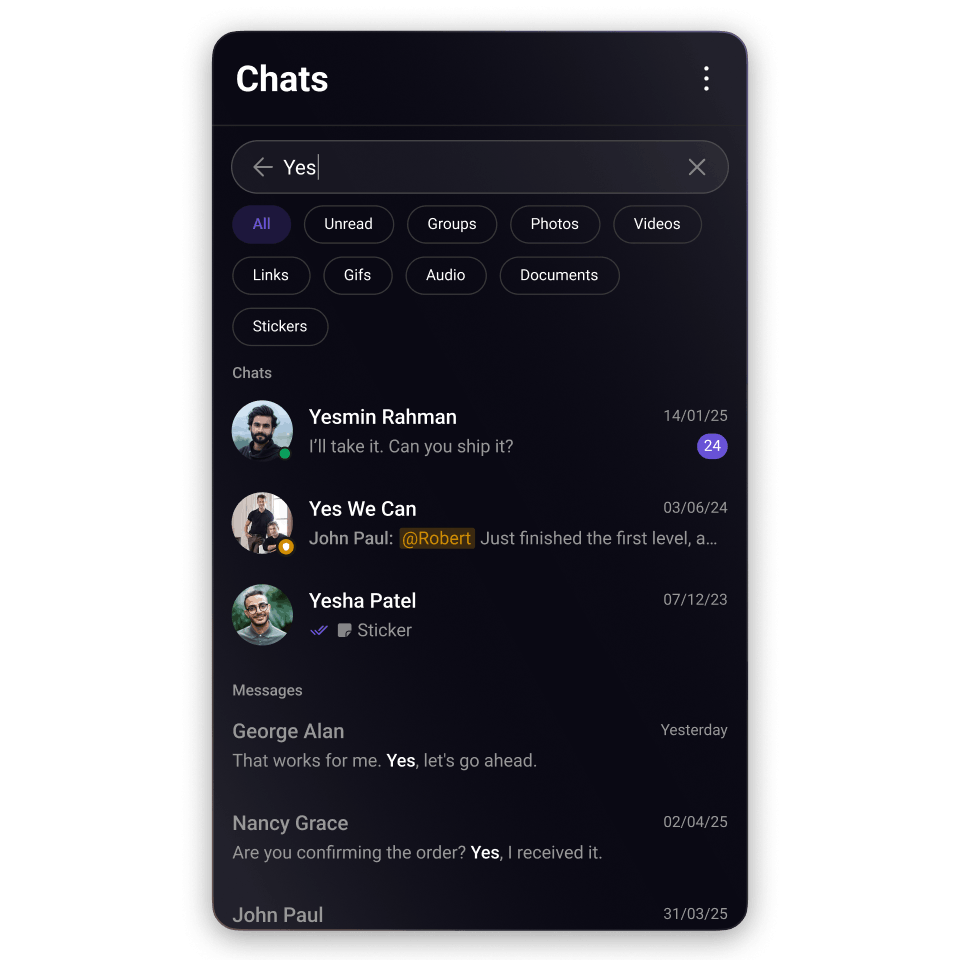
Search

Full-text search across all conversations and groups. Tapping a result navigates directly to that message in the conversation.
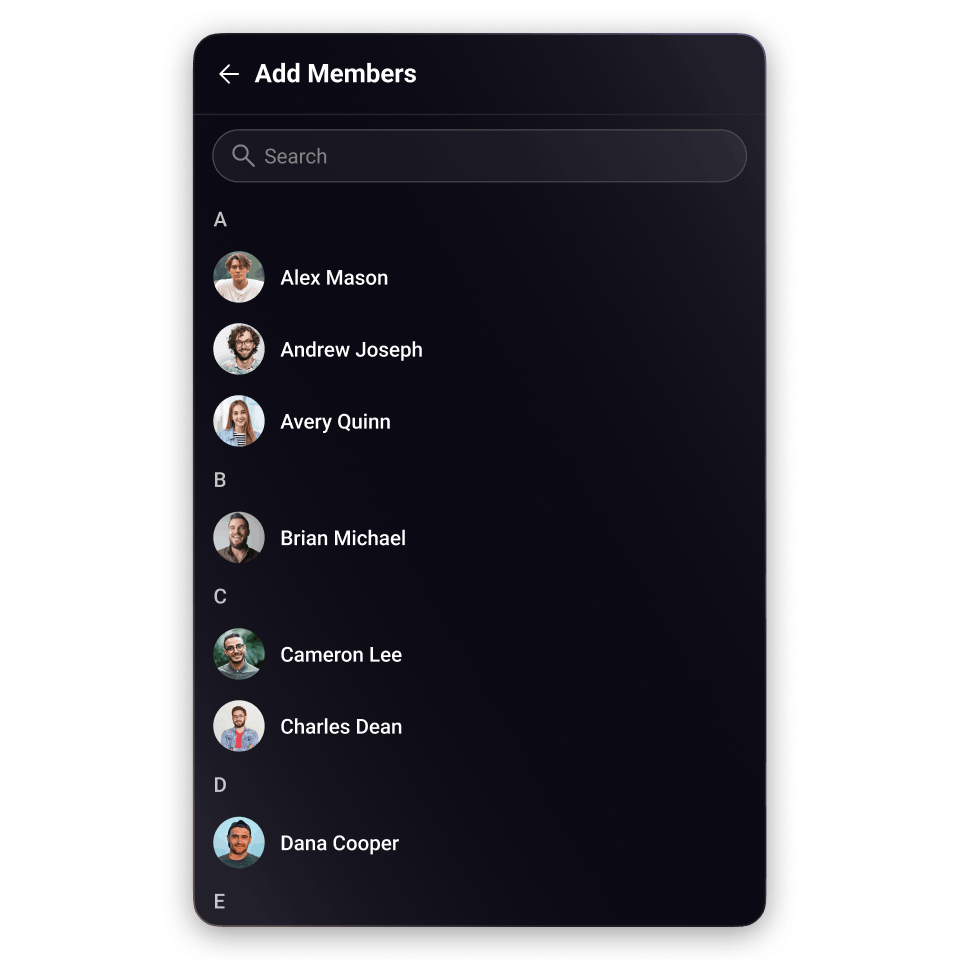
Users

Searchable list of all registered users. Used as the entry point for starting a new 1:1 conversation from within the app.

Group Chat Components

Extend into groups and communities

Create dynamic group and community experiences with components for member management, roles, and moderation.
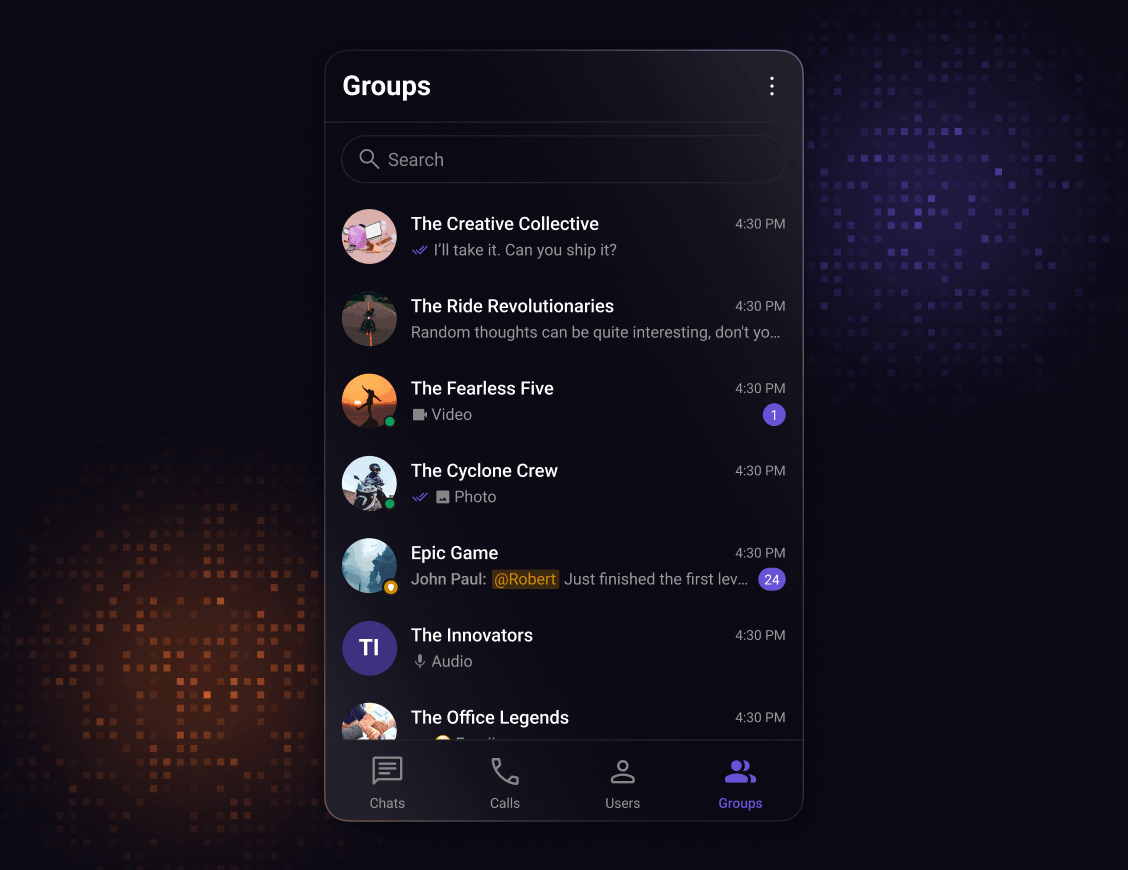
Groups

Searchable list of all available groups the logged-in user can browse or join. Tapping a group opens the group conversation directly.

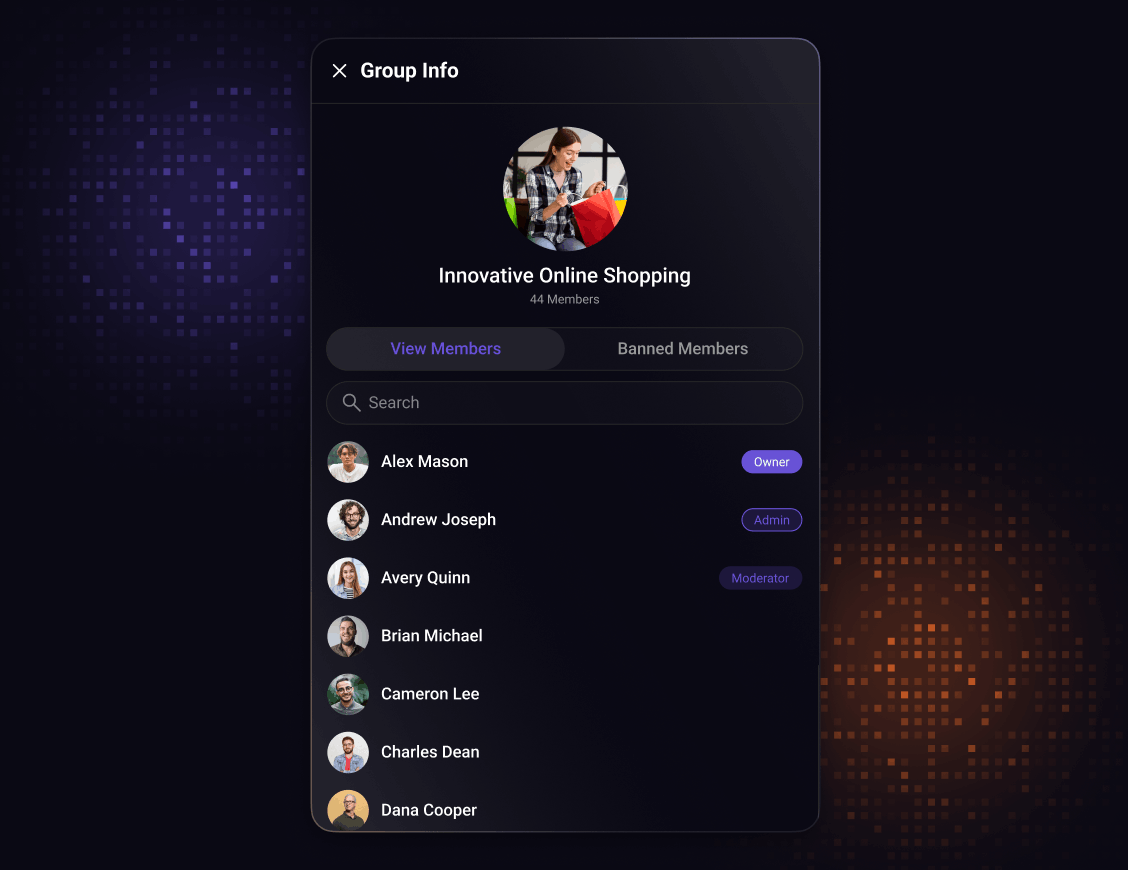
Group members

Displays all members of a group alongside their roles: admin, moderator, or participant. Accessible from the group details screen. Admins can change roles or remove members from this view.

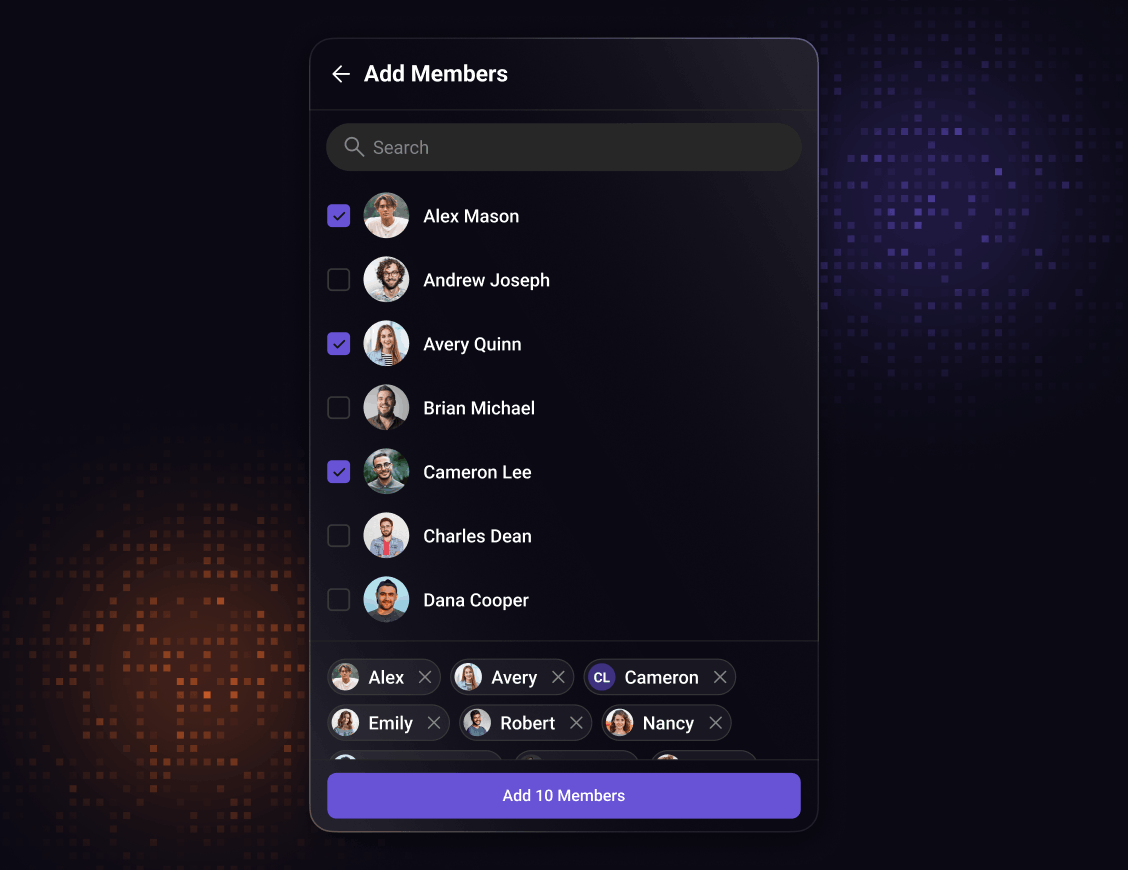
Add members

Search and select screen for adding new users to an existing group. Receives a group prop and renders a searchable user list. Available to group admins and owners only. Added users receive a notification.

Extended components

The details that make chat feel right

Add reactions, read receipts, presence indicators, and more with pre-built components that work seamlessly.

CometChat UI Kit components. Chat reactions

Reactions

Built-in emoji support with customizable reaction sets to match your app's personality.
CometChat chat UI Kit quoted replies

Threaded messages

Keep conversations organized with intuitive message threading. Users can create and follow discussion threads without losing context of the main chat.
CometChat UI Kit components. Message builder.

Message composer

Rich text editor with smart capabilities. Support for emojis, file attachments, and formatting, plus extensible for custom input types.
CometChat UI Kit components. Presence indicator.

Presence Indicators

Real-time user status updates show who's online and active. Automatic presence detection with customizable status messages.
CometChat UI Kit components. Read and delivered reciepts.

Read Receipts

Clear visual indicators show when messages are sent, delivered, and read.
CometChat UI Kit components. Message information.

Message Information

Detailed message context at a glance. Timestamps, sender info, and delivery status in a clean, customizable format.
CometChat UI Kit components,  unread message count

Unread Message Counts

Smart unread counters that automatically track messages across conversations, with customizable badge styling.
CometChat UI Kit components. Audio recorder.

Audio Recorder

Built-in recording with playback controls and automatic upload handling.
CometChat UI Kit components user avatars

Avatars

Add profile pictures that adapt seamlessly from chats to user lists. Built-in support for images, initials, and presence indicators

Calling Components

Go beyond messaging with real-time voice and video

Add high-quality voice and video calling directly into your chat experience.
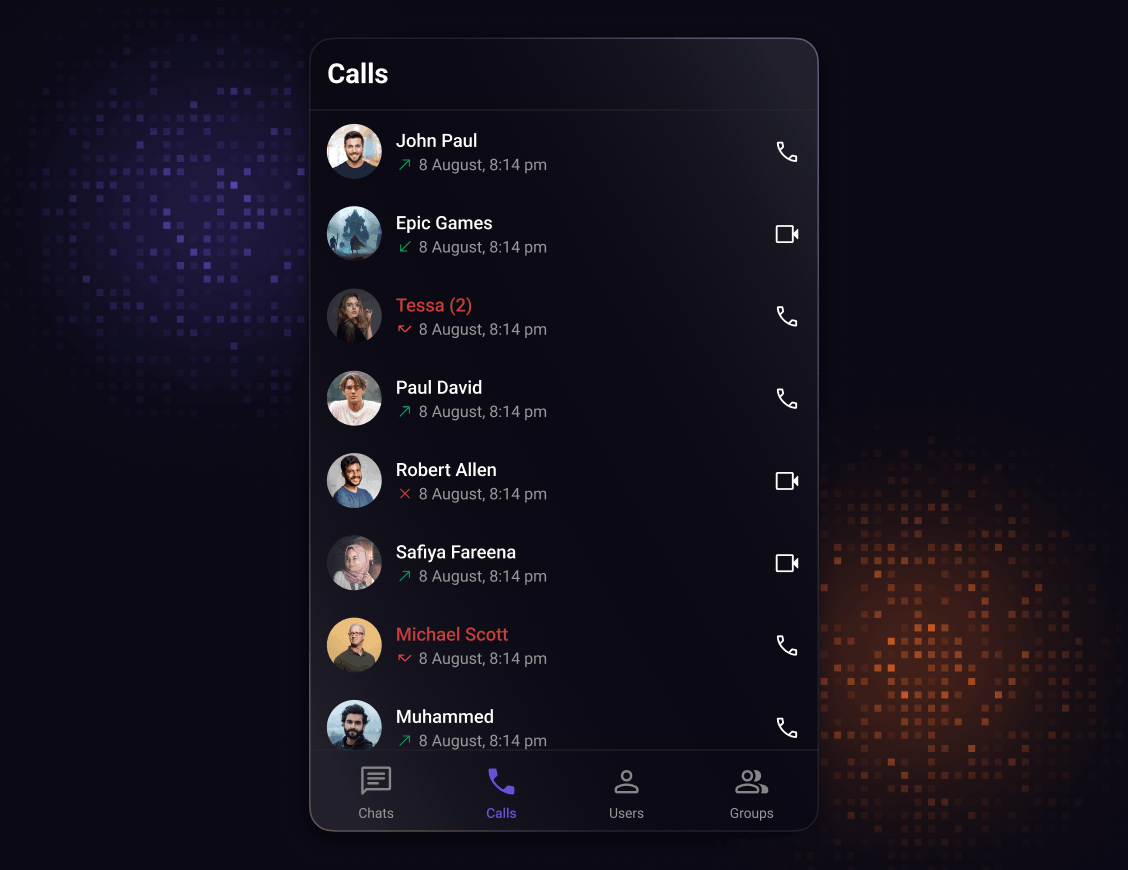
Call logs

Chronological call history showing incoming, outgoing, and missed calls. Each entry displays caller/callee, call type (audio or video), and timestamp, with a tap-to-callback button.

Ongoing call

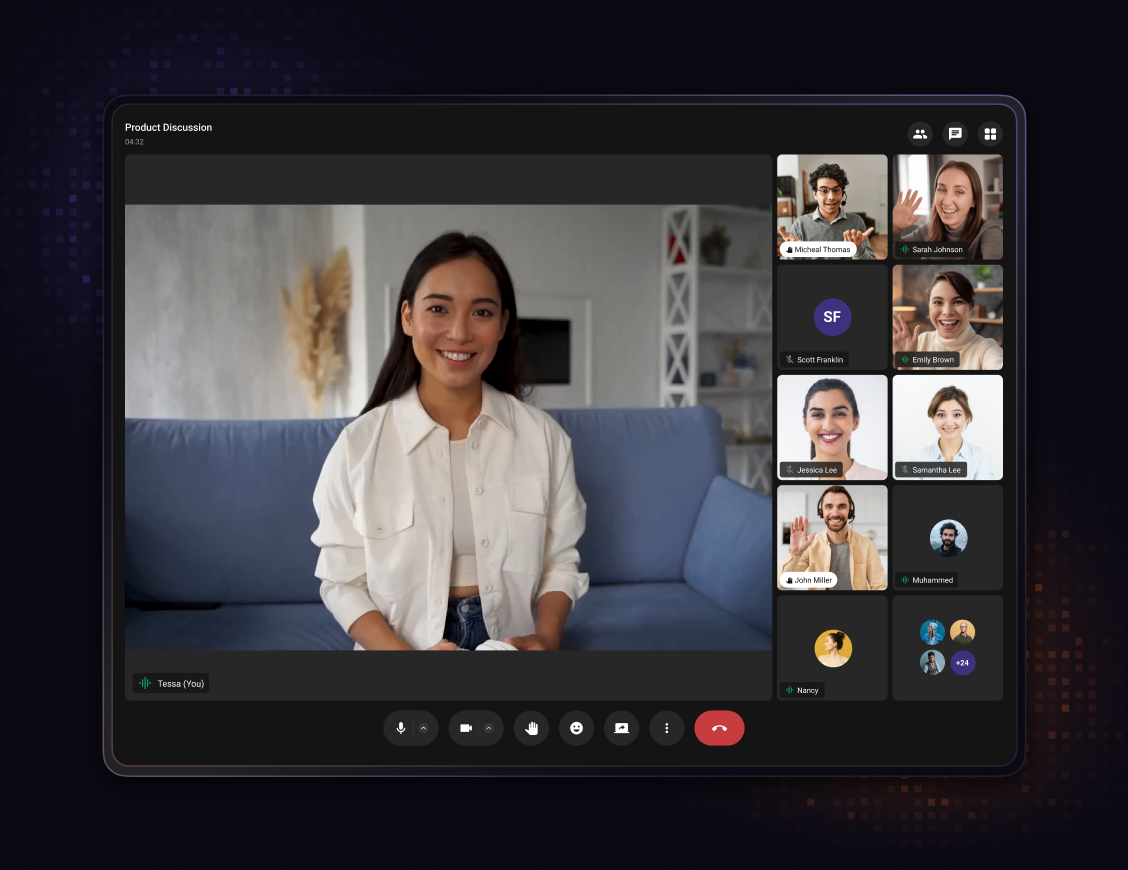
Renders the full-screen call interface with video display, mic and camera toggles, participant info, and call controls. Manages the complete in-call lifecycle until the call ends.

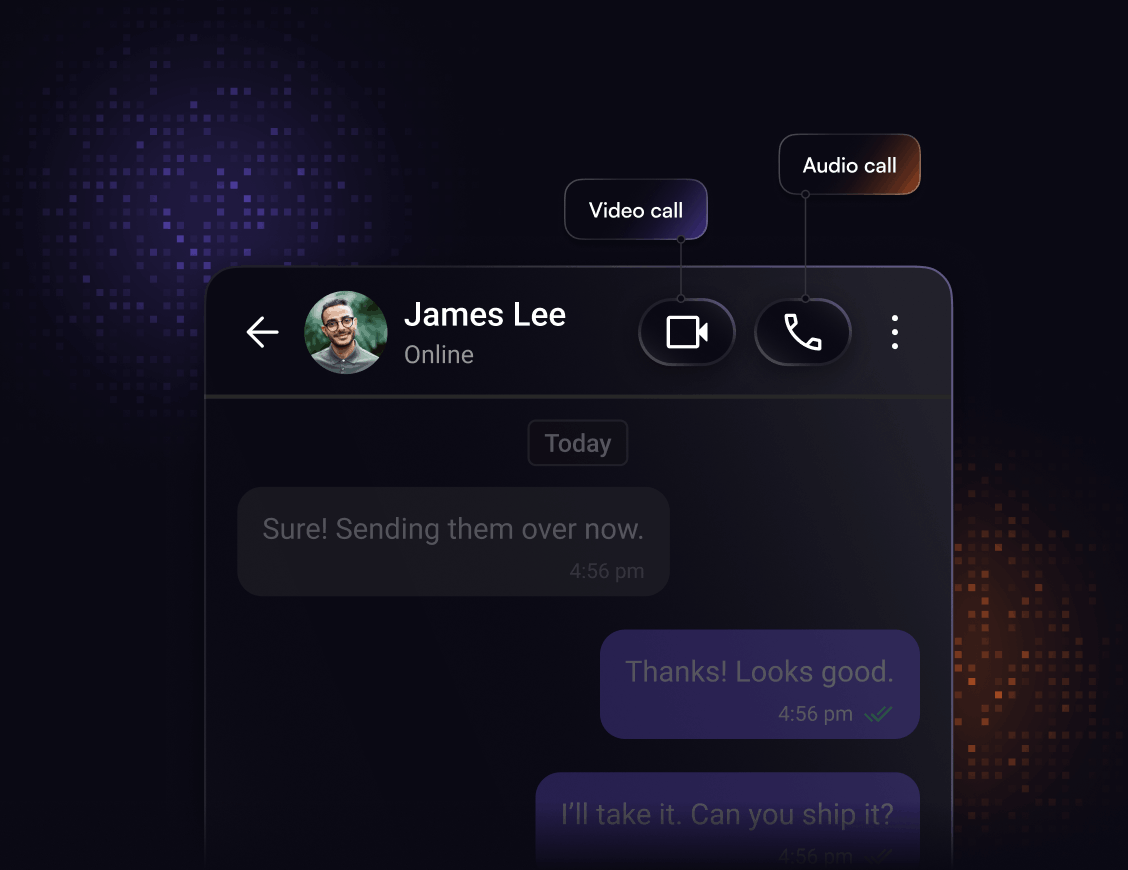
Call buttons

Voice and video call initiation buttons for a given user or group. Renders inside the message header once the calls SDK is installed. Handles the full outgoing call flow internally.

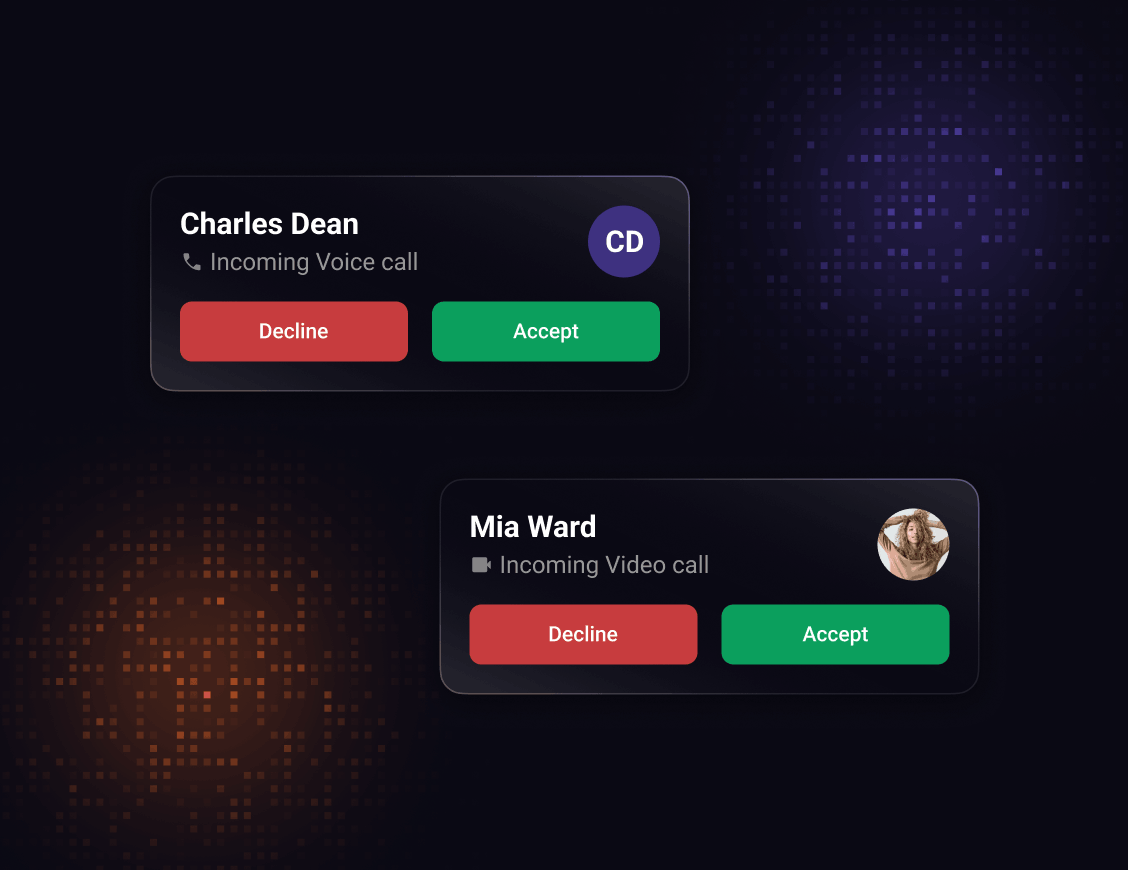
Incoming call

Full-screen overlay displayed when the device receives an incoming voice or video call. Shows caller details and presents answer and decline actions.

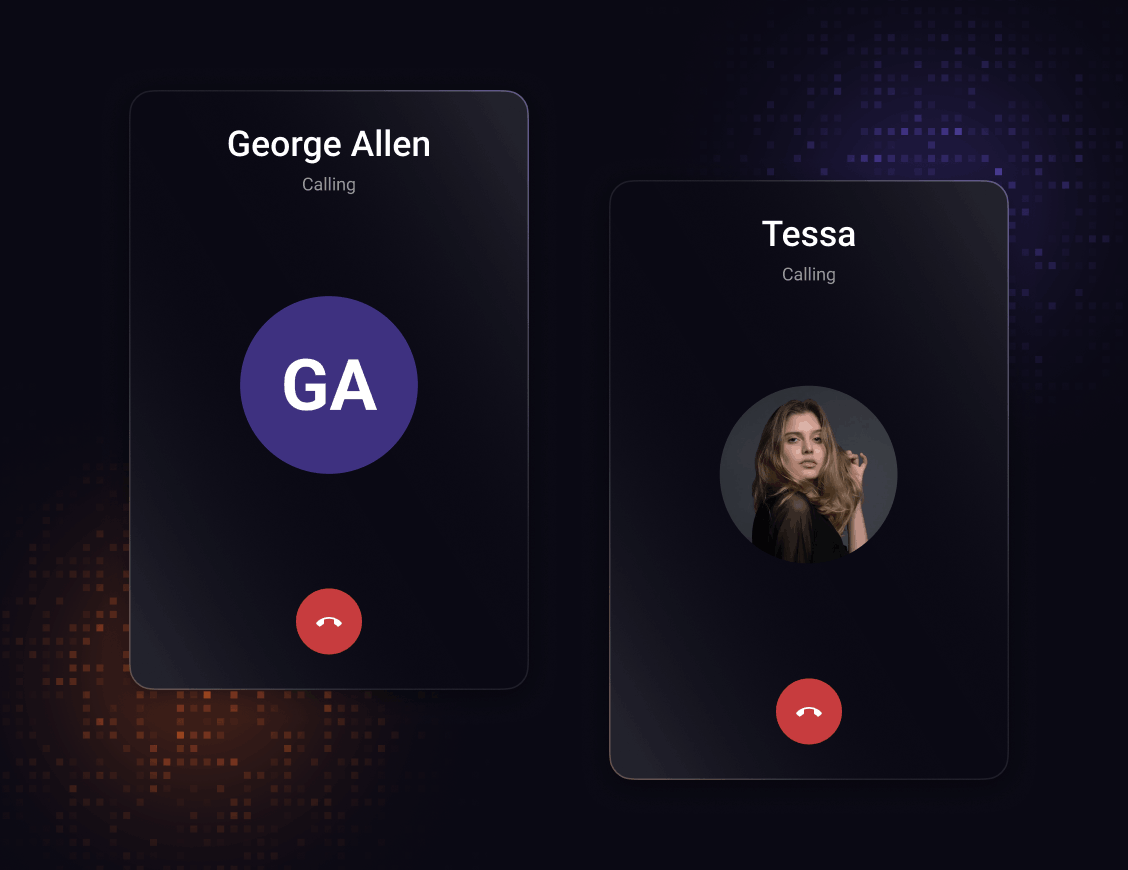
Outgoing call

Screen shown while waiting for the recipient to pick up. Displays the callee's details and a cancel button. Transitions to the ongoing call screen automatically when the call connects.

Integration Methods

Check out more integration tools

Start with any integration method and scale to others as your needs evolve.

Widget Builder

A no-code chat builder for any platform, built for high-impact use cases that need real chat fast and flexible.

Customize entirely and toggle chat functions as needed
Integrate with a single line of code
Deploy and launch your in-app chat

UI Kit Builder

A low-code chat builder that is fully customizable, easy to integrate, and scales with your product.

Individual chat components stitched together
Customize chat and toggle functions
Export source code and deploy

Chat SDKs

Open source SDKs and APIs for all popular frameworks to build bespoke chat experiences.

Fully customizable workflows
Build your own chat interface
Extend beyond core capabilities with ease

FAQ

Got questions? We’ve got answers.

Ellipse
CometChat Logo

Start building today

Build faster, scale smarter, and elevate your chat experience with tools that grow with your business.