React chat UI library
React chat UI components with embedded messaging logic
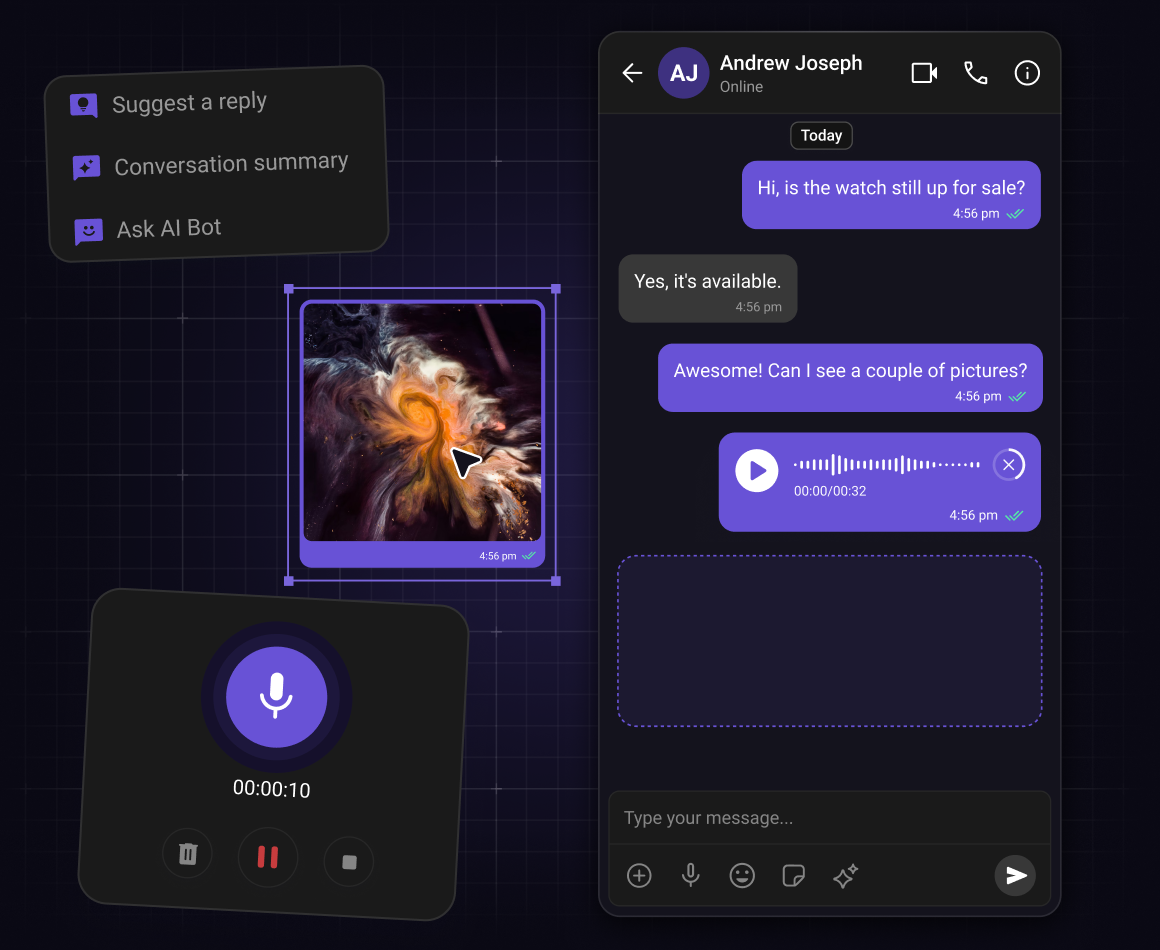


Chat & Messaging Components
Core components built for real-time conversations
Seamless 1:1 messaging with pre-built components that handle real-time updates, delivery, and user interaction.
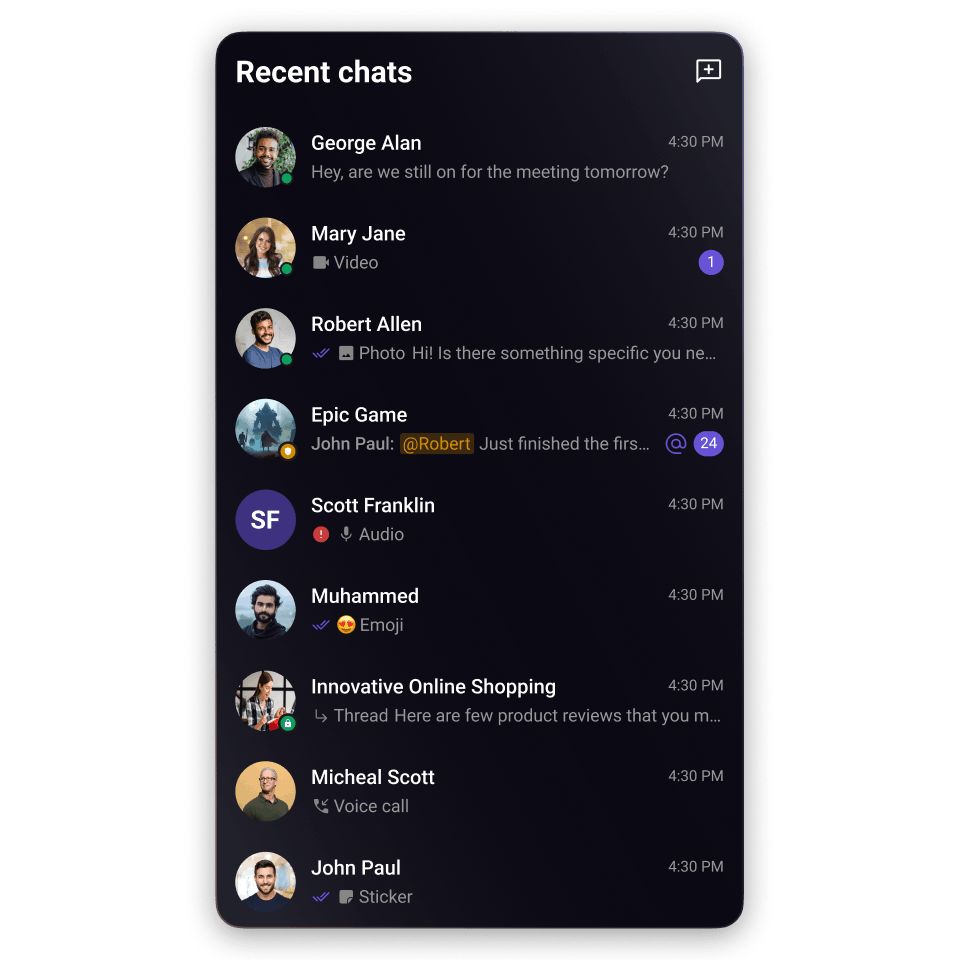
Renders the logged-in user's recent 1:1 and group conversations. Each row shows avatar, name, last message preview, timestamp, and unread count.
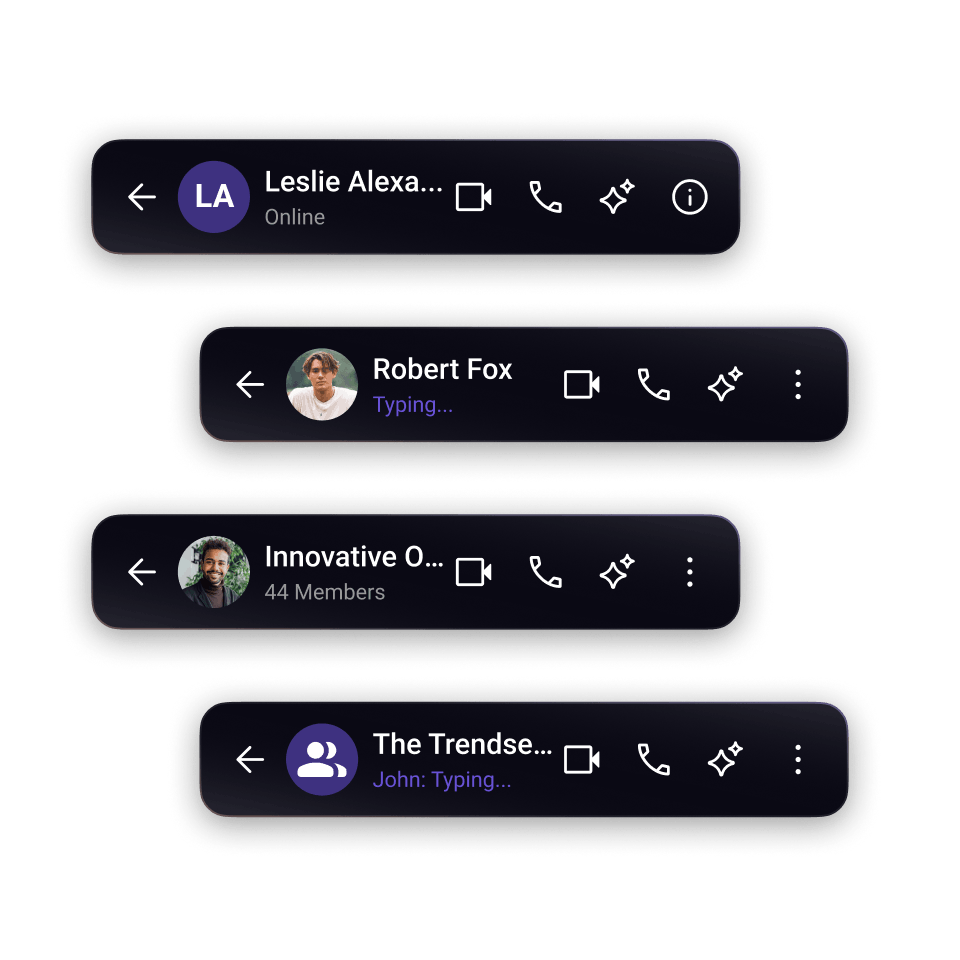
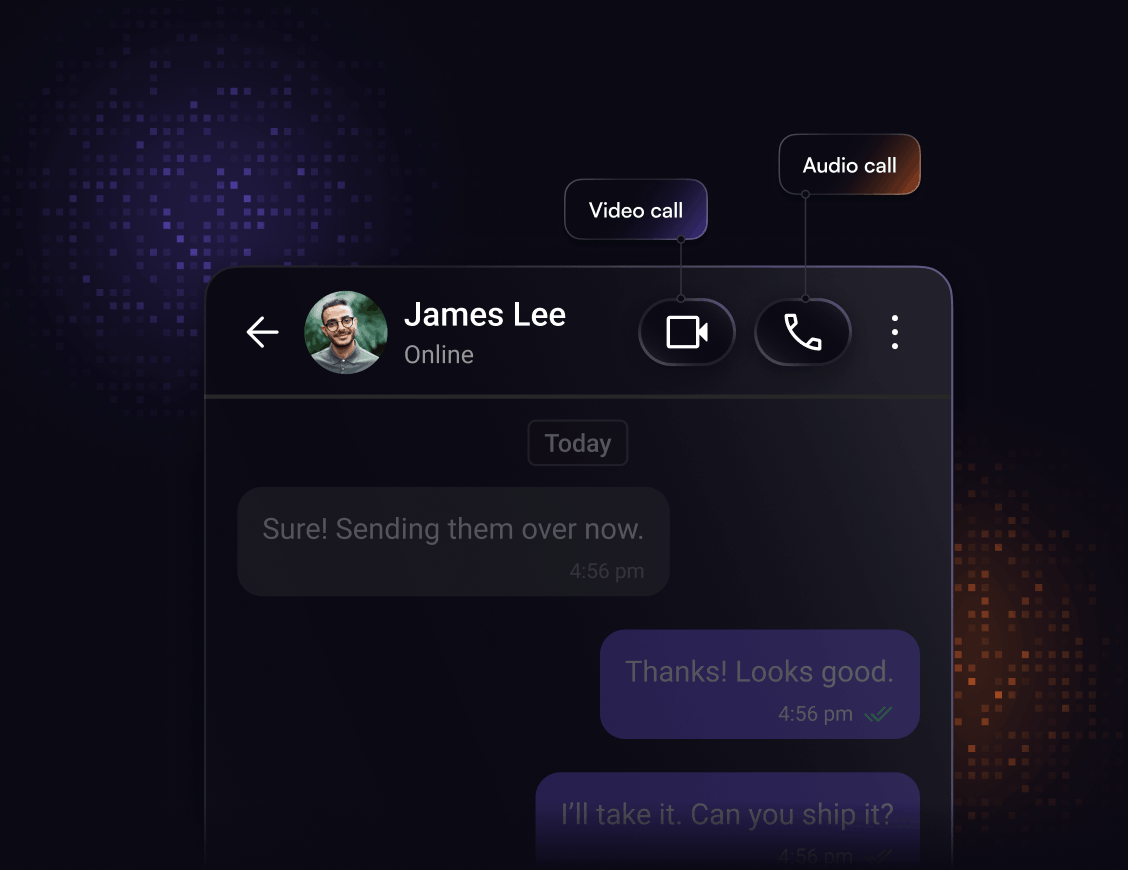
Renders the top bar of the message panel, consists of avatar, display name, online status, and typing indicator. Also the standard place to embed calling buttons when voice and video calling is needed.
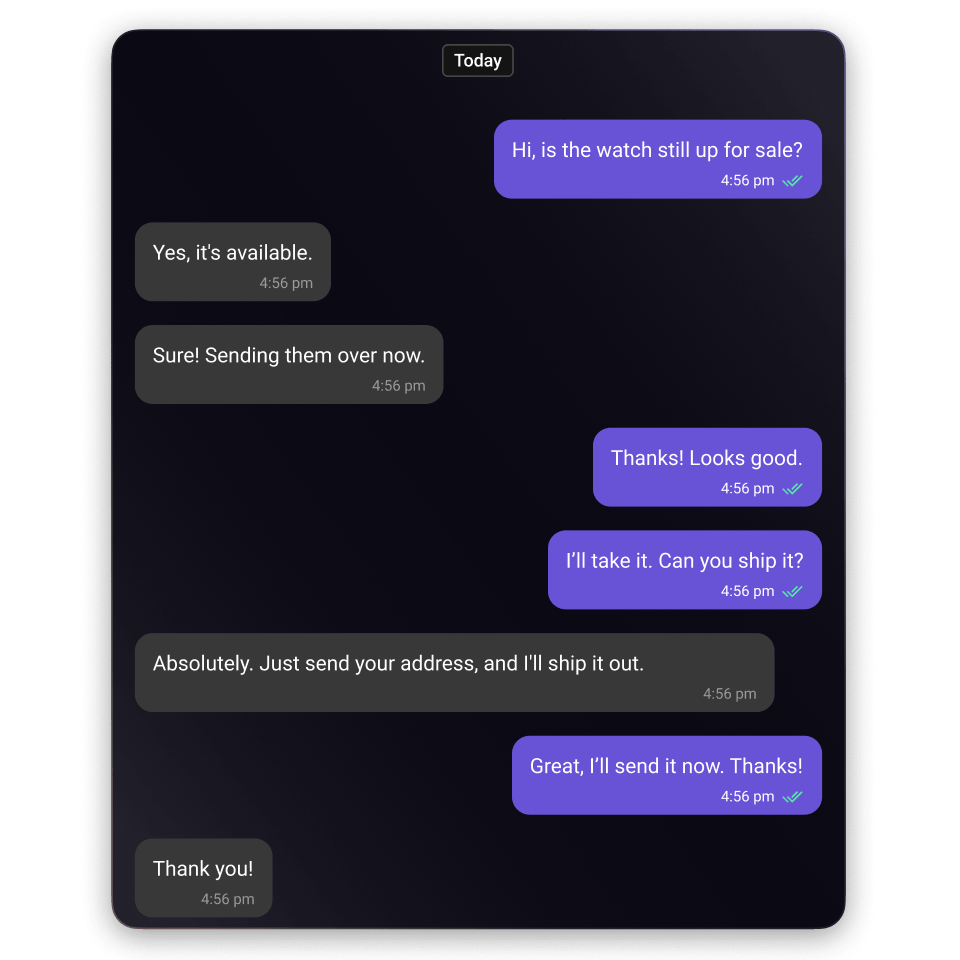
Scrollable list of sent and received messages with text, media, reactions, read receipts, threaded replies, and AI features.
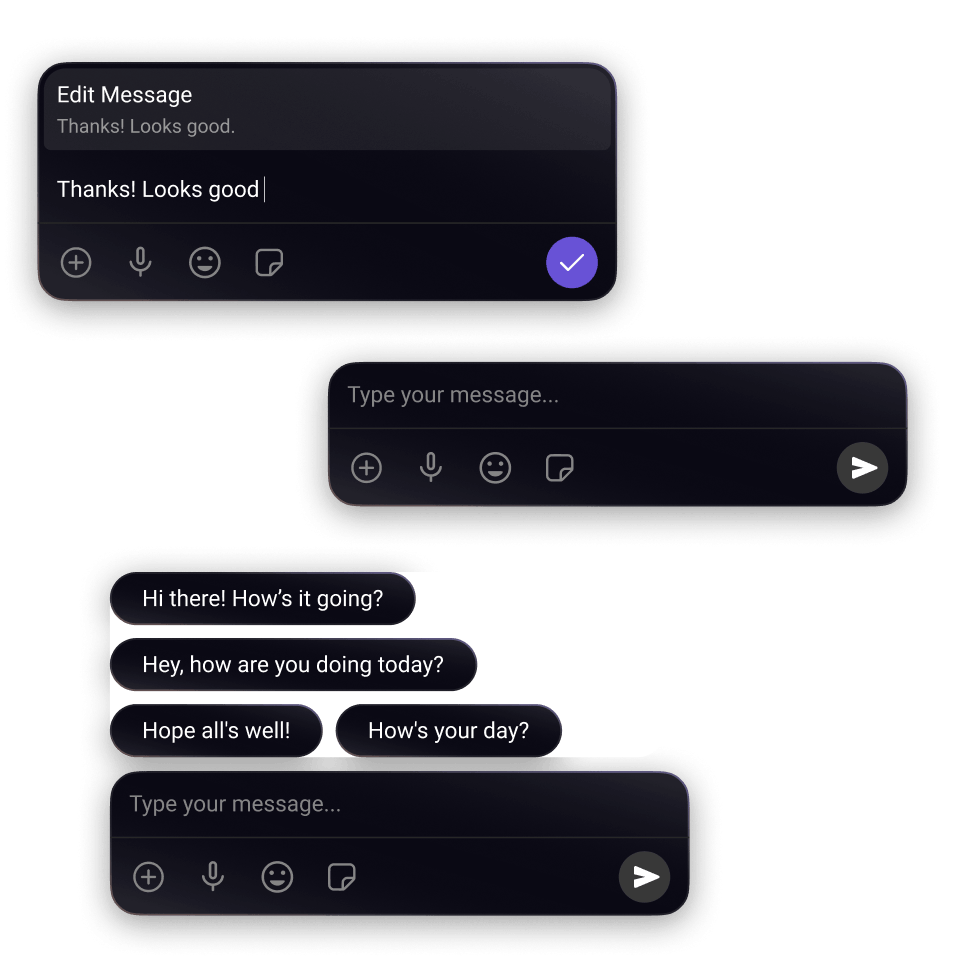
Input bar for composing and sending messages. Supports text, media attachments, emoji, @mentions, and voice notes out of the box.
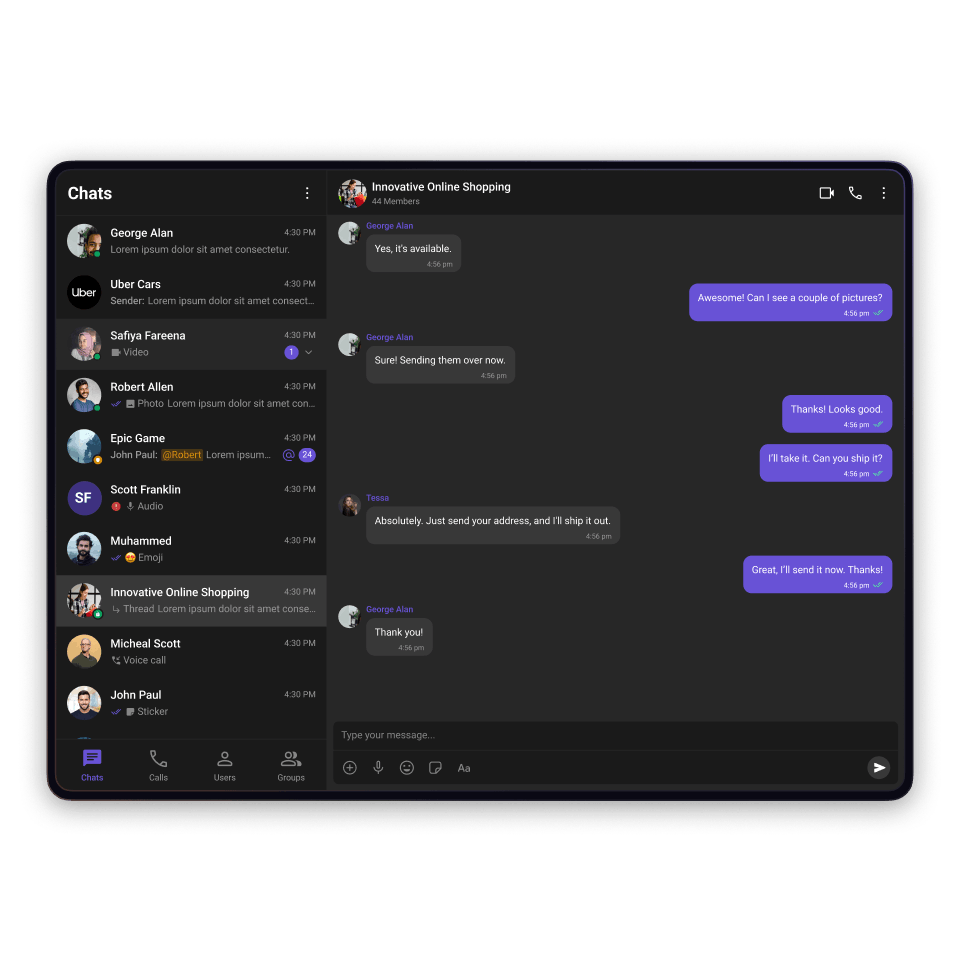
A composite component that combines Conversations, MessageHeader, MessageList, and MessageComposer into a single drop-in. Use this when you want a complete two-panel chat layout without assembling the individual pieces yourself.
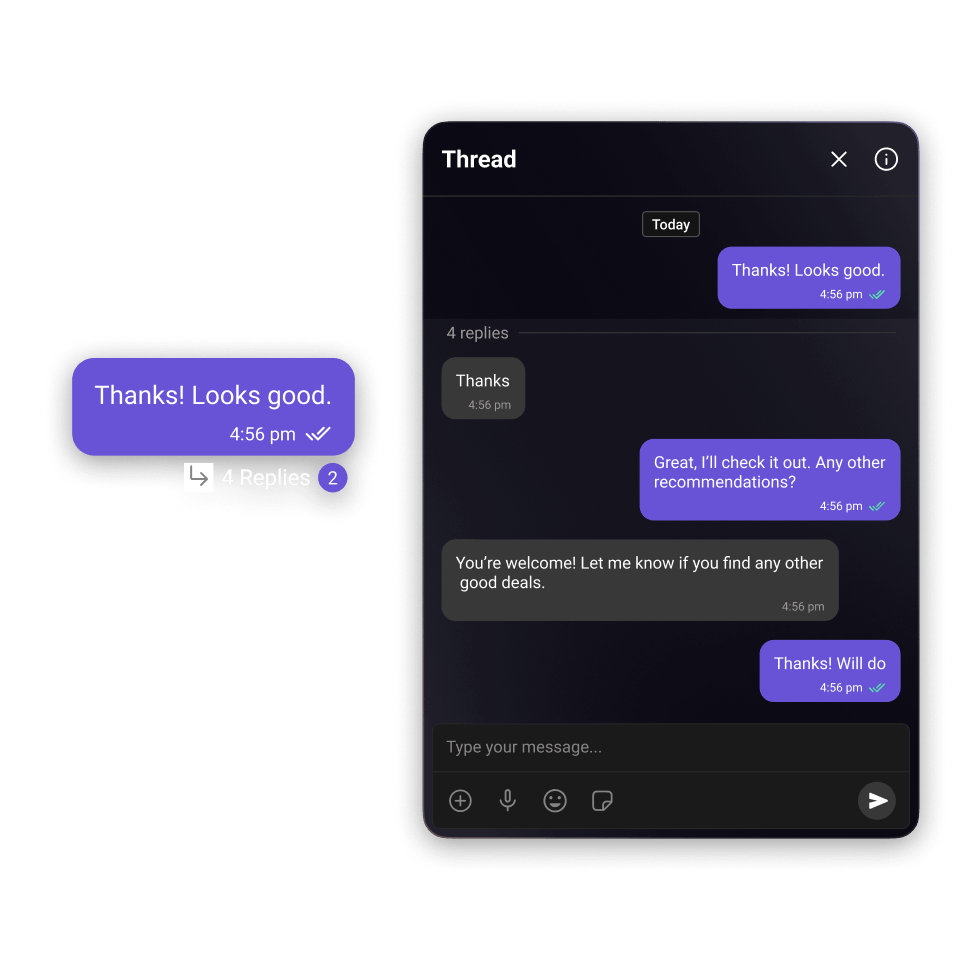
Opens a focused sub-conversation panel for any message, displaying the parent message and reply count at the top, with its own real-time message list and composer, allowing users to engage in threaded discussions without leaving the main conversation view.
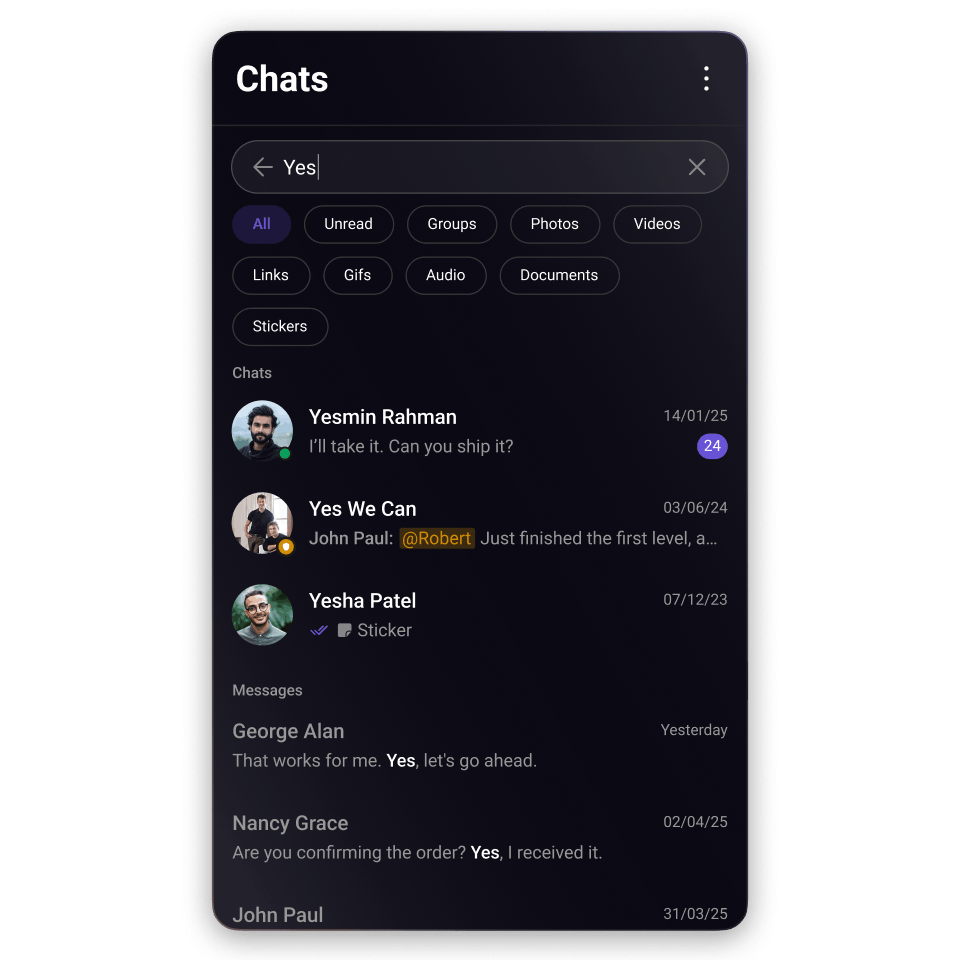
Full-text search across all conversations groups and messages. Renders matching results with context and allow users to navigate directly to the result.
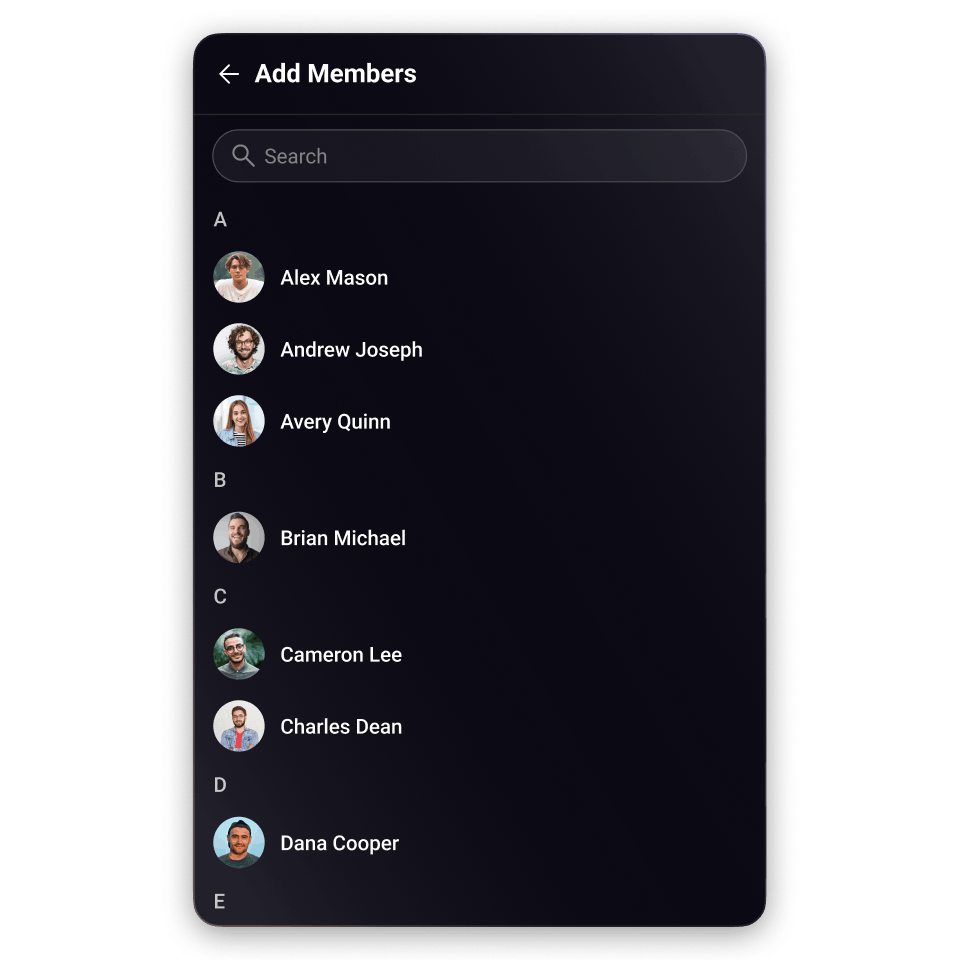
A searchable, scrollable list of all registered users in your app. Tap any user to open a direct chat. Used as the entry point for starting a new 1:1 conversation.
Group Chat Components
Extend into groups and communities
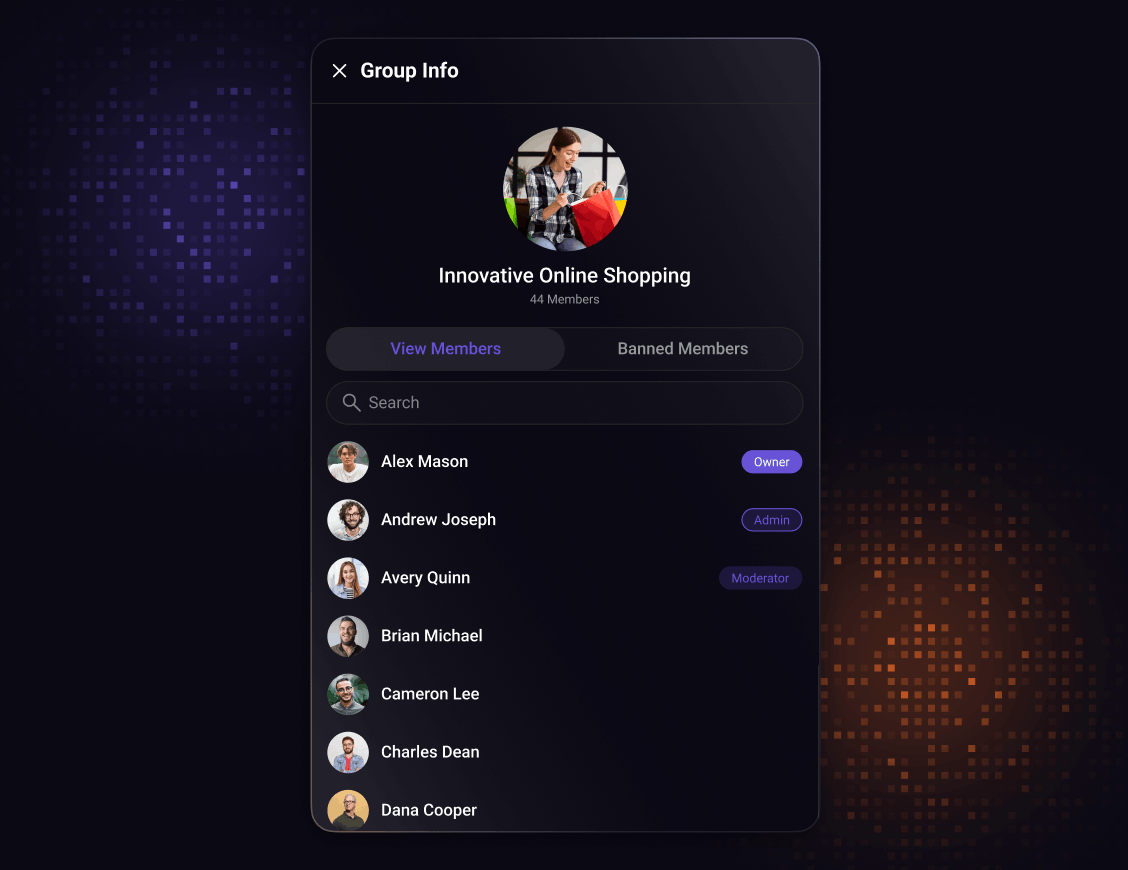
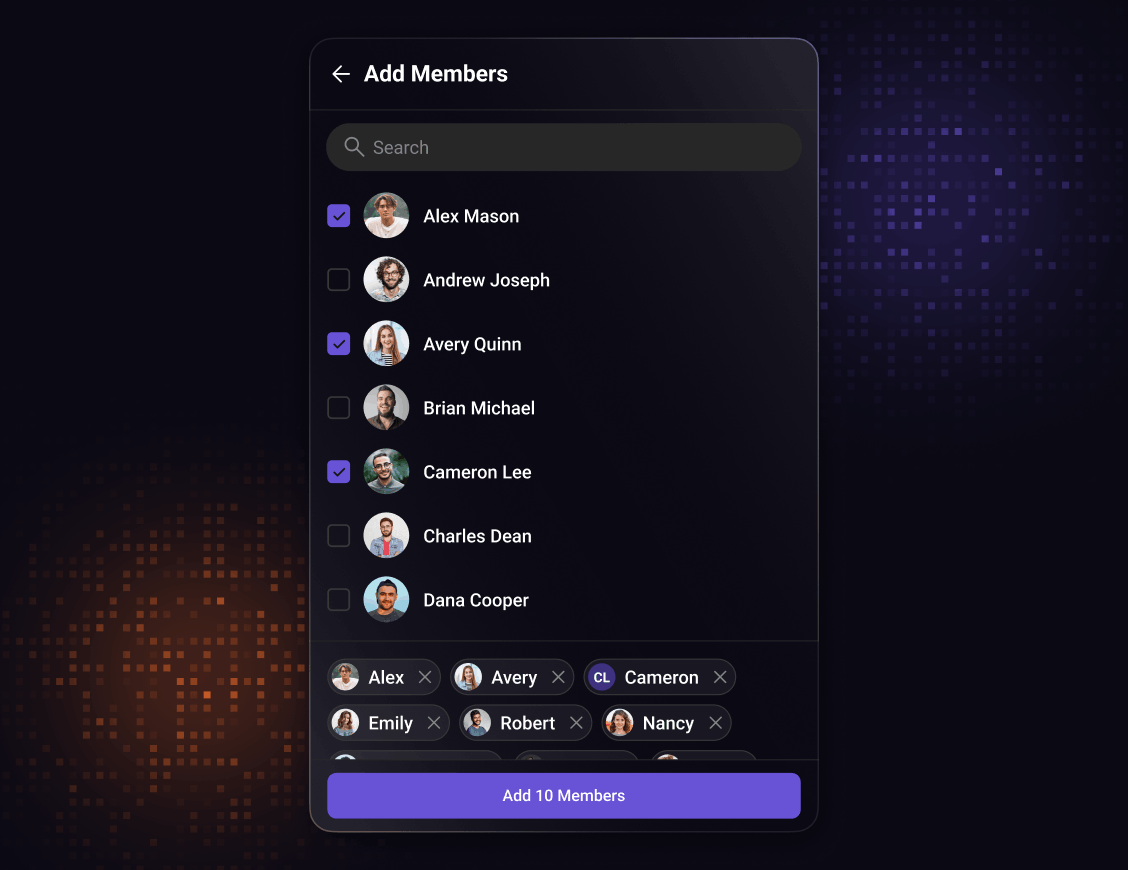
Create dynamic group and community experiences with components for member management, roles, and moderation.
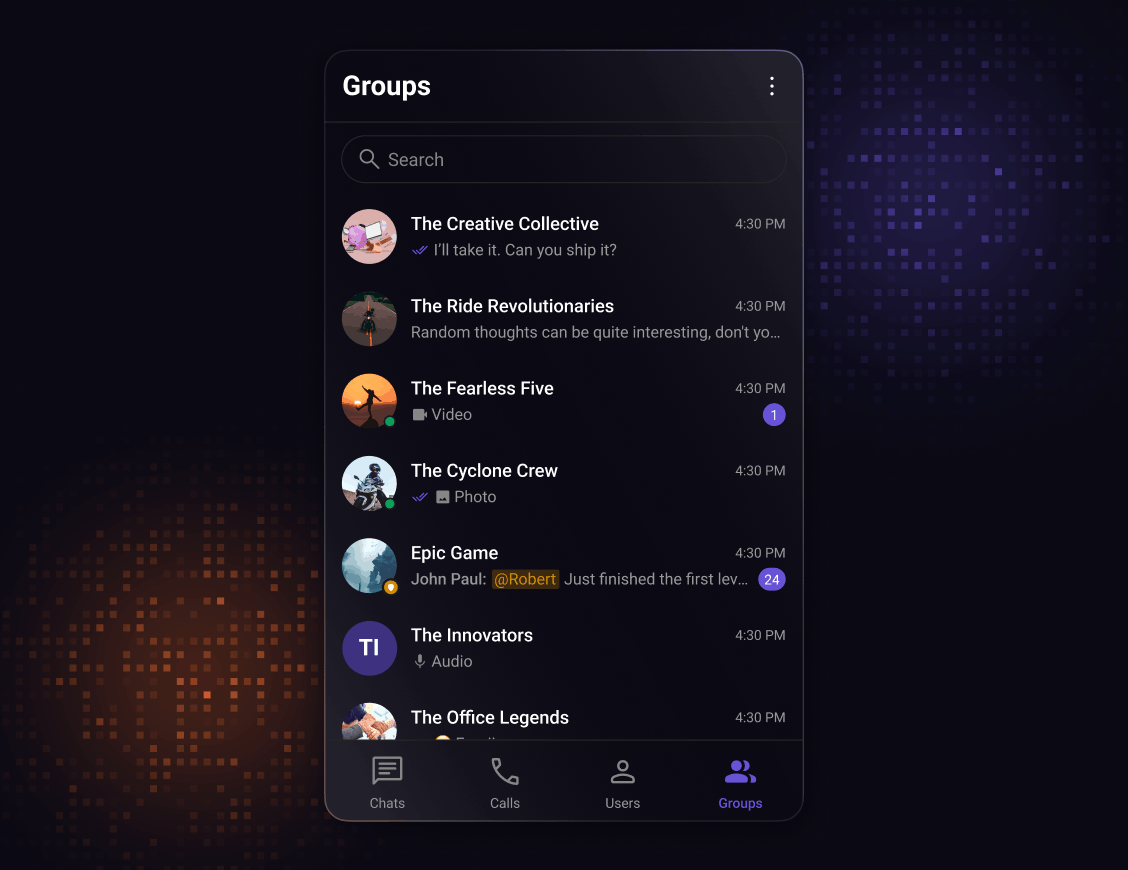
Groups
Group members
Add members
Extended components
The details that make chat feel right
Add reactions, read receipts, presence indicators, and more with pre-built components that work seamlessly.

Reactions

Threaded messages

Message composer

Presence Indicators

Read Receipts

Message Information

Unread Message Counts

Audio Recorder

Avatars
Calling Components
Go beyond messaging with real-time voice and video
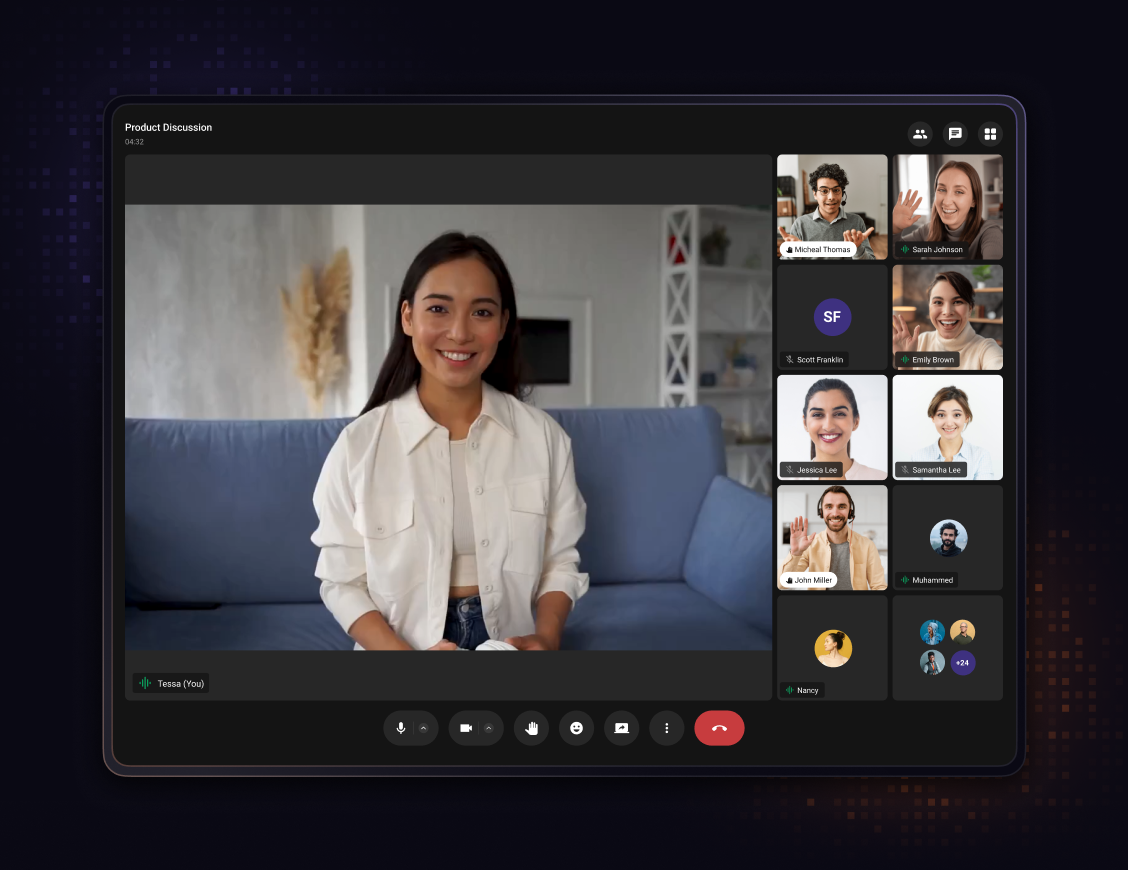
Add high-quality voice and video calling directly into your chat experience.
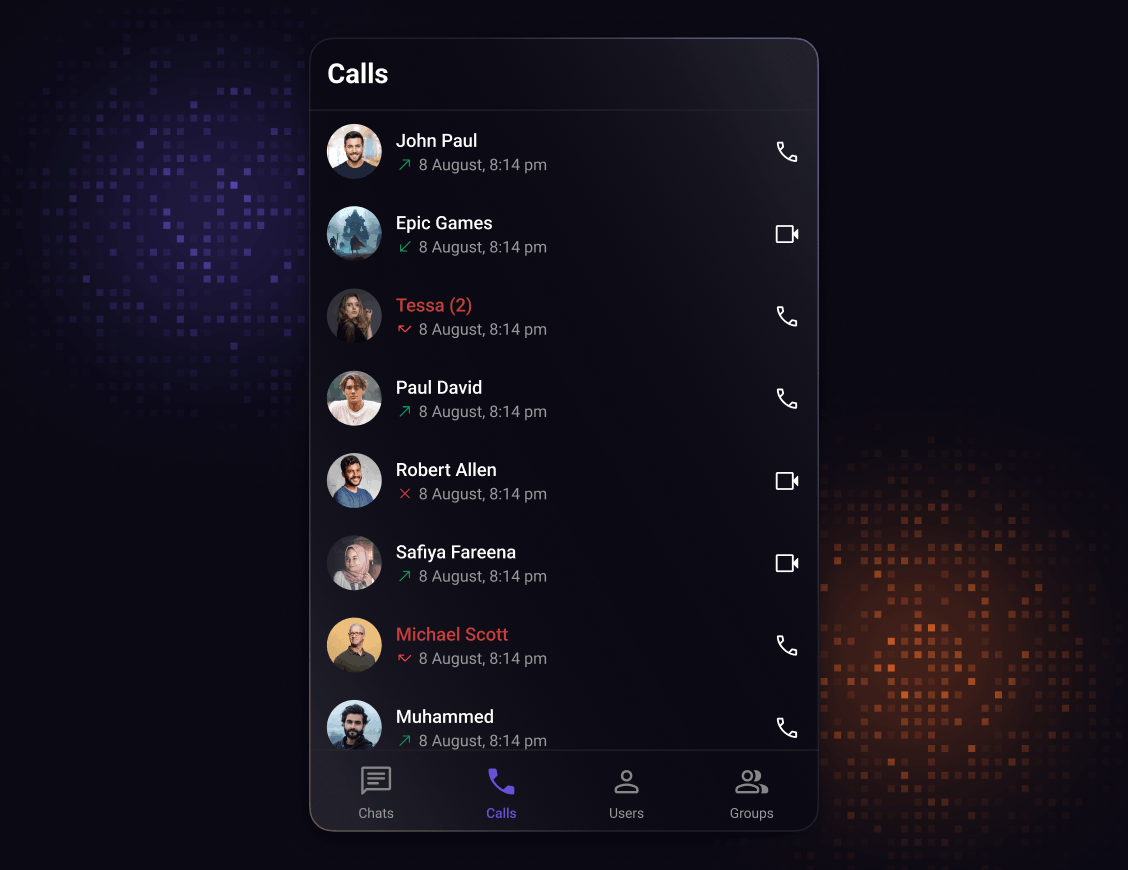
Call logs
Ongoing call
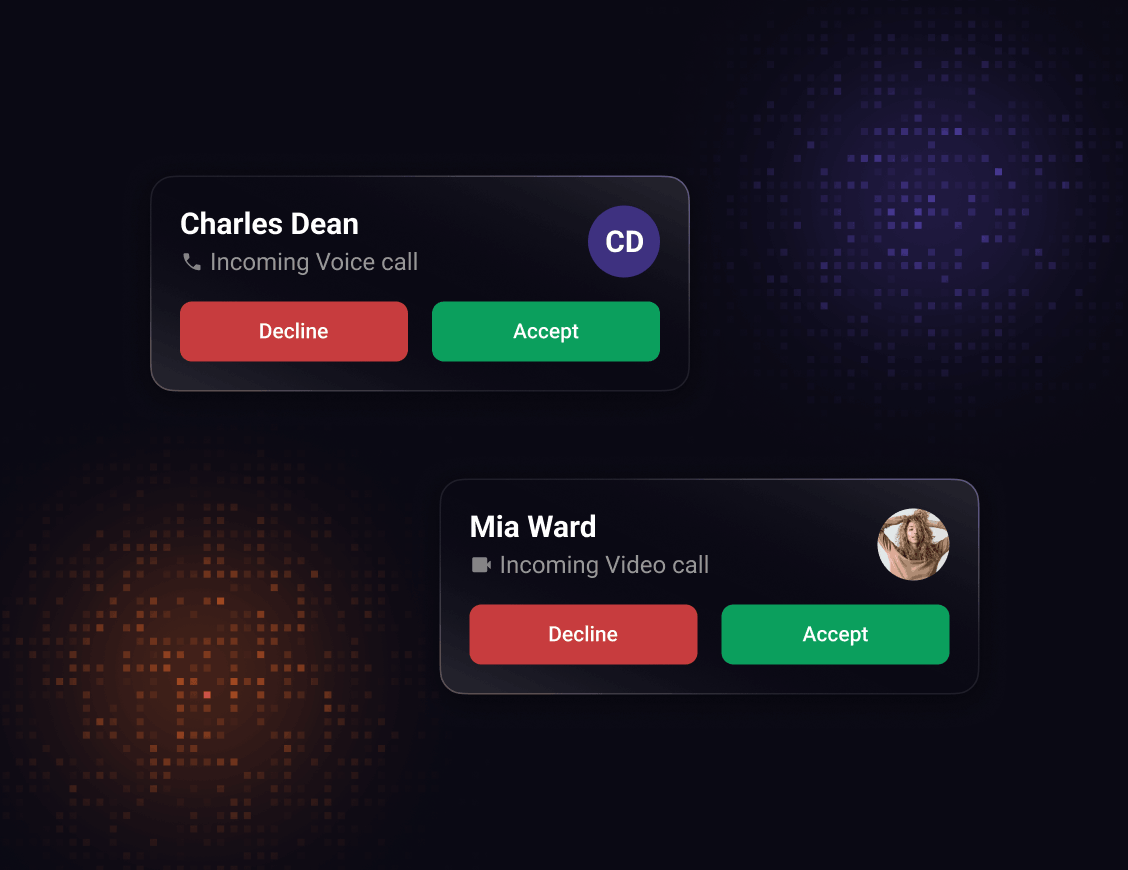
Call buttons
Incoming call
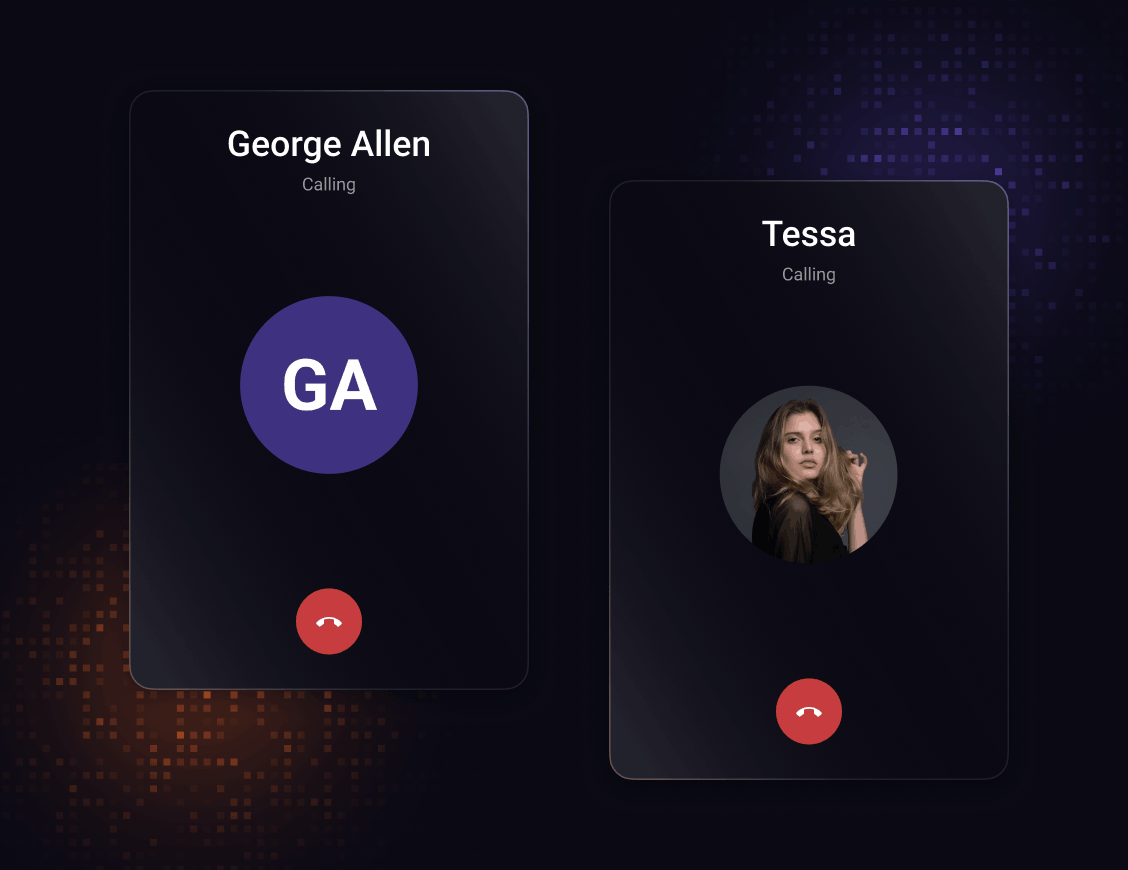
Outgoing call
Integration Methods
Start with any integration method and scale to others as your needs evolve.
Widget Builder
A no-code chat builder for any platform, built for high-impact use cases that need real chat fast and flexible.

UI Kit Builder
A low-code chat builder that is fully customizable, easy to integrate, and scales with your product.
Chat SDKs
Open source SDKs and APIs for all popular frameworks to build bespoke chat experiences.
FAQ
Got questions? We’ve got answers.
Yes. Each component connects to the CometChat backend — you need a CometChat App ID, Region, and Auth Key to initialise the UI Kit. You can create a free account to get these credentials. The components handle all WebSocket connections, real-time listeners, and SDK calls internally once initialised.
You can use as many or as few as your app needs. The components are independent and there's no requirement to use the full set. A support chat use case might only need a few components like the message header, message list, and message composer. A full-featured messaging app would use more. Import only what you need.
Three levels of customisation are available before you need to write anything from scratch. First, CSS variable overrides for visual changes. Second, view slots for replacing specific UI regions inside a component with your own React elements. Third, callback props (onItemClick, onError, onSendButtonClick, etc.) for hooking into component behaviour. If none of these cover your case, the UI Kit source code is available on GitHub, you can fork and modify it directly.
The UI Kit components (@cometchat/chat-uikit-react) are the underlying React components you assemble and wire together in your own codebase — full control, written in your project. The UI Kit Builder is a visual configuration tool that generates the integration code for you and exports it as React-ready files. Both use the same components under the hood. The Builder is a faster starting point; the components directly give you more control over layout and composition.
Yes. The core package @cometchat/chat-uikit-react handles all messaging components. Calling components require an additional peer dependency: @cometchat/calls-sdk-javascript. Install it separately when your use case needs calling. If you don't install it, the messaging components work without it.
React.js, Next.js, React Router, and Astro. React ≥18 is required across all of them.
Let's map out how CometChat works for you.
30 minutes. Real answers. A plan you can actually act on.
Pick a time that works, talk to someone who knows the product.
Your use case shapes the call - no guessing, no repeating yourself.
No commitment. Just a straight conversation about how this fits - and if it doesn't, we'll say so.
Trusted by teams building conversations at scale.