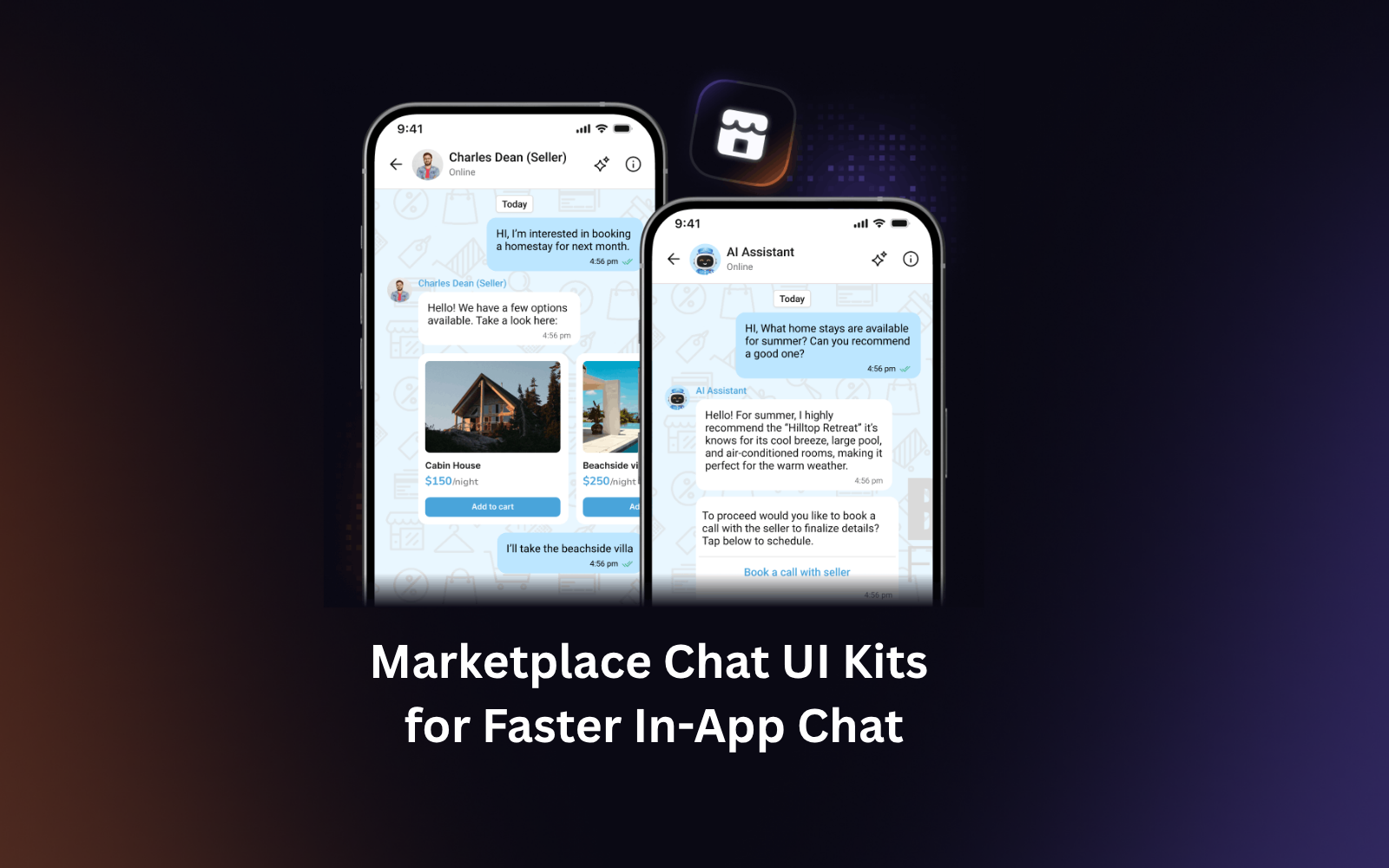
An in-app chat UI kit is a package of prebuilt, drop-in UI components - conversation list, message list, composer, calling screens that already handle the SDK wiring, real-time listeners, and local state, so you can ship a working chat experience in an afternoon instead of a sprint. You install the package, drop the components into your layout, connect your app credentials, and it works. CometChat is a chat and messaging platform for developers, and its UI Kits ship these components across React, React Native, Flutter, Angular, iOS, and Android.
If you've already decided you want a kit, this is the part you care about: what's in the box, what you no longer have to build, and where the time actually goes.
The part nobody scopes: the features that are trivial until they aren't
The chat backend is the easy part. The UI is where the weeks go. Typing indicators, presence, read receipts, threads, unread counts, retry logic, message lists that scroll the correct direction, real-time listeners that don't leak when a component unmounts - none of that shows up in the demo, all of it shows up in production. The CometChat UI Kit exists precisely so you don't rebuild that pile from scratch. Every CometChat component manages its own data loading, its own listeners, and its own state. You compose, you don't wire the SDK by hand.
What the CometChat UI Kit gives you out of the box
These are the core CometChat components. Map them straight to your sprint board.
| CometChat component | What it handles for you |
|---|---|
Conversations
| Recent-chats list with previews, timestamps, unread counts, live updates
|
Message List
| Renders text, media, and custom messages; read/delivery receipts; reactions; scroll behavior
|
Message Composer
| Rich input with attachments, emoji, typing events, custom message types
|
Users
| Browsable user directory with online presence indicators
|
Groups & Group Members
| Create and manage groups, roles, and membership
|
Threads
| Follow and reply in threaded conversations without losing the main chat
|
Calls UI
| Optional voice and video calling screens powered by the CometChat Calls SDK
|
Every CometChat component is themeable (CSS variables in React V7, native theming on the other platforms) and localized, so matching your brand doesn't mean forking the kit.
What you're not building yourself
This is the real value. Each of these is a small feature to describe and a large feature to get right at scale, and each one ships inside CometChat's components already.
Typing indicators: the debounced ‘user is typing’ events, wired to the CometChat Message Composer.
Presence: online/offline/idle status, tracked in real time across devices via the CometChat SDK.
Read and delivery receipts: sent, delivered, and seen states, kept in sync in the Message List.
Threads: nested replies that don't corrupt the main message order.
Unread counts: accurate badges across conversations, updated live in the Conversations list.
Real-time plumbing: CometChat's listeners attach and clean up correctly, so you're not chasing memory leaks after launch.
Building these reliably yourself is typically weeks of frontend work that has nothing to do with your actual product. CometChat is the part you don't spend those weeks on.
Before and after: realistic build time
From scratch: connect the SDK, build the conversation list, build the message list with receipts and reactions, build the composer, wire presence and typing, handle threads, handle unread state, then debug the real-time edge cases in production. Weeks, and the last 20% is where chat breaks during a demo.
With the CometChat UI Kit: install the package, add your App ID, Region, and Auth Key from the CometChat dashboard, drop in the components you need, style to taste. CometChat installs the Chat SDK and initializes setup, login, real-time events, and theming for you. A working chat screen in an afternoon; a polished, production-shaped one in days, not weeks. You spend your time on the parts of your product that are actually yours.
FAQ
What's the difference between a chat SDK and a chat UI kit? The SDK gives you the messaging engine and APIs; the UI kit gives you prebuilt screens on top of it. The CometChat UI Kit installs the Chat SDK for you, so you get both in one step.
Can I customize the components or am I stuck with the default look? You can customize them. Components are themeable and composable - in React V7 you compose only the pieces you need (Root, View, EmptyState, and friends) and theme with CSS variables. Other platforms use native theming.
Which platforms does the CometChat UI Kit support? React (including Next.js, React Router, Astro), React Native, Flutter, Angular, iOS (SwiftUI), and Android (including Jetpack Compose).
Do I still need a backend? No. CometChat hosts the messaging infrastructure. You connect with your app credentials and the components handle the real-time events.
How long does integration actually take? With the CometChat UI Kit, a working chat screen takes an afternoon: install, add your credentials, drop in components. Production polish - theming, layout, edge cases usually lands in days.
Chat looks simple, right up until file attachments, threads, and reactions turn a feature into something you maintain indefinitely. A kit is how you get the working version without signing up for the boring parts twice.

Shrinithi Vijayaraghavan
Creative Storytelling , CometChat