UI Kits
Angular chat UI Kit with built-in messaging logic
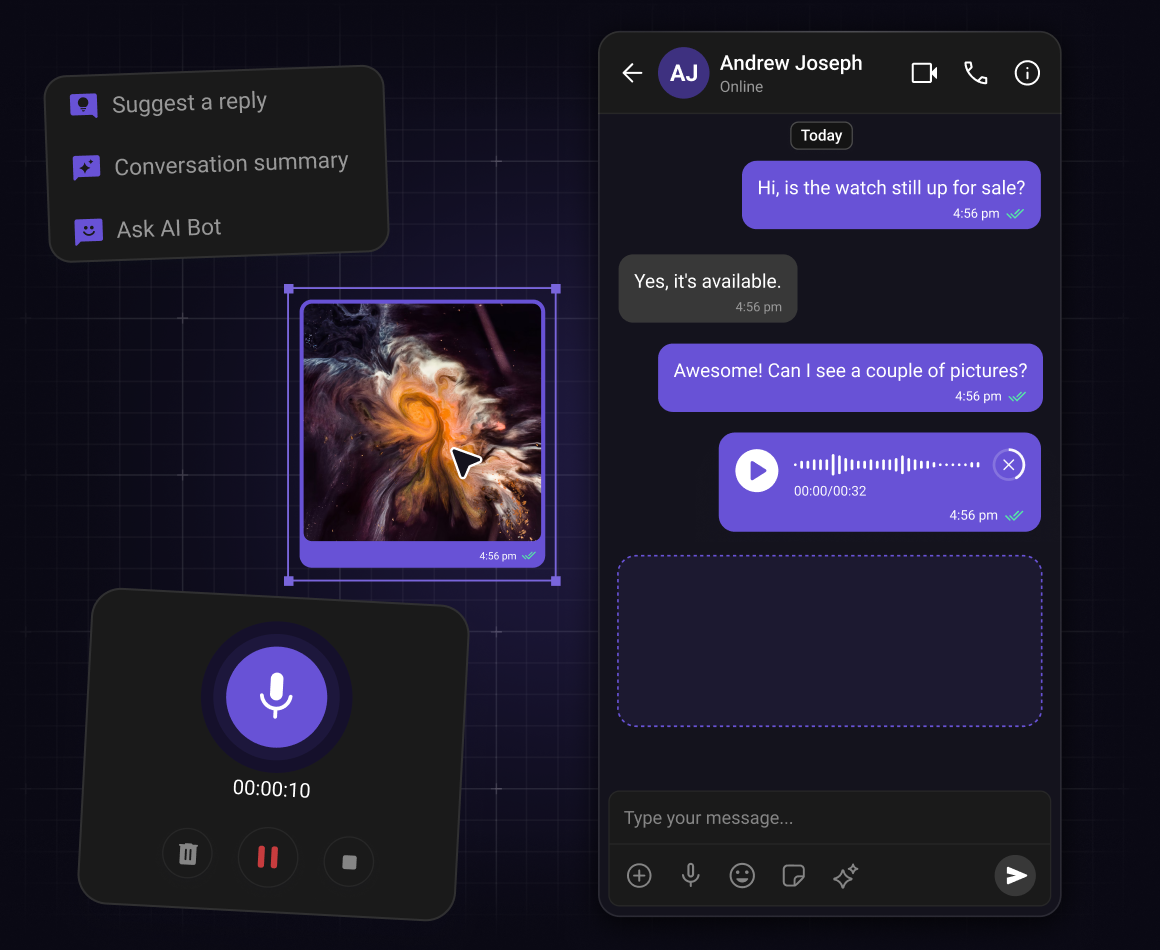


Step 1: Install UI Kit
Set up your Angular app and install the UI Kit
Start by creating a new Angular application and installing the Angular UI Kit along with the required Chat SDK dependencies. The setup is optimized for modern Angular applications and supports modular integration patterns.
-
Create a new Angular project using Angular CLI with browser-based rendering support
-
Install the Angular UI Kit and the JavaScript Chat SDK
-
Optionally install the Calls SDK to enable voice and video calling capabilities
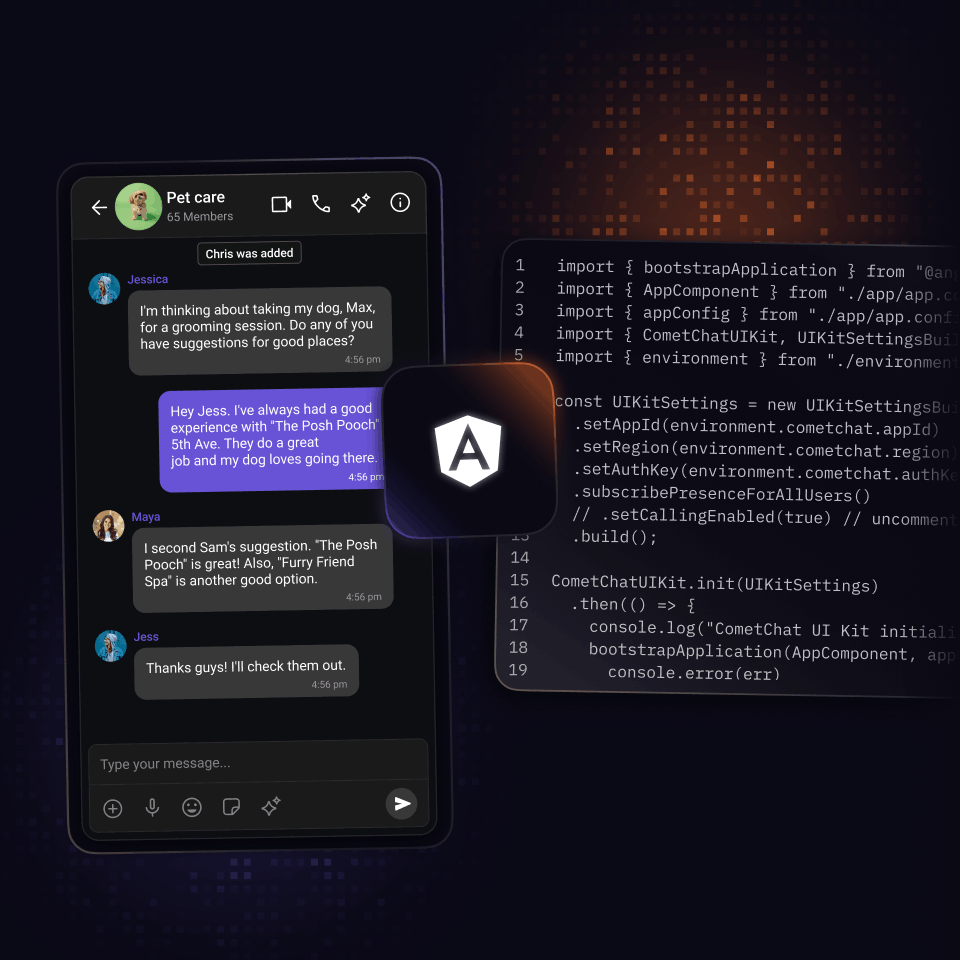
Step 2: Initialize CometChat
Initialize the UI Kit and configure authentication
The Angular UI Kit introduces a clean initialization pattern with simplified authentication workflows. Initialization must complete before login and component rendering.
-
Configure the UI Kit using App ID, Region, and Auth credentials from the CometChat Dashboard.
-
Initialize the SDK before bootstrapping the Angular application.
-
Authenticate users using user login or auth token-based login flows for production-ready authentication
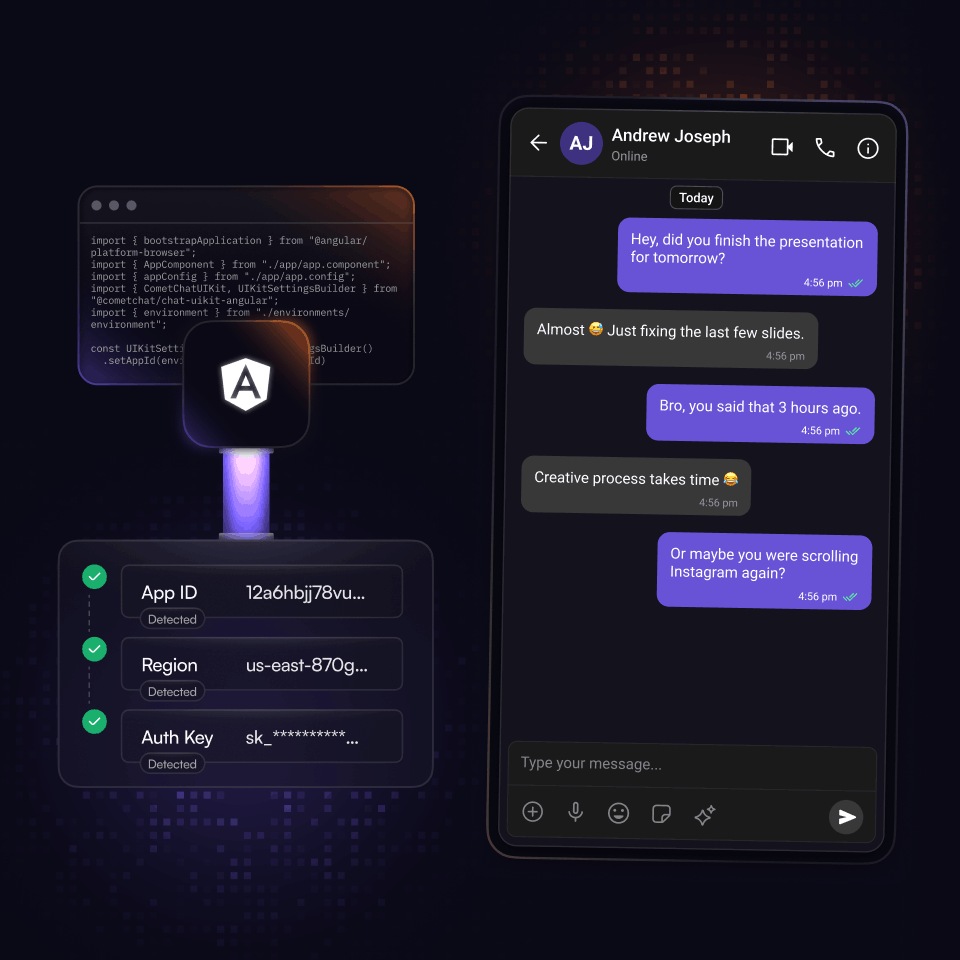
Step 3: Deploy
Launch in-app chat in your Angular app
-
Once your layout is ready, export the Angular code and integrate chat directly into your application.
-
You stay in control after launch. Update layouts, refine the UI, or adjust features as your app evolves.
-
Sync your user base with CometChat and deploy with confidence, knowing your in-app chat is built to scale.
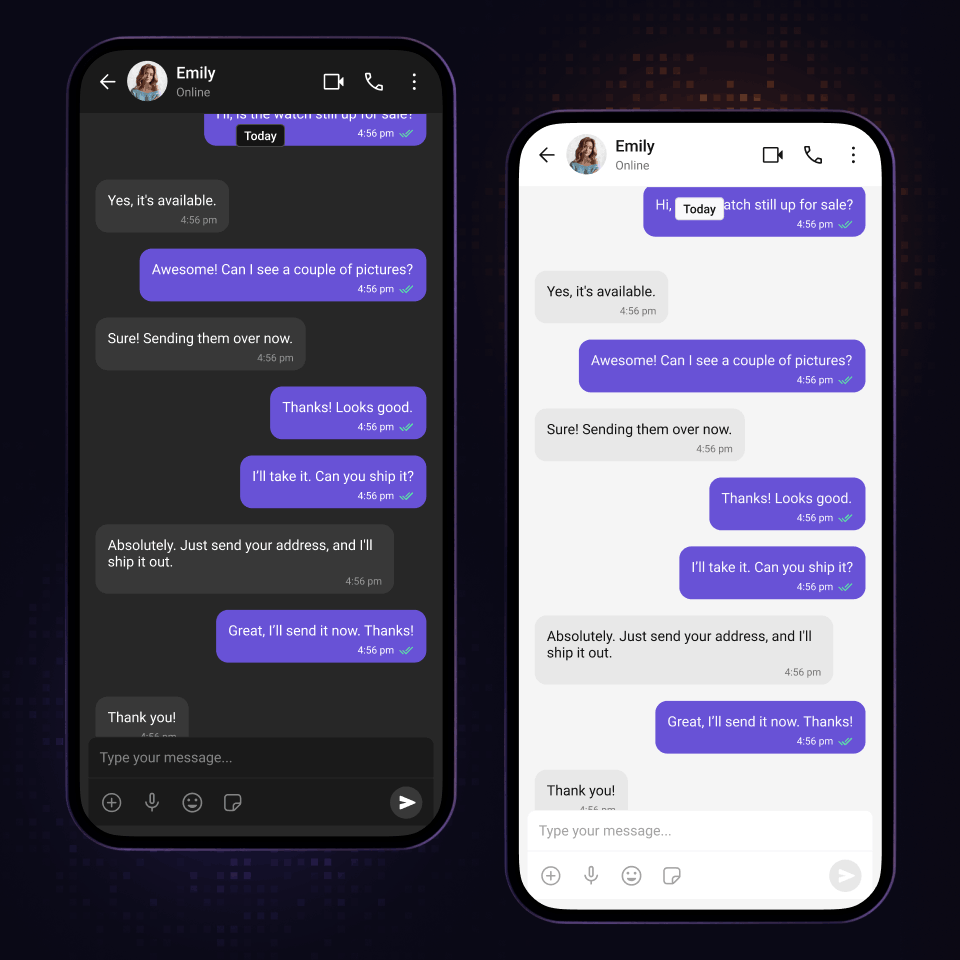
Core Components
Modular by design. Built for control.
Description: Angular chat components you can mix, match, and extend
Display real-time conversation lists with unread counts, last messages, typing indicators, and conversation states for one-on-one and group chats.
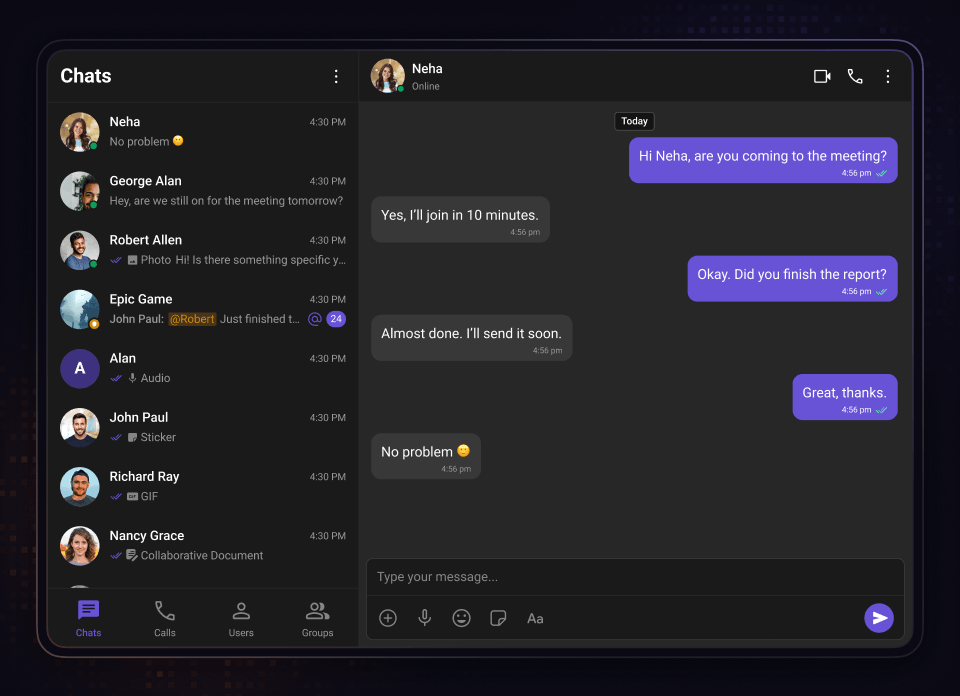
Show searchable user and group lists together to create unified discovery and conversation experiences.
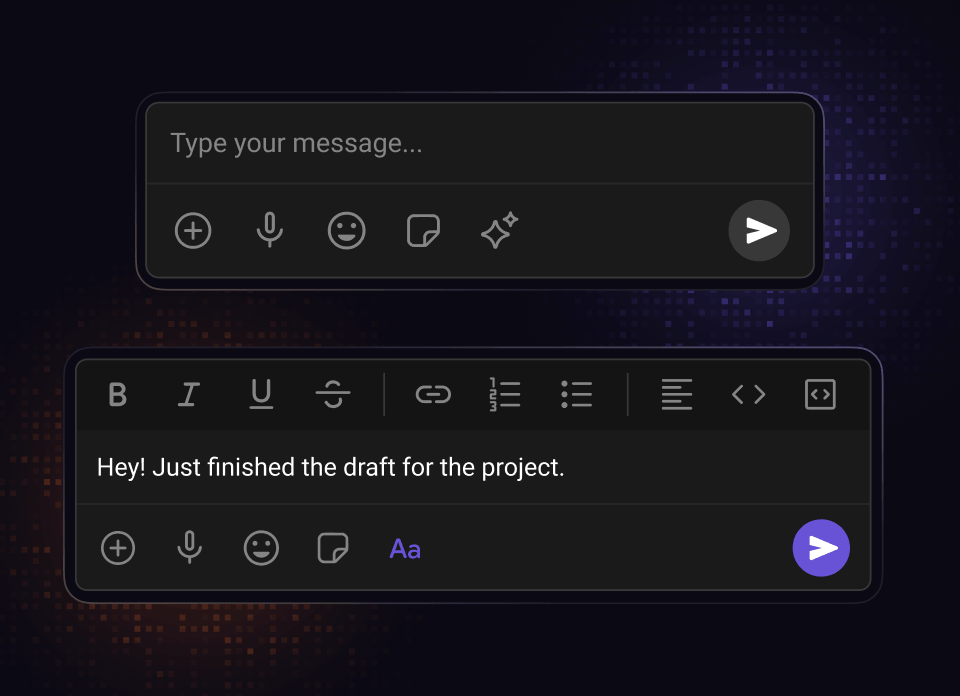
Allow users to compose and send text, media, emojis, attachments, and custom message types seamlessly.
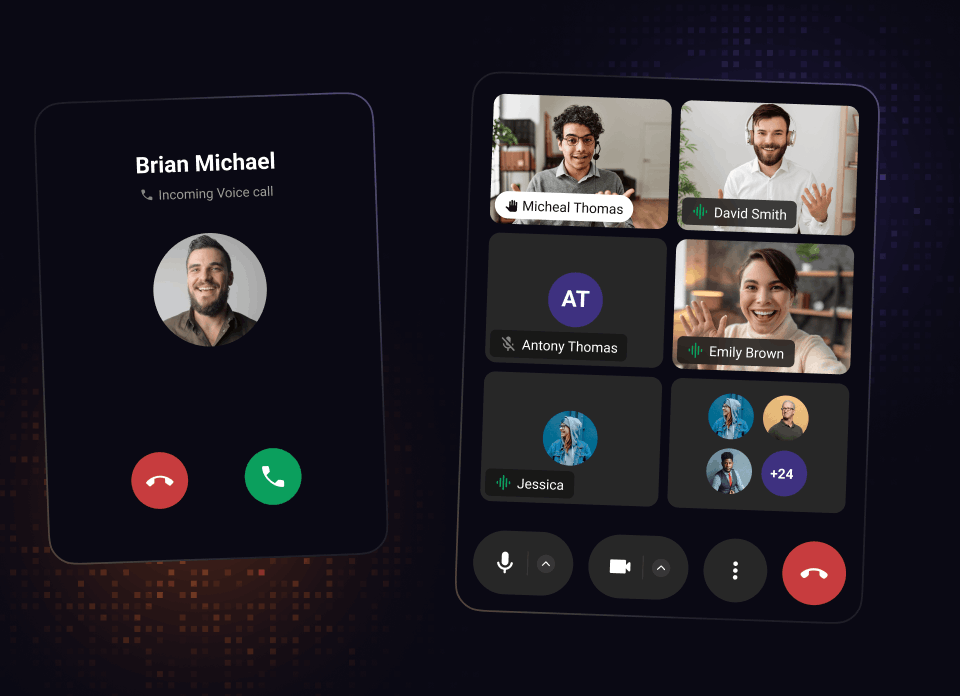
Handle incoming, outgoing, and ongoing voice and video call experiences with participant management and real-time media controls.
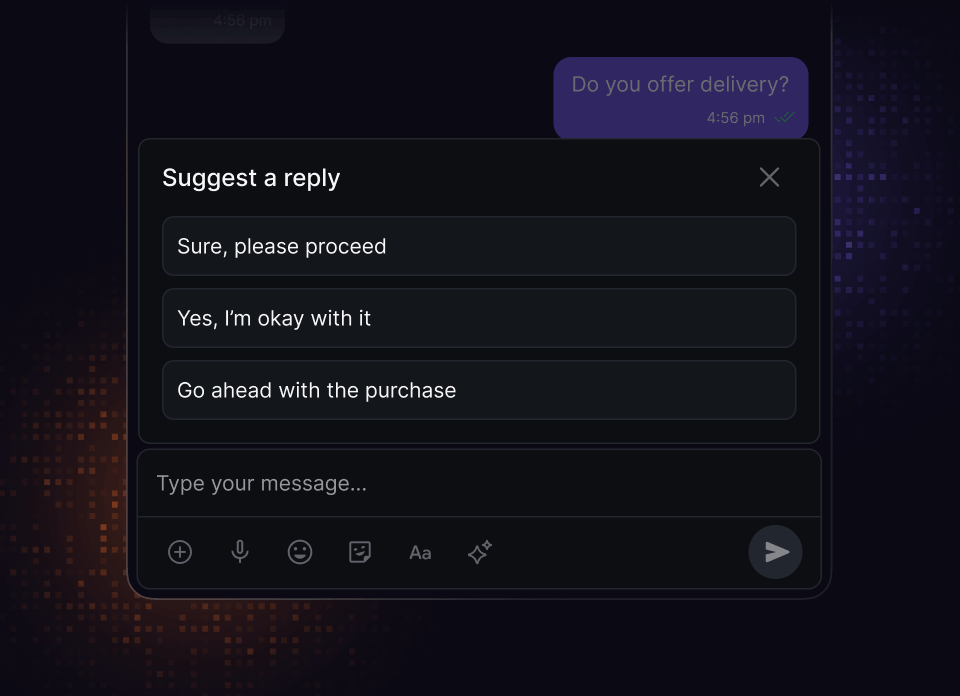
Provide AI-powered or predefined smart reply suggestions to streamline messaging workflows.
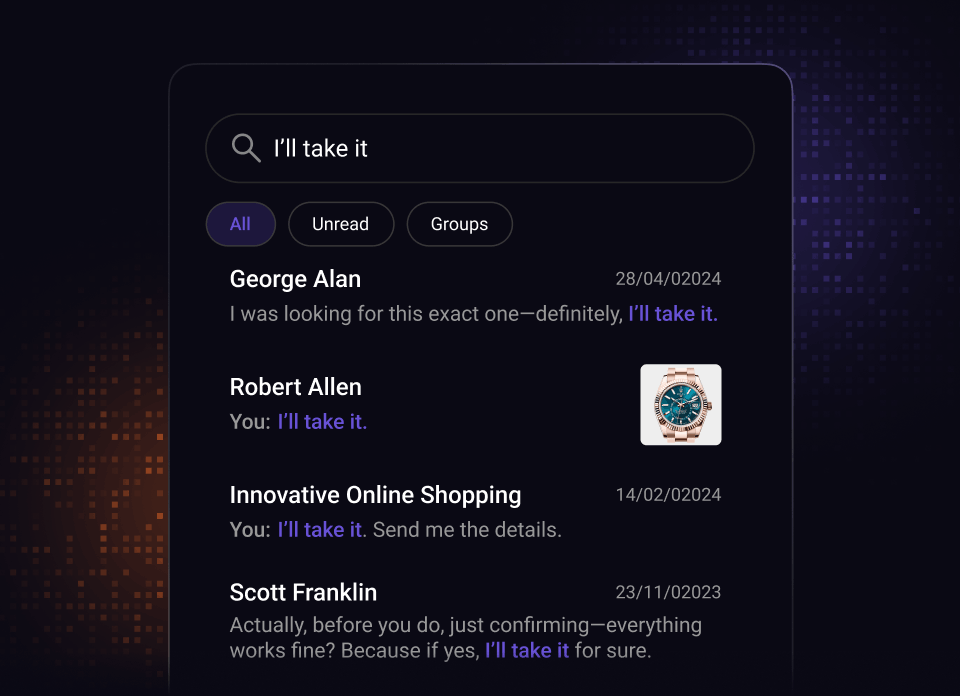
Enable fast discovery across users, groups, conversations, and messages within the application.
Resources
Docs, tutorials, sample apps and more
Documentation
Integrate seamlessly with our developer-friendly Angular UI Kit documentation.
UI Kit Components
Angular chat features, users love
Open source UI Kits with the chat functions and features your audience loves.

Reactions

Threaded messages

Message composer

Presence Indicators

Read Receipts

Message Information

Unread Message Counts

Audio Recorder

Avatars
Integration Methods
Start with any integration method and scale to others as your needs evolve.
Widget Builder
A no-code chat builder for any platform, built for high-impact use cases that need real chat fast and flexible.

UI Kit Builder
A low-code chat builder that is fully customizable, easy to integrate, and scales with your product.
Chat SDKs
Open source SDKs and APIs for all popular frameworks to build bespoke chat experiences.
Let's map out how CometChat works for you.
30 minutes. Real answers. A plan you can actually act on.
Pick a time that works, talk to someone who knows the product.
Your use case shapes the call - no guessing, no repeating yourself.
No commitment. Just a straight conversation about how this fits - and if it doesn't, we'll say so.
Trusted by teams building conversations at scale.