

AI Integration Quick Reference
AI Integration Quick Reference
| Field | Value |
|---|---|
| Package | @cometchat/chat-uikit-angular |
| Key class | ShortcutFormatter (extends CometChatTextFormatter) |
| Required setup | CometChatUIKit.init(uiKitSettings) then CometChatUIKit.login("UID") |
| Track character | ! — triggers shortcut expansion in the message composer |
| Related | Custom Text Formatter | All Guides |
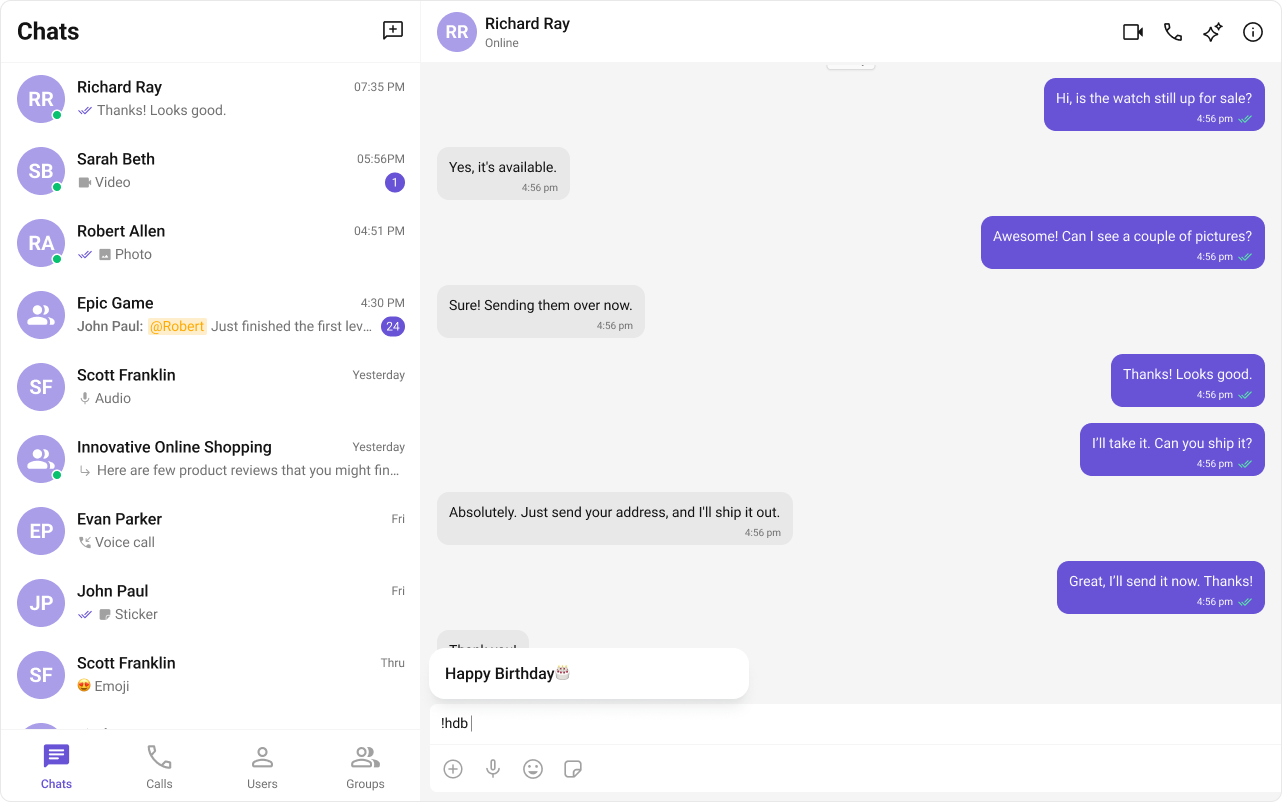
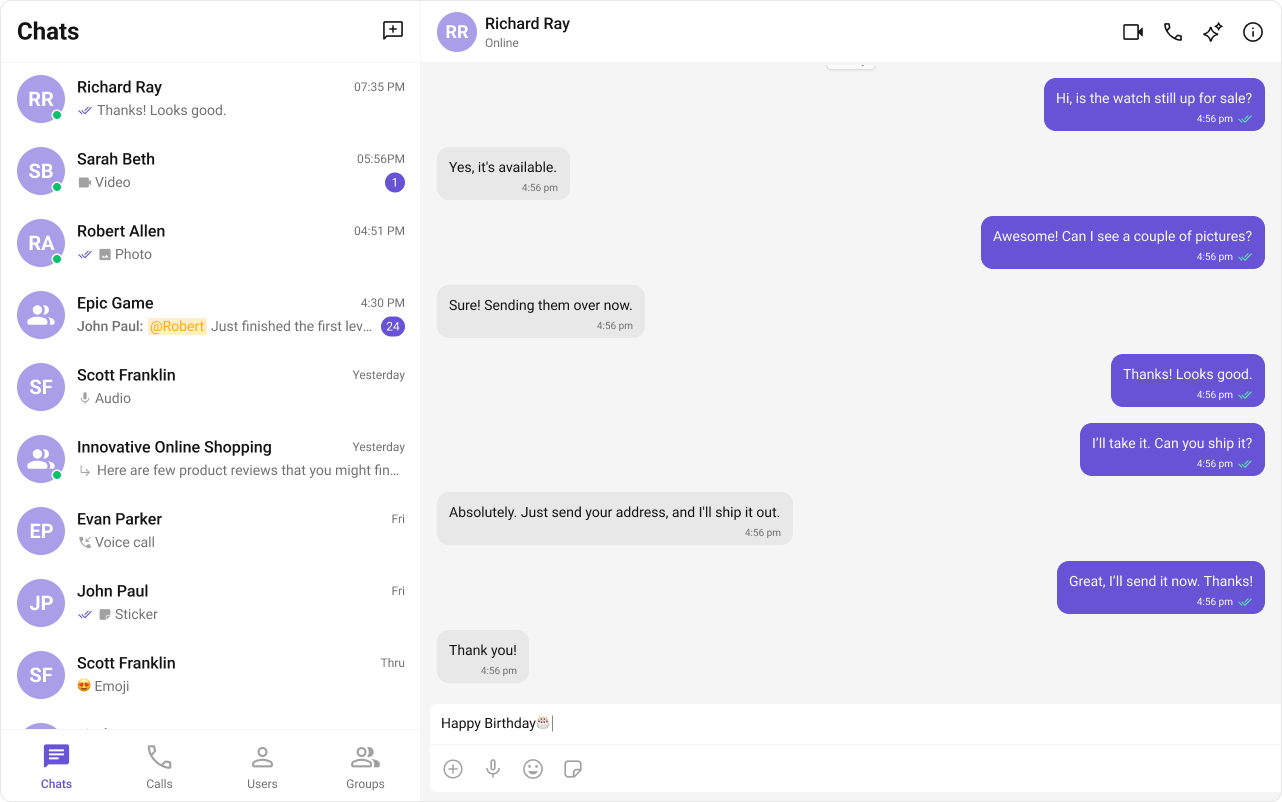
ShortCutFormatter extends CometChatTextFormatter to expand shortcodes (like !hb) into full text via the Message Shortcuts extension. When a user types a shortcut, a dialog appears with the expansion — clicking it inserts the text.
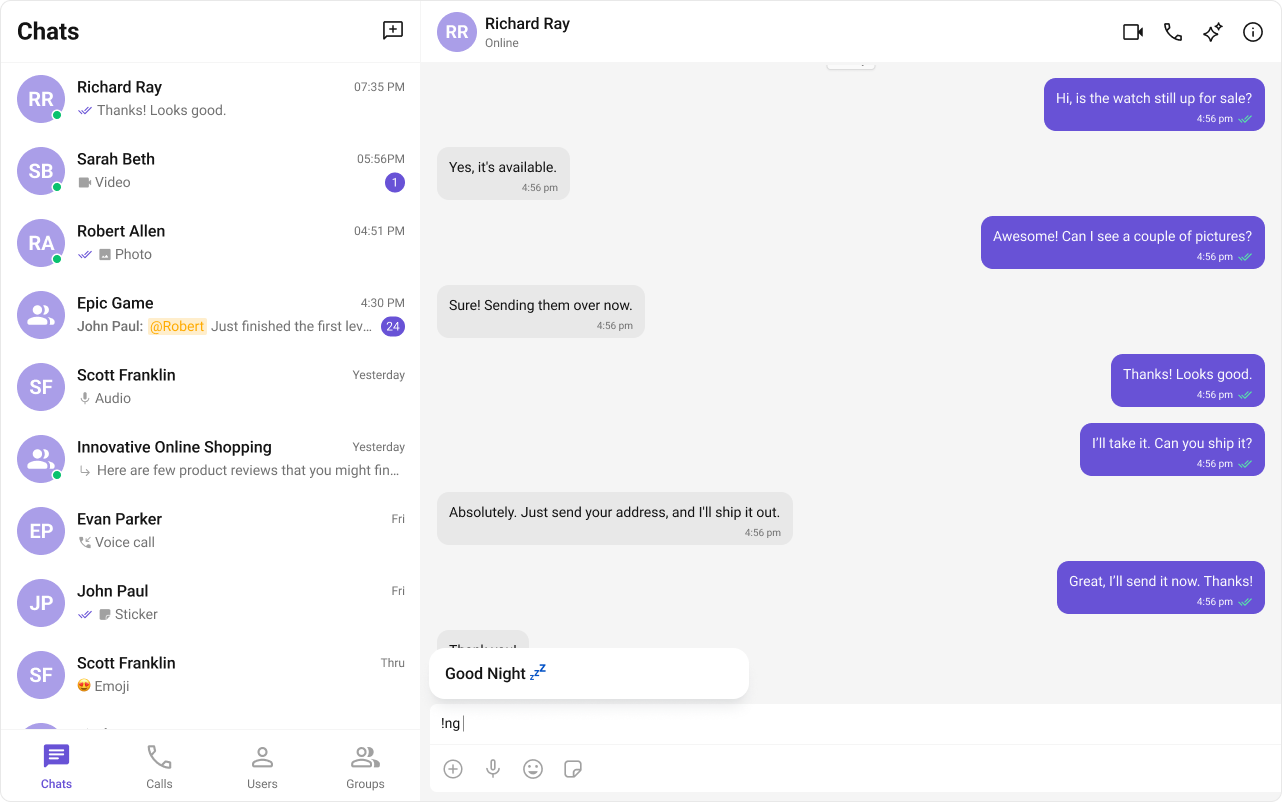
Steps
1. Import the base class
2. Extend it
3. Set the track character
4. Handle key events
Detect shortcuts onkeyUp and trigger expansion logic.
5. Add dialog and formatting methods
Example
- ShortCutFormatter.ts
- Component Usage
Fetches shortcuts from the Message Shortcuts extension on init. On
keyUp, checks if the text before the caret matches a shortcut and opens a dialog with the expansion.The Message Shortcuts extension must be enabled in your CometChat Dashboard for this formatter to work. Configure your shortcuts in the Dashboard under Extensions → Message Shortcuts.
Next Steps
Custom Text Formatter
Build custom inline text patterns.
Message Composer
Customize the message input component.
All Guides
Browse all feature and formatter guides.
Mentions Formatter
Add @mentions with styled tokens.