The Angular UIKit uses a CSS variable-based theming system. There are no theme objects or style input props — all customization is done by overriding CSS variables in your global stylesheet.

How It Works

All design tokens are defined as CSS custom properties on :root in the UIKit’s css-variables.css. You override them in your own global CSS file to apply your brand.

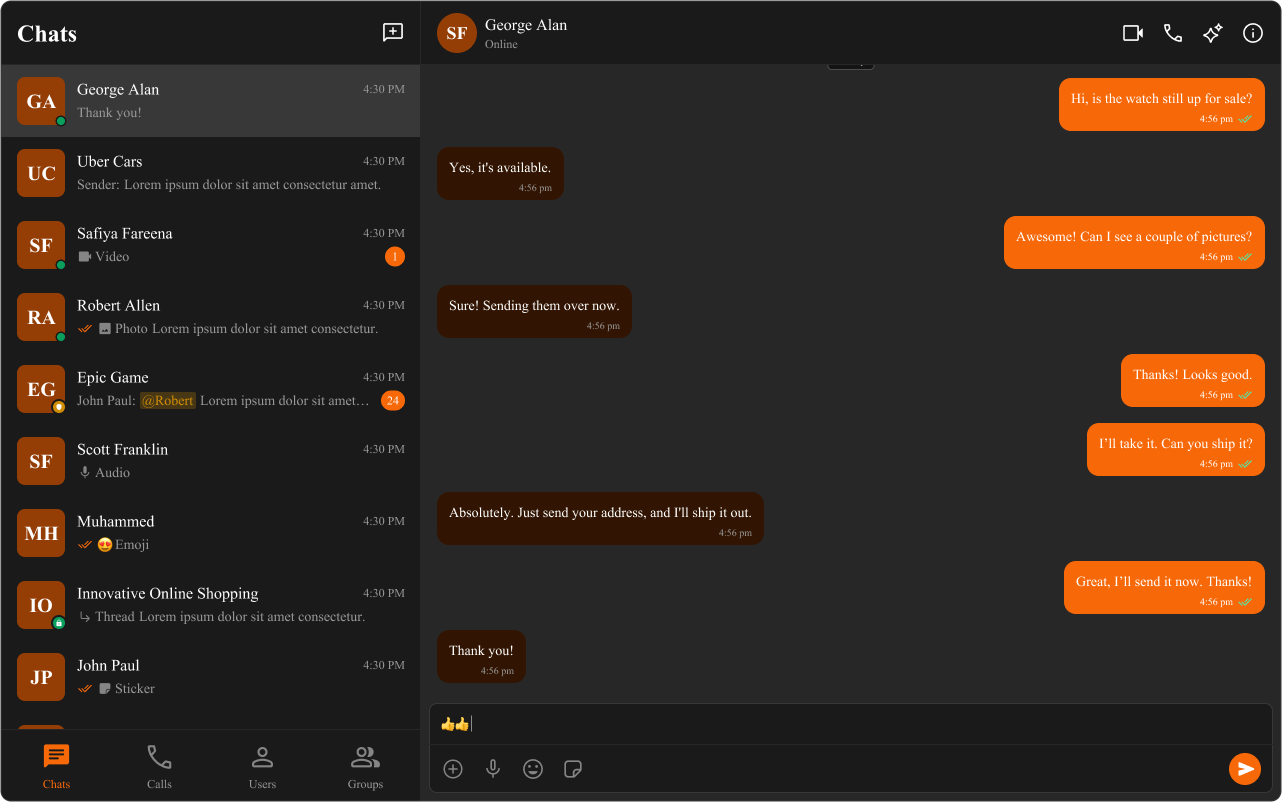
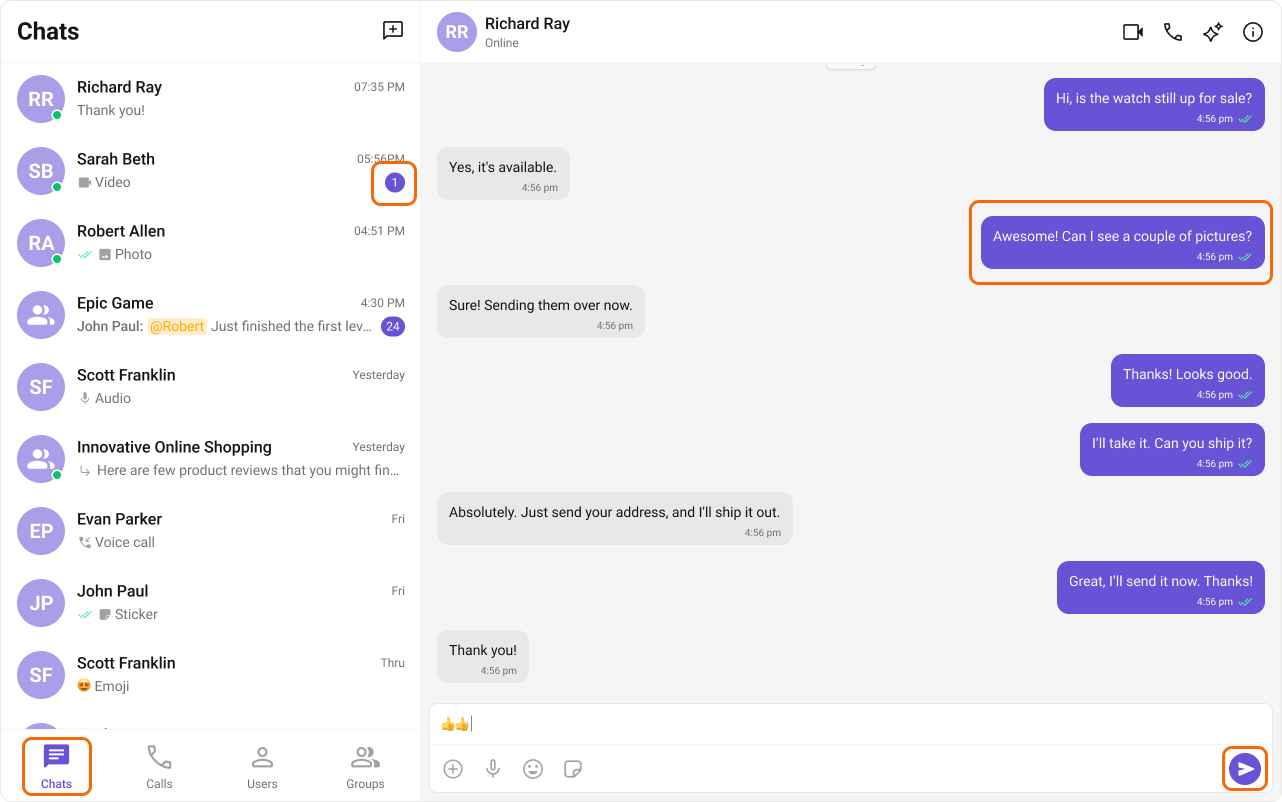
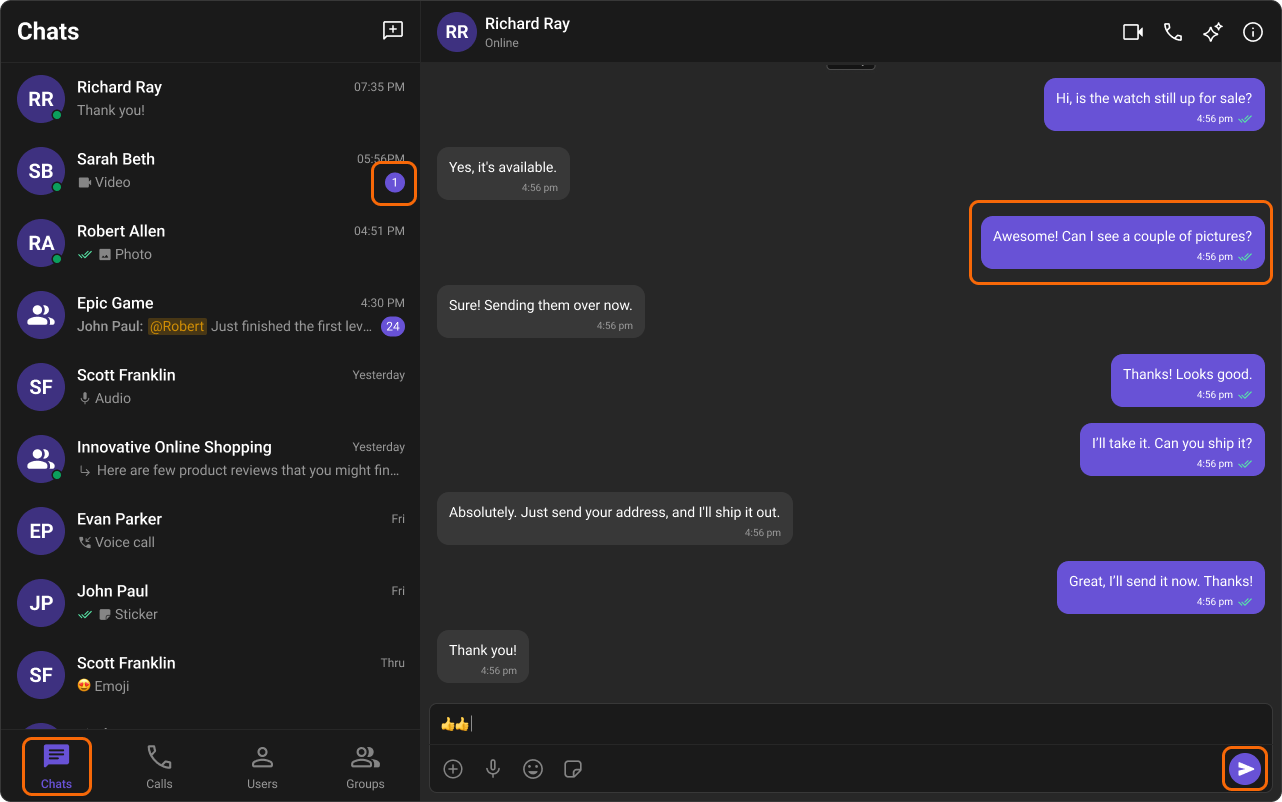
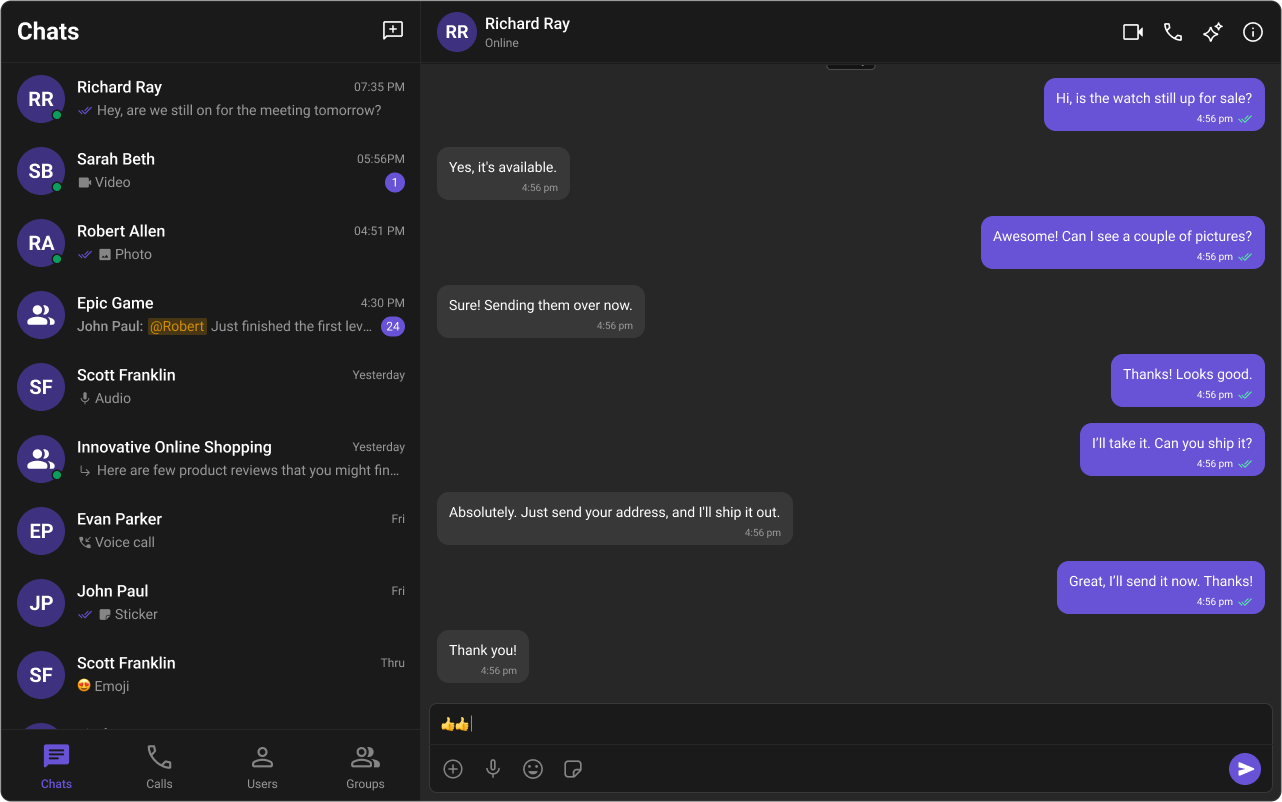
Light / Dark Mode

Dark mode is activated by setting the data-theme="dark" attribute on the <html> element:
import { DOCUMENT } from '@angular/common';
import { inject } from '@angular/core';

export class MyComponent {
  private doc = inject(DOCUMENT);

  setDark() {
    this.doc.documentElement.setAttribute('data-theme', 'dark');
  }

  setLight() {
    this.doc.documentElement.setAttribute('data-theme', 'light');
  }
}
You can also call setTheme or toggleTheme directly:
import { DOCUMENT } from '@angular/common';
import { inject } from '@angular/core';
import { ThemeService } from '@cometchat/chat-uikit-angular';

export class MyComponent {
  private themeService = inject(ThemeService);

  // Explicitly set a theme
  applyDark() {
    this.themeService.setTheme('dark');
  }

  // Toggle between light and dark
  toggle() {
    this.themeService.toggleTheme();
  }
}
MethodDescription
setTheme(theme)Set 'light' or 'dark'
toggleTheme()Flip between light and dark
SSR Note: Always use Angular’s DOCUMENT injection token instead of document directly.

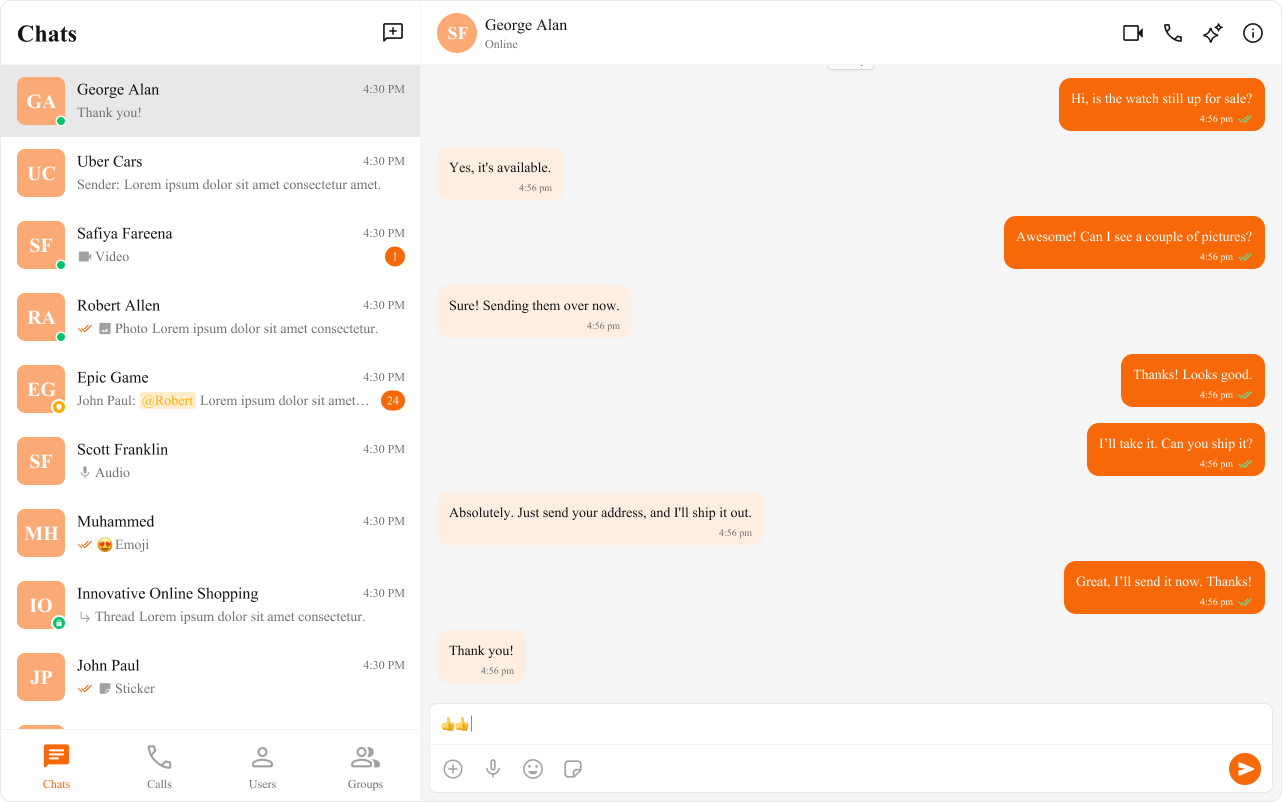
Customizing Colors

Override variables in your global stylesheet (styles.css or styles.scss):
/* styles.css */
:root {
  /* Brand primary color — affects buttons, highlights, badges, focus rings */
  --cometchat-primary-color: #E91E63;

  /* Extended primary shades (light theme) */
  --cometchat-extended-primary-color-100: #FCE4EC;
  --cometchat-extended-primary-color-500: #F06292;
  --cometchat-extended-primary-color-900: #C2185B;
}

[data-theme="dark"] {
  --cometchat-primary-color: #F48FB1;
}

Typography

:root {
  /* Change the font family */
  --cometchat-font-family: 'Inter', sans-serif;
}
Available font scale variables:
VariableWeightSize
--cometchat-font-heading1-bold70024px
--cometchat-font-heading2-bold70020px
--cometchat-font-body-regular40014px
--cometchat-font-body-medium50014px
--cometchat-font-caption1-regular40012px

Spacing & Border Radius

:root {
  /* Spacing scale: --cometchat-spacing-1 (4px) through --cometchat-spacing-8 (32px) */
  --cometchat-spacing-4: 20px; /* bumps the base 16px unit */

  /* Border radius */
  --cometchat-radius-2: 12px; /* default card radius */
  --cometchat-radius-max: 9999px; /* pill shapes */
}

Component-Level Scoping

To override styles for a specific instance, scope the variable override to that element’s selector:
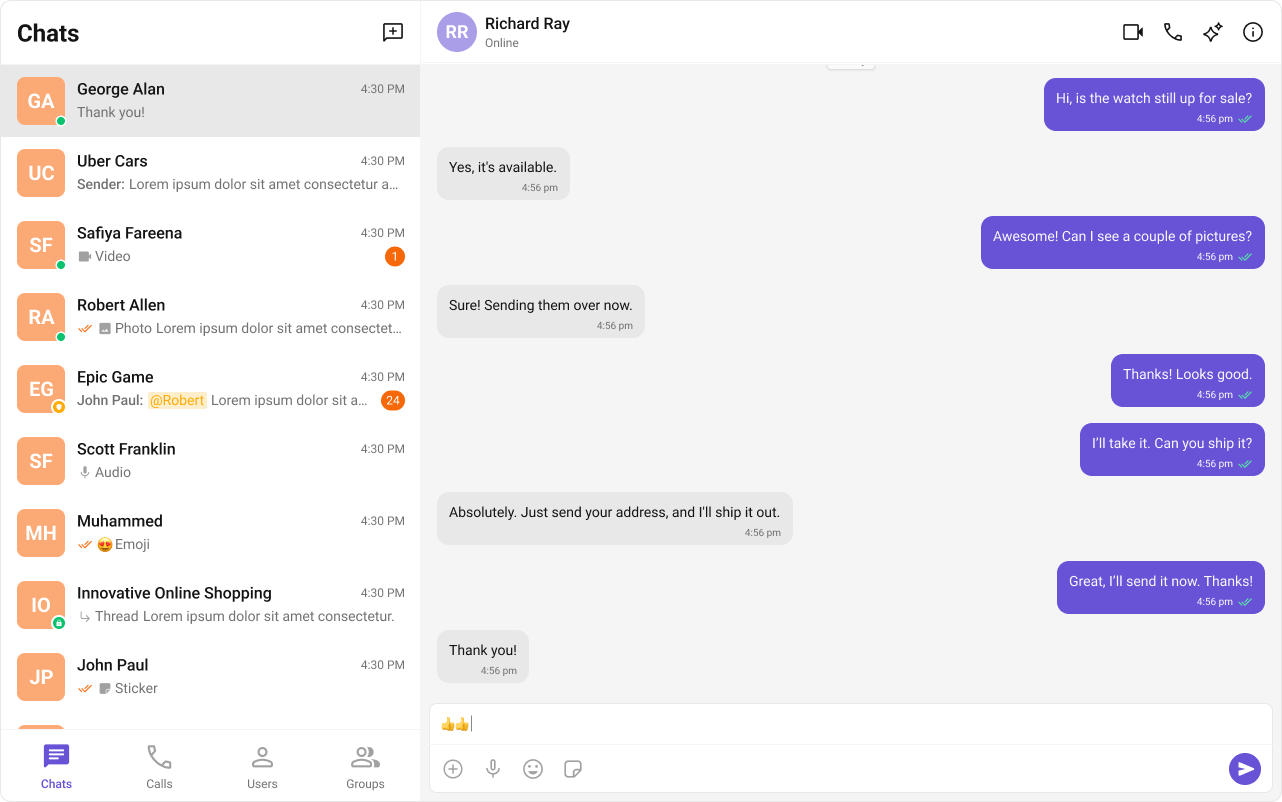
/* Only affects this specific conversations list */
.my-sidebar cometchat-conversations {
  --cometchat-primary-color: #FF5722;
}

/* Dark theme scoped to a specific container */
.my-sidebar[data-theme="dark"] {
  --cometchat-primary-color: #F48FB1;
  --cometchat-extended-primary-color-500: #AD1457;
}

Shadows & Overlays

:root {
  --cometchat-shadow-sm: 0px 4px 6px -2px rgba(16, 24, 40, 0.03);
  --cometchat-shadow-md: 0 2px 8px rgba(0, 0, 0, 0.15);
  --cometchat-shadow-lg: 0 8px 24px rgba(0, 0, 0, 0.2);
  --cometchat-overlay-background: rgba(0, 0, 0, 0.5);
}

Avatars & Badges

:root {
  --cometchat-avatar-size: 48px;
  --cometchat-avatar-border-radius: var(--cometchat-radius-max);
  --cometchat-avatar-background: var(--cometchat-extended-primary-color-500);

  --cometchat-badge-background: var(--cometchat-primary-color);
  --cometchat-badge-color: var(--cometchat-static-white);
}

Status Indicators

:root {
  --cometchat-status-indicator-size: 12px;
  --cometchat-status-indicator-online-color: var(--cometchat-success-color);
  --cometchat-status-indicator-offline-color: var(--cometchat-neutral-color-400);
}

Complete Custom Theme Example

/* styles.css */

/* Light theme overrides */
:root {
  --cometchat-font-family: 'Inter', sans-serif;
  --cometchat-primary-color: #E91E63;
  --cometchat-extended-primary-color-100: #FCE4EC;
  --cometchat-extended-primary-color-500: #F06292;
  --cometchat-extended-primary-color-900: #C2185B;
  --cometchat-radius-2: 12px;
  --cometchat-radius-max: 9999px;
}

/* Dark theme overrides */
[data-theme="dark"] {
  --cometchat-primary-color: #F48FB1;
  --cometchat-background-color-01: #1a1a1a;
  --cometchat-background-color-02: #2a2a2a;
  --cometchat-text-color-primary: #ffffff;
  --cometchat-text-color-secondary: #aaaaaa;
}

Sound Manager

CometChatSoundManager manages audio cues for incoming/outgoing calls and messages. Sound is a frozen object on CometChatSoundManager — access event keys via CometChatSoundManager.Sound.

Sound Events

Event KeyWhen it plays
incomingCallIncoming call detected
outgoingCallOutgoing call initiated
incomingMessageNew message from the current conversation
incomingMessageFromOtherNew message from a different conversation
outgoingMessageMessage sent

Methods

MethodDescription
play(sound, customSound?)Play default or custom audio for a sound event
pause()Pause the currently playing sound and reset position
onIncomingMessage(customSound?)Play incoming message sound directly
onIncomingOtherMessage(customSound?)Play incoming other message sound directly
onOutgoingMessage(customSound?)Play outgoing message sound directly
onIncomingCall(customSound?)Play incoming call sound (loops)
onOutgoingCall(customSound?)Play outgoing call sound (loops)
hasInteracted()Returns boolean — whether user has interacted with the page (required by browser autoplay policies)

Usage

import { CometChatSoundManager } from '@cometchat/chat-uikit-angular';

// Play default incoming call sound
CometChatSoundManager.play(CometChatSoundManager.Sound.incomingCall);

// Play custom sound for incoming message
CometChatSoundManager.play(CometChatSoundManager.Sound.incomingMessage, 'MP3_FILE_ASSET_PATH');

// Pause the ongoing sound
CometChatSoundManager.pause();

// Use individual methods directly
CometChatSoundManager.onIncomingCall();
CometChatSoundManager.onOutgoingMessage('CUSTOM_AUDIO_PATH');

Design Token Pipelines

If your team uses a design token pipeline (e.g. Style Dictionary, Theo), you can generate the CSS variable overrides as a build artifact and import the output file in styles.css. The UIKit’s variable names follow a consistent --cometchat-{category}-{scale} pattern that maps cleanly to token schemas.

Color Palette

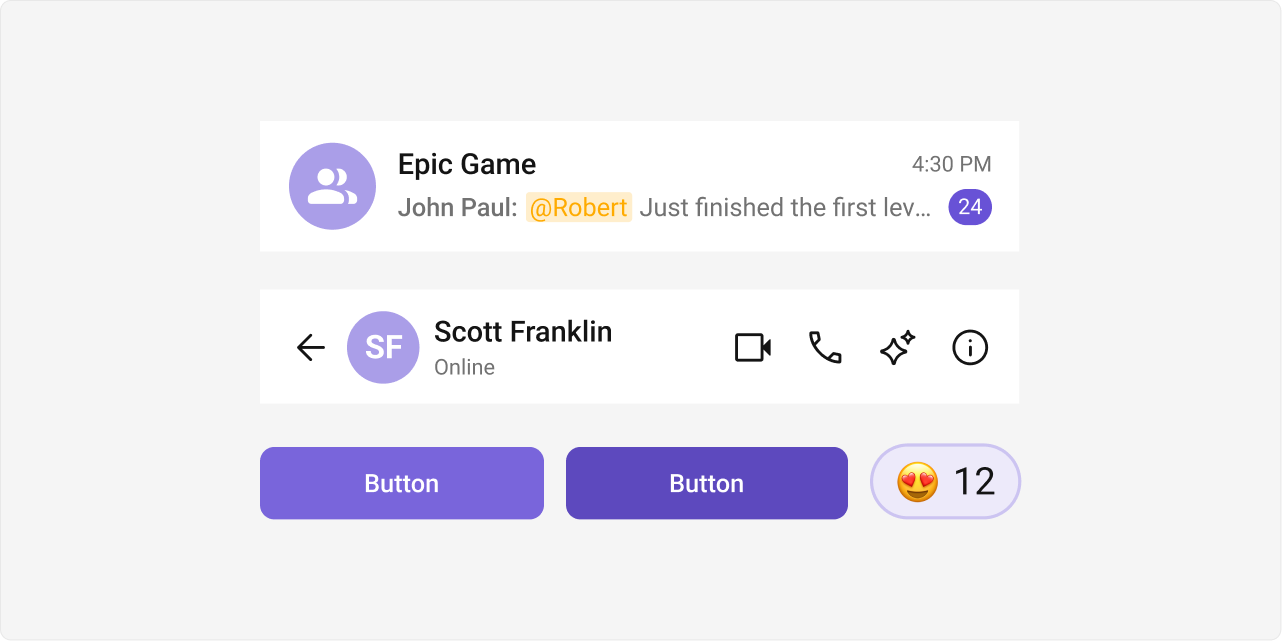
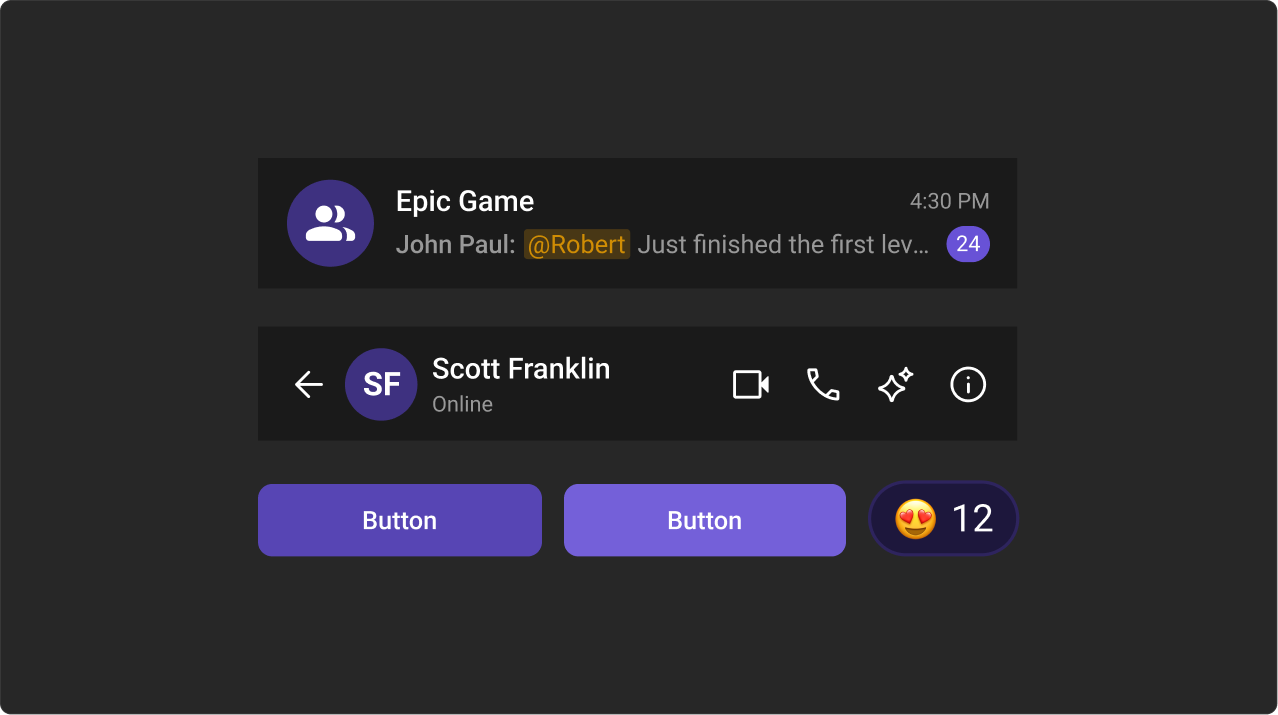
The primary color defines key actions, branding, and UI elements, while the extended primary palette provides variations for supporting components.

Primary Color

Light Mode

--cometchat-primary-color: #6852D6;
--cometchat-extended-primary-color-50: #F9F8FD;
--cometchat-extended-primary-color-100: #EDEAFA;
--cometchat-extended-primary-color-200: #DCD7F6;
--cometchat-extended-primary-color-300: #CCC4F1;
--cometchat-extended-primary-color-400: #BBB1ED;
--cometchat-extended-primary-color-500: #AA9EE8;
--cometchat-extended-primary-color-600: #9A8BE4;
--cometchat-extended-primary-color-700: #8978DF;
--cometchat-extended-primary-color-800: #7965DB;
--cometchat-extended-primary-color-900: #5D49BE;

Dark Mode

--cometchat-primary-color: #6852D6;
--cometchat-extended-primary-color-50: #15102B;
--cometchat-extended-primary-color-100: #1D173C;
--cometchat-extended-primary-color-200: #251E4D;
--cometchat-extended-primary-color-300: #2E245E;
--cometchat-extended-primary-color-400: #362B6F;
--cometchat-extended-primary-color-500: #3E3180;
--cometchat-extended-primary-color-600: #473892;
--cometchat-extended-primary-color-700: #4F3EA3;
--cometchat-extended-primary-color-800: #5745B4;
--cometchat-extended-primary-color-900: #7460D9;

Extended Primary Colors

Light Mode

Dark Mode

Full Variable Reference

Colors

VariableDefault (Light)Purpose
--cometchat-primary-color#6852D6Buttons, highlights, badges
--cometchat-neutral-color-900#141414Primary text
--cometchat-neutral-color-600#727272Secondary text
--cometchat-neutral-color-50#FFFFFFBase background
--cometchat-error-color#F44649Error states
--cometchat-success-color#09C26FSuccess states
--cometchat-warning-color#FFAB00Warning states
--cometchat-info-color#0B7BEAInfo states

Semantic Aliases

VariableMaps To
--cometchat-text-color-primary--cometchat-neutral-color-900
--cometchat-text-color-secondary--cometchat-neutral-color-600
--cometchat-background-color-01--cometchat-neutral-color-50
--cometchat-background-color-02--cometchat-neutral-color-100
--cometchat-border-color-default--cometchat-neutral-color-300
--cometchat-primary-button-background--cometchat-primary-color