

Overview
CometChat Calls integrates 1:1 and group audio/video calling into the Angular UIKit. Install the Calls SDK and the UIKit auto-detects it, enabling call components.Ensure
CometChatUIKit.init() has completed and the user is logged in before using call features.Integration
Install the Calls SDK:UIKitSettingsBuilder:
Custom Call App Settings
By default the UIKit buildsCallAppSettings from your appId and region. If you need custom configuration (e.g. a different region for the Calls SDK or additional settings), pass your own CallAppSettings:
setCallAppSettings is optional. When omitted, the UIKit automatically creates settings from the appId and region you already provided.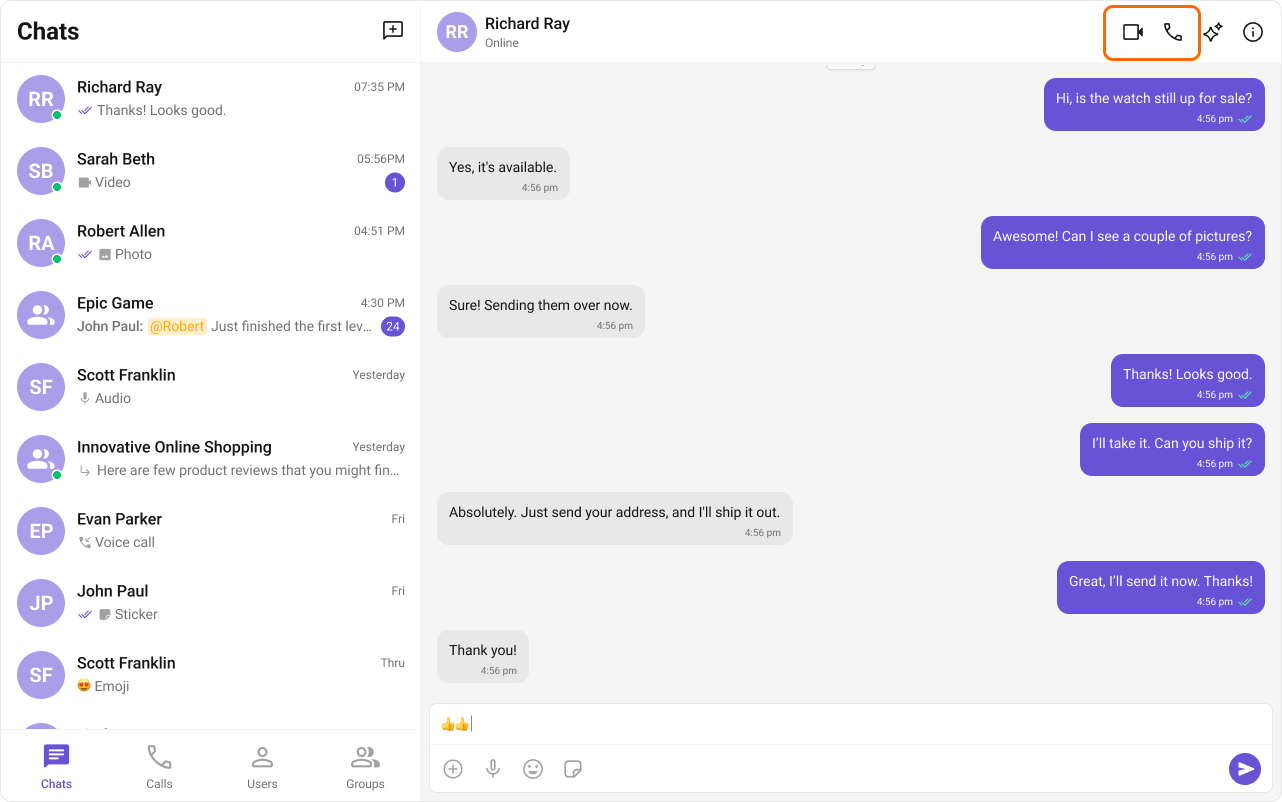
Features
Incoming Call
The cometchat-incoming-call component displays a call screen when a call is received, showing caller info with accept/reject options.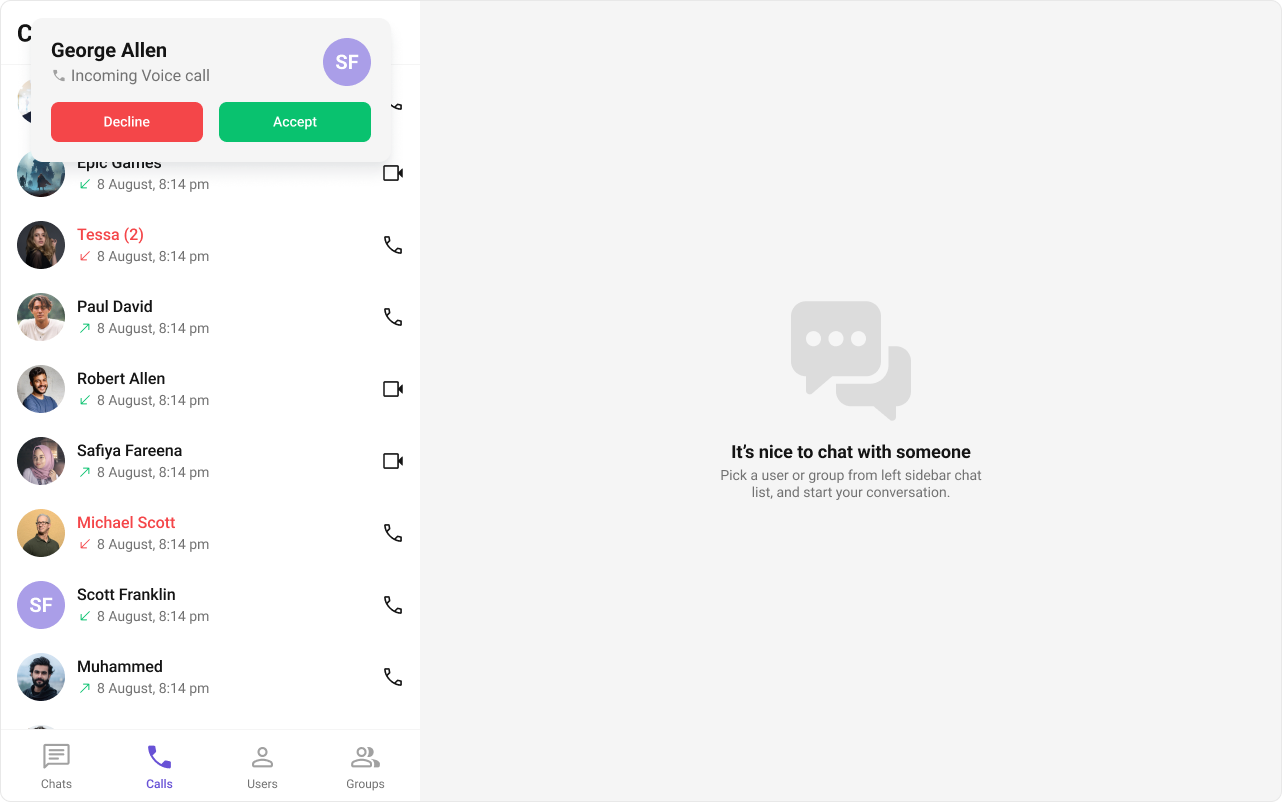
Outgoing Call
The cometchat-outgoing-call component displays an outgoing call screen with recipient info and call status. Transitions to the ongoing call screen when the receiver accepts.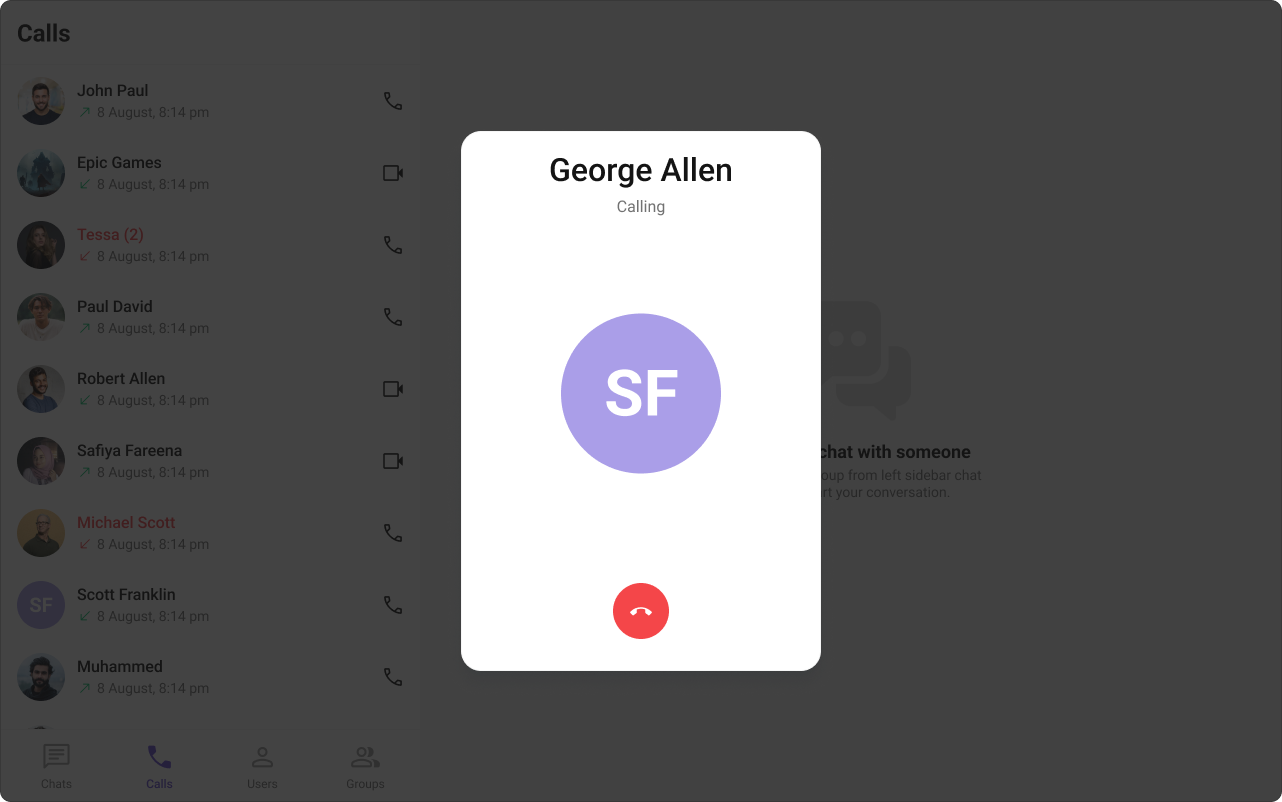
Call Logs
The cometchat-call-logs component displays call history — caller, time, and duration.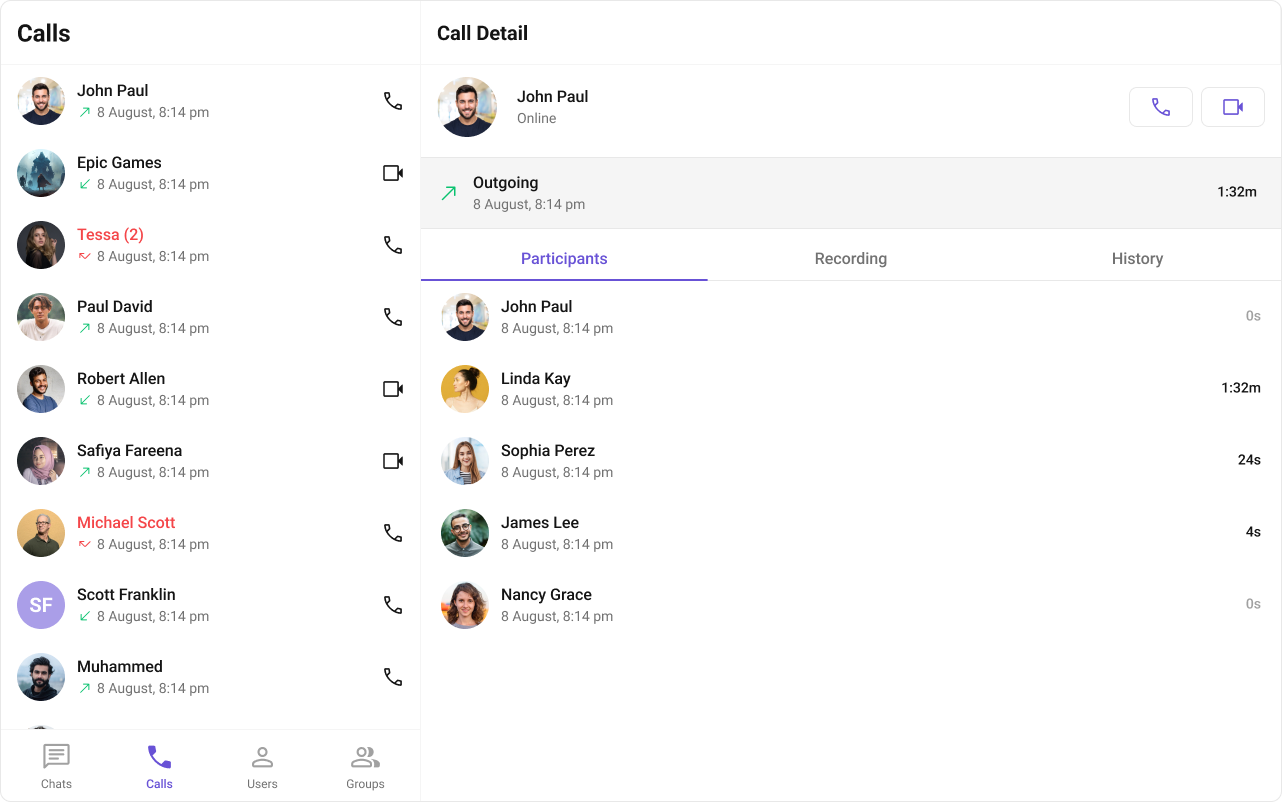
Next Steps
Call Buttons
Audio and video call buttons
Incoming Call
Incoming call notifications and UI
Call Logs
Call history and details
Core Features
Core chat features