> ## Documentation Index
> Fetch the complete documentation index at: https://www.cometchat.com/docs/llms.txt
> Use this file to discover all available pages before exploring further.
# Call
> Overview of CometChat React UI Kit calling features, including incoming calls, outgoing calls, call logs, and call components.
| Field | Value |
| ---------------- | --------------------------------------------------------------------------------------------------------------------------------------------------------------------------------------------------------------------------------------------------------------------------------------------------------------------------------------------------------- |
| Packages | `@cometchat/chat-uikit-react` + `@cometchat/calls-sdk-javascript` (`npm install @cometchat/calls-sdk-javascript`) |
| Required setup | Call `.setCallingEnabled(true)` on `UIKitSettingsBuilder` during init — Calls SDK must also be installed |
| Call features | Incoming Call, Outgoing Call, Call Logs, Call Buttons (in Message Header) |
| Key components | `CometChatMessageHeader` → [Message Header](/docs/ui-kit/react/components/message-header) (includes call buttons), `CometChatIncomingCall` → [Incoming Call](/docs/ui-kit/react/components/incoming-call), `CometChatOutgoingCall` → [Outgoing Call](/docs/ui-kit/react/components/outgoing-call), `CometChatCallLogs` → [Call Logs](/docs/ui-kit/react/components/call-logs) |
| Enabling | Set `.setCallingEnabled(true)` on `UIKitSettingsBuilder` to activate call UI components |
| CSS class prefix | `.cometchat-` |
## Overview
CometChat Calls integrates 1:1 and group audio/video calling into the React UI Kit. Install the Calls SDK and enable calling via `.setCallingEnabled(true)` on `UIKitSettingsBuilder` to activate call components.
Ensure you have called `CometChatUIKit.init()` with `.setCallingEnabled(true)` and `CometChatUIKit.login()` before rendering. See [React.js Integration](/docs/ui-kit/react/integration-react).
## Integration
Install the Calls SDK and enable calling:
```bash lines theme={null}
npm install @cometchat/calls-sdk-javascript
```
Then set `.setCallingEnabled(true)` on your `UIKitSettingsBuilder`:
```tsx theme={null}
const settings = new UIKitSettingsBuilder()
.setAppId("YOUR_APP_ID")
.setRegion("YOUR_REGION")
.setAuthKey("YOUR_AUTH_KEY")
.setCallingEnabled(true)
.build();
await CometChatUIKit.init(settings);
await CometChatUIKit.login("cometchat-uid-1");
```
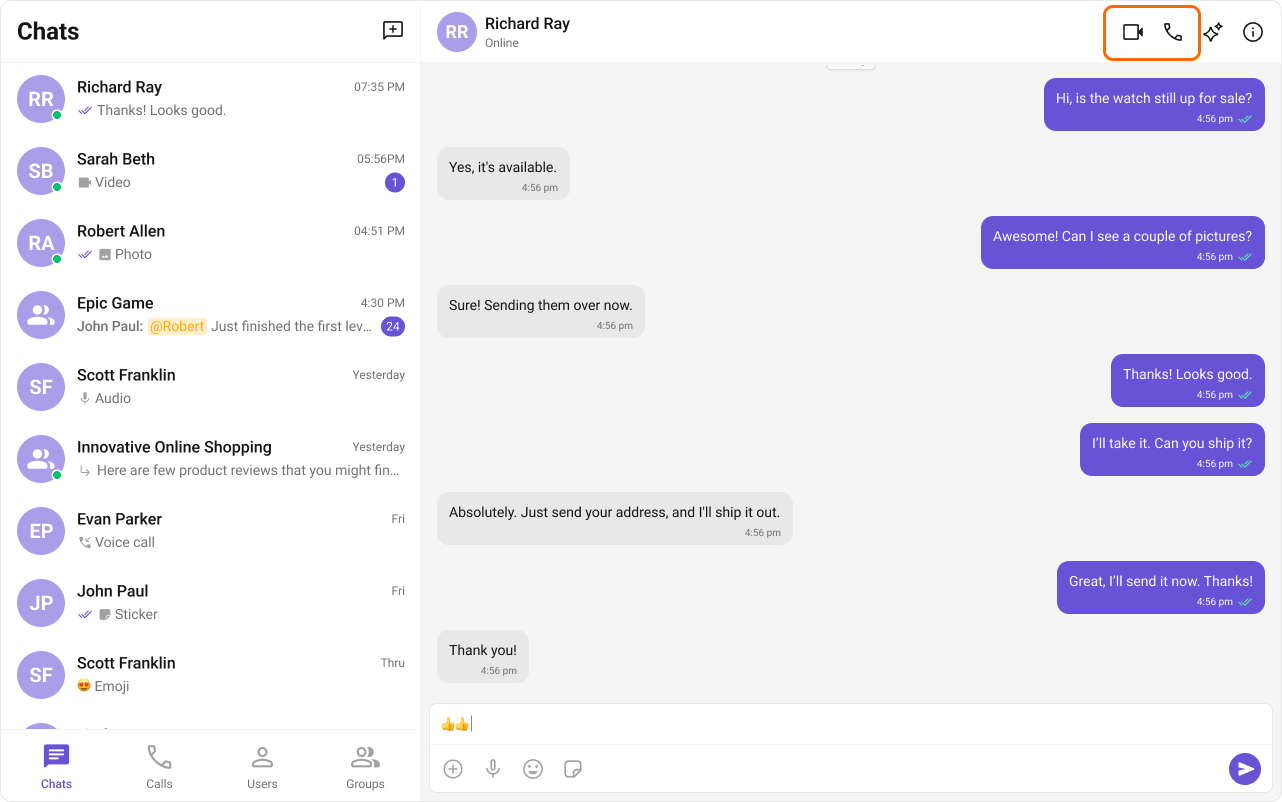
Call buttons render inside [MessageHeader](/docs/ui-kit/react/components/message-header) when calling is enabled.
 ## Features
### Incoming Call
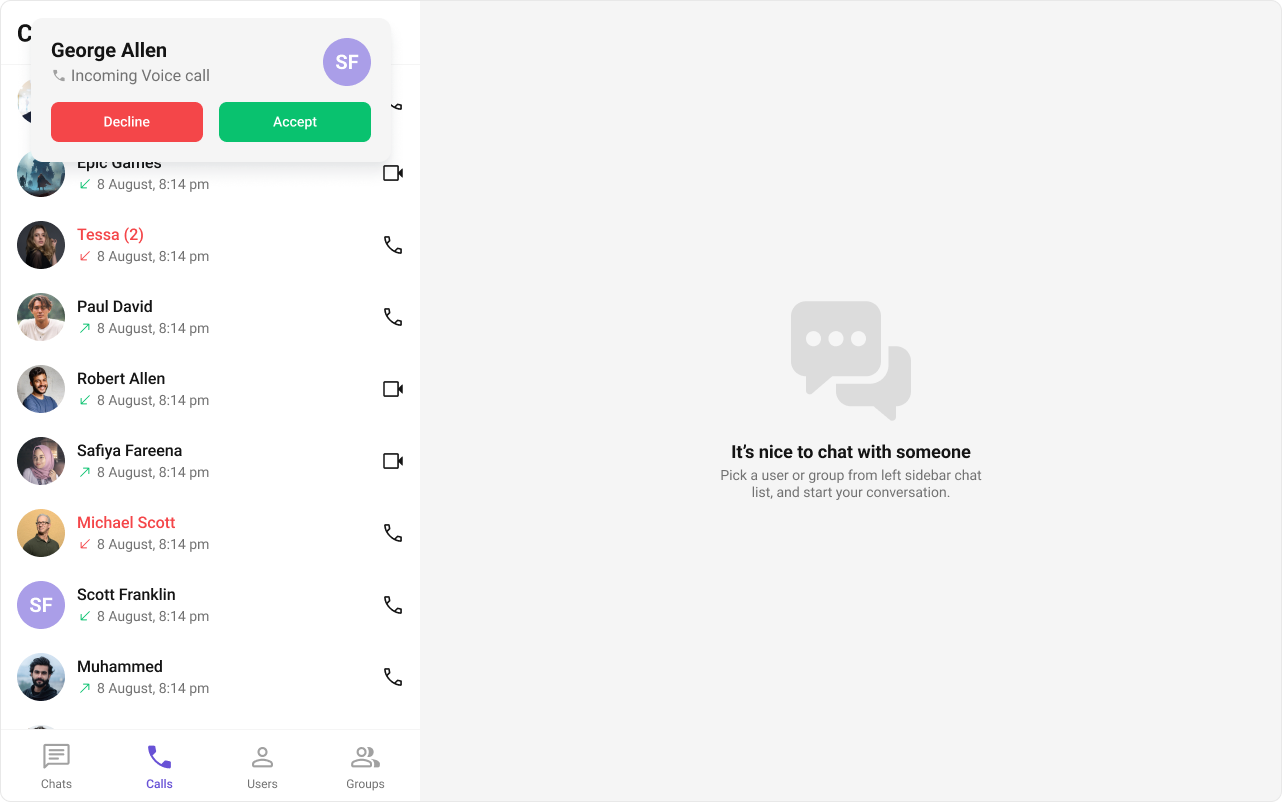
The [Incoming Call](/docs/ui-kit/react/components/incoming-call) component displays a call screen when a call is received, showing caller info with accept/reject options.
## Features
### Incoming Call
The [Incoming Call](/docs/ui-kit/react/components/incoming-call) component displays a call screen when a call is received, showing caller info with accept/reject options.
 ### Outgoing Call
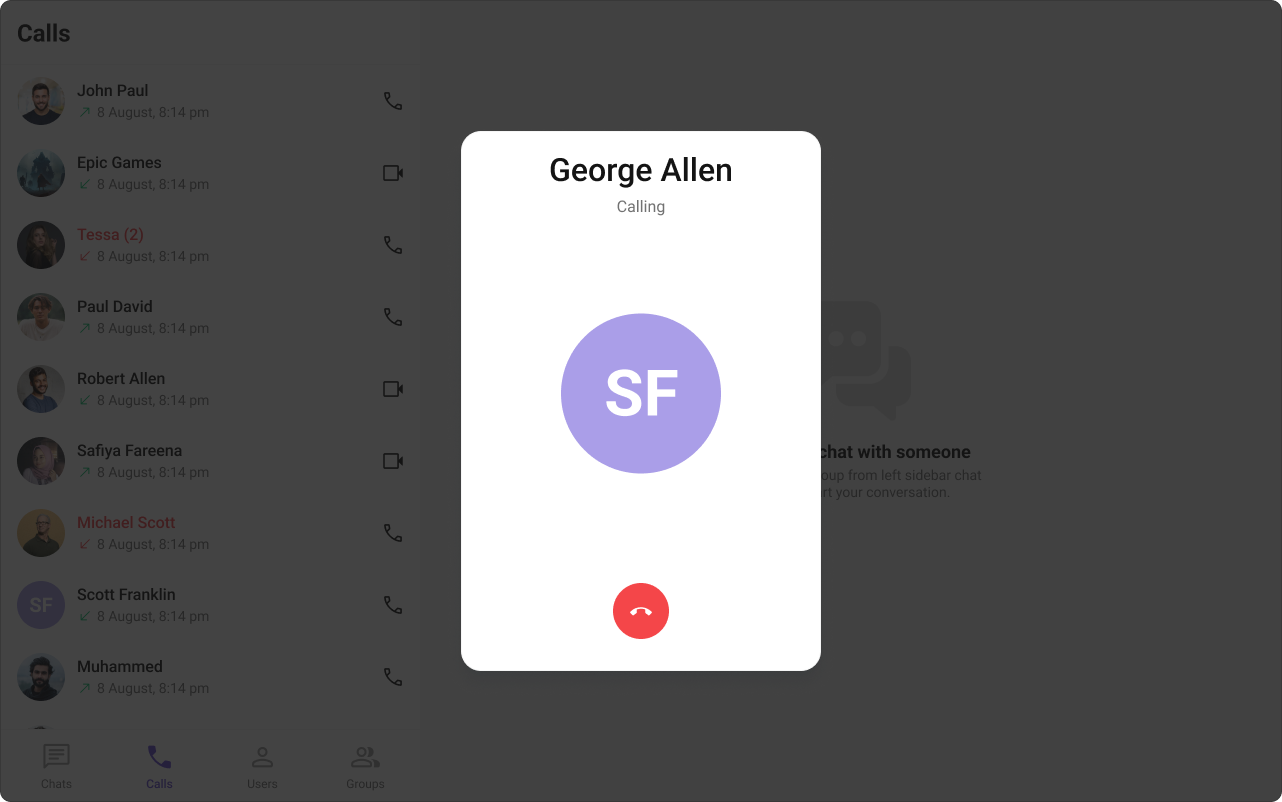
The [Outgoing Call](/docs/ui-kit/react/components/outgoing-call) component displays an outgoing call screen with recipient info and call status. Transitions to the ongoing call screen when the receiver accepts.
### Outgoing Call
The [Outgoing Call](/docs/ui-kit/react/components/outgoing-call) component displays an outgoing call screen with recipient info and call status. Transitions to the ongoing call screen when the receiver accepts.
 ### Call Logs
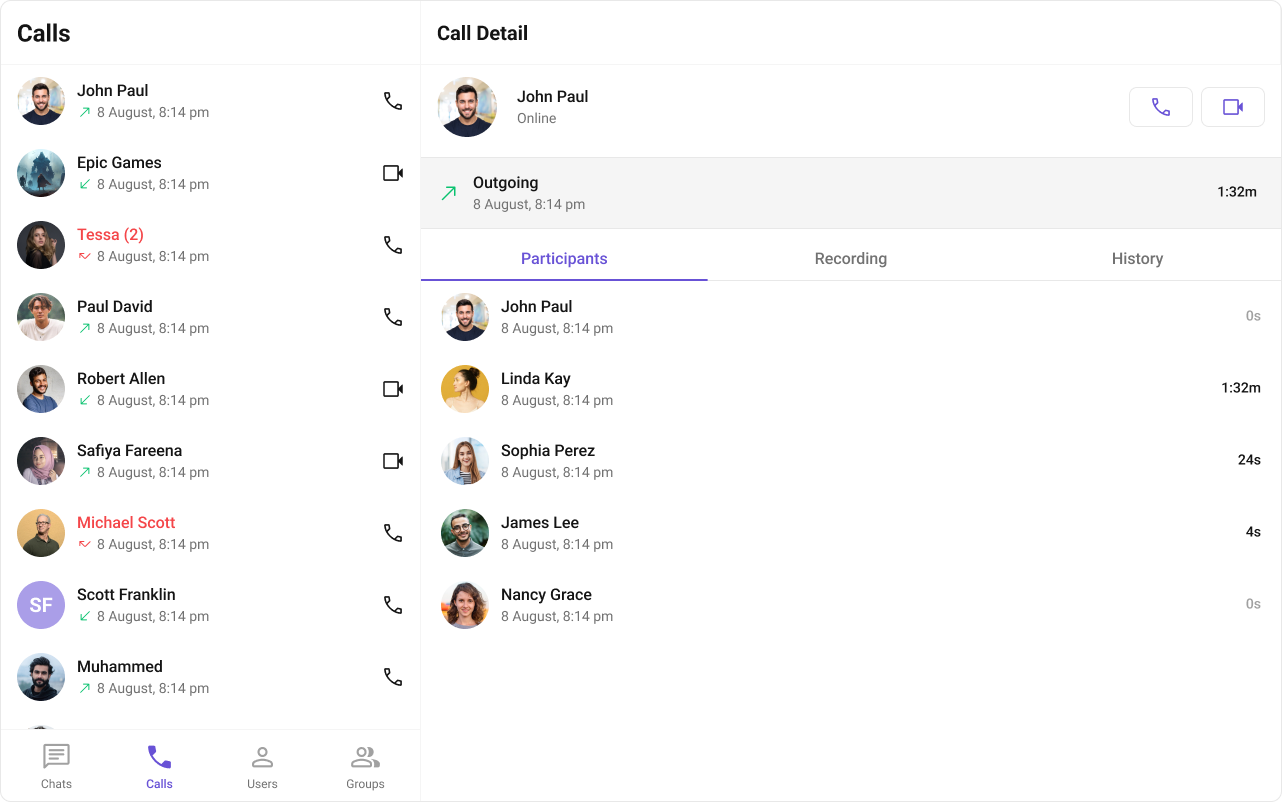
The [Call Logs](/docs/ui-kit/react/components/call-logs) component displays call history — caller, time, and duration.
### Call Logs
The [Call Logs](/docs/ui-kit/react/components/call-logs) component displays call history — caller, time, and duration.
 ## Next Steps
Message header with integrated call buttons
Incoming call notifications and UI
Call history and details
Core chat features
## Next Steps
Message header with integrated call buttons
Incoming call notifications and UI
Call history and details
Core chat features