> ## Documentation Index
> Fetch the complete documentation index at: https://www.cometchat.com/docs/llms.txt
> Use this file to discover all available pages before exploring further.
# Avatars (Deprecated)
> Upload and update CometChat user avatar images with base64 files, hosted avatar URLs, and profile metadata.
Deprecated: This extension is no longer maintained and will not receive further updates.
This extension allows the end-users to upload an avatar image for their profile.
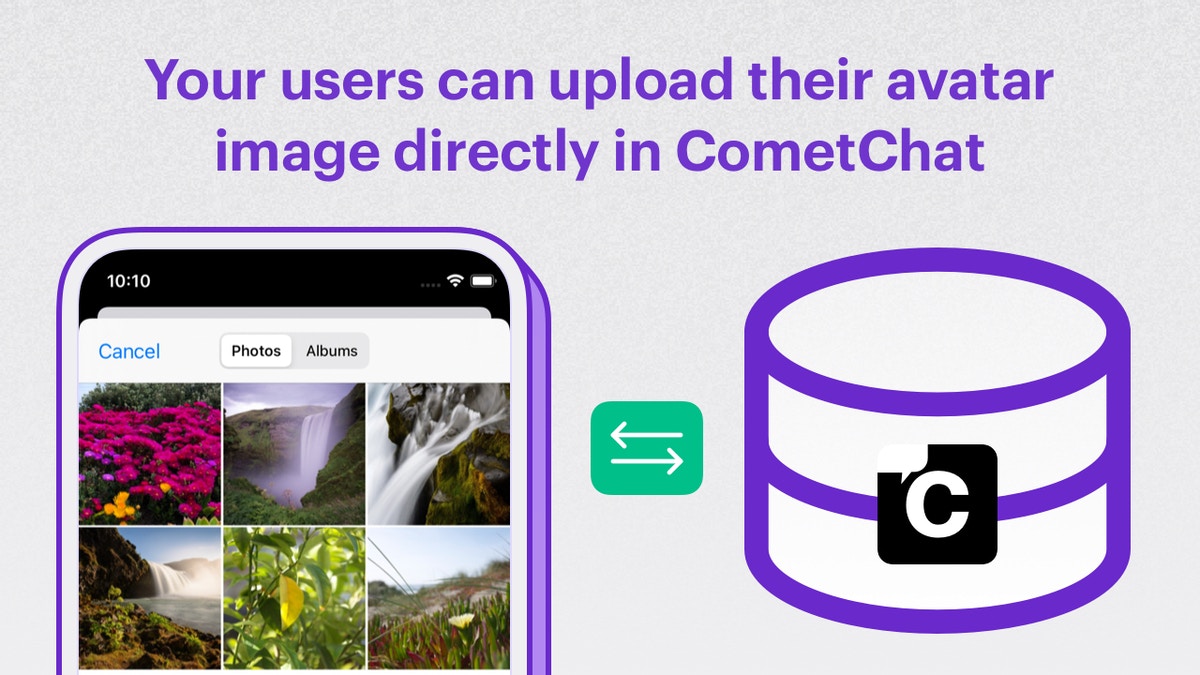
With the Avatars Extension, your users can upload your end-users' avatar directly in CometChat. This extension is useful when you do not have a user profile management feature in your website or mobile app.
 ## Extension settings
1. Login to [CometChat](https://app.cometchat.com/login) and select your app.
2. Go to the Extensions section and enable the Avatars extension.
## How does it work?
This extension allows the users to select an image for their avatar on CometChat.
Once the image file is selected for the avatar, it needs to be uploaded in the `base64` format. The extension hosts the image and updates its URL in the avatar section of the user's profile. Also, the avatar URL is sent back in the success response for being updated in your backend.
Image formats allowed by the extension are: `jpg`, `jpeg`, `png`, svg.
Make use of the `callExtension` method provided by the CometChat SDK as shown below.
Max size limit
The size of the Avatar image file is limited to 2 MB. Please validate the size of the image before uploading it to CometChat via this extension.
```js theme={null}
CometChat.callExtension(
'avatar',
'POST',
'v1/upload',
{
avatar:
'data:image/jpeg;base64,abcd',
}
).then(response => {
// { avatarURL: "https://data-eu.cometchat.io/avatars/photo123.jpg" }
}).catch(error => {
// Error occured
});
```
```java theme={null}
import org.json.simple.JSONObject;
JSONObject body=new JSONObject();
// bytes refer to the selected image bytes
String imageString = Base64.encodeToString(bytes, Base64.NO_WRAP);
// The image type can image/jpg, image/png, etc.
// based on the image file under consideration.
body.put("avatar", "data:image/png;base64,abcd"+imageString);
CometChat.callExtension("avatar", "POST", "/v1/upload", body,
new CometChat.CallbackListener < JSONObject > () {
@Override
public void onSuccess(JSONObject jsonObject) {
// {avatarURL: "https://data-us.cometchat.io/avatars/1a2b3c.jpg"}
}
@Override
public void onError(CometChatException e) {
// Some error occured
}
});
```
```swift theme={null}
CometChat.callExtension(slug: "avatar", type: .post, endPoint: "/v1/upload",
body: ["avatar": "data:image/png;base64,abcd", onSuccess: { (response) in
// { avatarURL: "https://data-eu.cometchat.io/avatars/1a2b3c.jpg" }
}) { (error) in
// Some error occured
}
}
```
## Extension settings
1. Login to [CometChat](https://app.cometchat.com/login) and select your app.
2. Go to the Extensions section and enable the Avatars extension.
## How does it work?
This extension allows the users to select an image for their avatar on CometChat.
Once the image file is selected for the avatar, it needs to be uploaded in the `base64` format. The extension hosts the image and updates its URL in the avatar section of the user's profile. Also, the avatar URL is sent back in the success response for being updated in your backend.
Image formats allowed by the extension are: `jpg`, `jpeg`, `png`, svg.
Make use of the `callExtension` method provided by the CometChat SDK as shown below.
Max size limit
The size of the Avatar image file is limited to 2 MB. Please validate the size of the image before uploading it to CometChat via this extension.
```js theme={null}
CometChat.callExtension(
'avatar',
'POST',
'v1/upload',
{
avatar:
'data:image/jpeg;base64,abcd',
}
).then(response => {
// { avatarURL: "https://data-eu.cometchat.io/avatars/photo123.jpg" }
}).catch(error => {
// Error occured
});
```
```java theme={null}
import org.json.simple.JSONObject;
JSONObject body=new JSONObject();
// bytes refer to the selected image bytes
String imageString = Base64.encodeToString(bytes, Base64.NO_WRAP);
// The image type can image/jpg, image/png, etc.
// based on the image file under consideration.
body.put("avatar", "data:image/png;base64,abcd"+imageString);
CometChat.callExtension("avatar", "POST", "/v1/upload", body,
new CometChat.CallbackListener < JSONObject > () {
@Override
public void onSuccess(JSONObject jsonObject) {
// {avatarURL: "https://data-us.cometchat.io/avatars/1a2b3c.jpg"}
}
@Override
public void onError(CometChatException e) {
// Some error occured
}
});
```
```swift theme={null}
CometChat.callExtension(slug: "avatar", type: .post, endPoint: "/v1/upload",
body: ["avatar": "data:image/png;base64,abcd", onSuccess: { (response) in
// { avatarURL: "https://data-eu.cometchat.io/avatars/1a2b3c.jpg" }
}) { (error) in
// Some error occured
}
}
```